In This Guide
Investing in security cameras is one of the smartest decisions a business owner can make. But with dozens of camera
types, recording systems, and feature sets on the market, choosing the right setup can feel overwhelming. Whether
you run a small retail shop, a warehouse, a restaurant, or a multi-location enterprise, this guide will walk you
through everything you need to know to make a confident, informed purchase.
At Edge CCTV, we’ve helped hundreds of businesses across Atlanta, Marietta, Birmingham, and
Jacksonville design and install security camera systems tailored to their specific needs. Here’s what we’ve learned
works — and what to watch out for.
Step 1: Assess Your Business’s Unique Security Needs
Before comparing cameras or features, take a step back and evaluate your situation. The right system for a jewelry
store in a high-traffic urban area looks very different from a quiet office park or a sprawling outdoor lot.
Ask yourself these questions:
- How large is your premises? A 1,000 sq ft retail space needs far fewer cameras than a 20,000 sq
ft warehouse. - What areas need coverage? Entrances, exits, cash registers, stock rooms, parking lots, and
loading docks are typical priority zones. - Do you need indoor, outdoor, or both? Outdoor cameras require weatherproofing (look for IP66 or
IP67 ratings). - What’s your lighting situation? Poorly lit areas, night-only coverage, or 24/7 monitoring each
require different camera capabilities. - Do you need remote access? If you travel frequently or manage multiple locations, real-time
remote monitoring is essential. - What’s your budget? A sophisticated system sounds appealing, but it’s important to balance
upfront costs with ongoing maintenance and storage expenses.
Step 2: Understand Camera Types
There are several categories of security cameras, each suited to different environments and budgets. Here’s how they
compare:
Analog (CCTV) Cameras
The traditional workhorse of security surveillance. Analog cameras transmit video over coaxial cable to a Digital
Video Recorder (DVR).
- Pros: Affordable, simple to install, reliable
- Cons: Lower video resolution, limited remote access, no advanced analytics
- Best for: Budget-conscious small businesses that need basic coverage
IP (Digital) Cameras
IP cameras convert video into a digital format and transmit it over your network to a Network Video Recorder (NVR).
They are the modern standard for business security.
- Pros: High-definition video (720p to 4K+), remote monitoring, advanced features like AI motion analytics, people counting, and intrusion detection
- Cons: Higher cost, requires stable network infrastructure
- Best for: Businesses that need clear footage for identification, evidence, or analytics
Wireless Cameras
Wireless cameras transmit video over Wi-Fi, eliminating the need for hardwired connections between the camera and
recorder.
- Pros: Flexible placement, less drilling and wiring, aesthetic considerations
- Cons: Susceptible to Wi-Fi interference, may require a secure network to prevent unauthorized
access, battery-powered models need recharging - Best for: Areas that are difficult to wire, temporary setups, or locations where aesthetics
matter
PTZ (Pan-Tilt-Zoom) Cameras
PTZ cameras offer motorized movement and optical zoom, allowing operators to control the camera angle and focus
remotely.
- Pros: Comprehensive coverage of large areas, motion tracking, ability to zoom in on details
- Cons: Most expensive option, may require an operator for full effectiveness
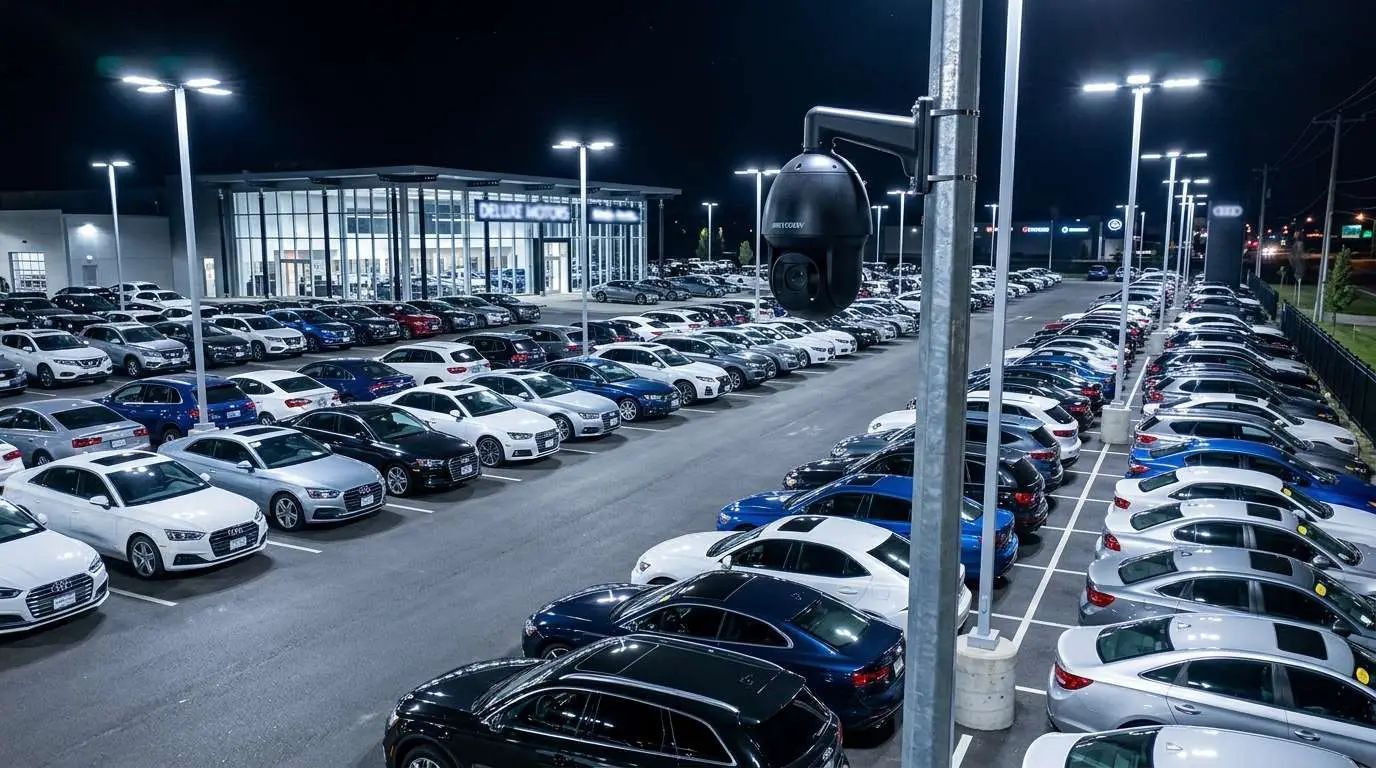
- Best for: Large open areas like parking lots, warehouses, and event venues
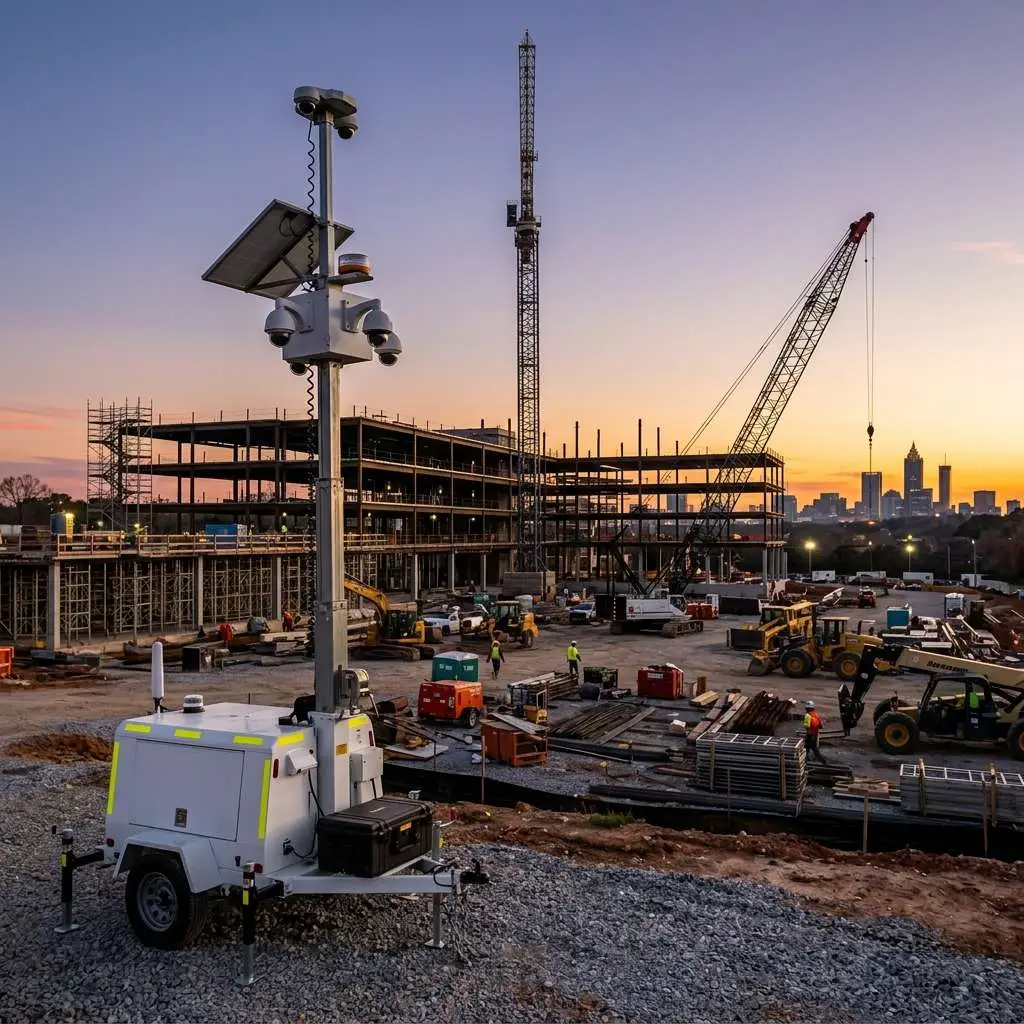
Wire-Free / Battery-Powered Cameras
A subset of wireless cameras that run entirely on battery power, requiring no electrical wiring at all.
- Pros: Install anywhere — no power or internet required at the camera location
- Cons: Limited recording time, motion-activated only, need periodic battery replacement
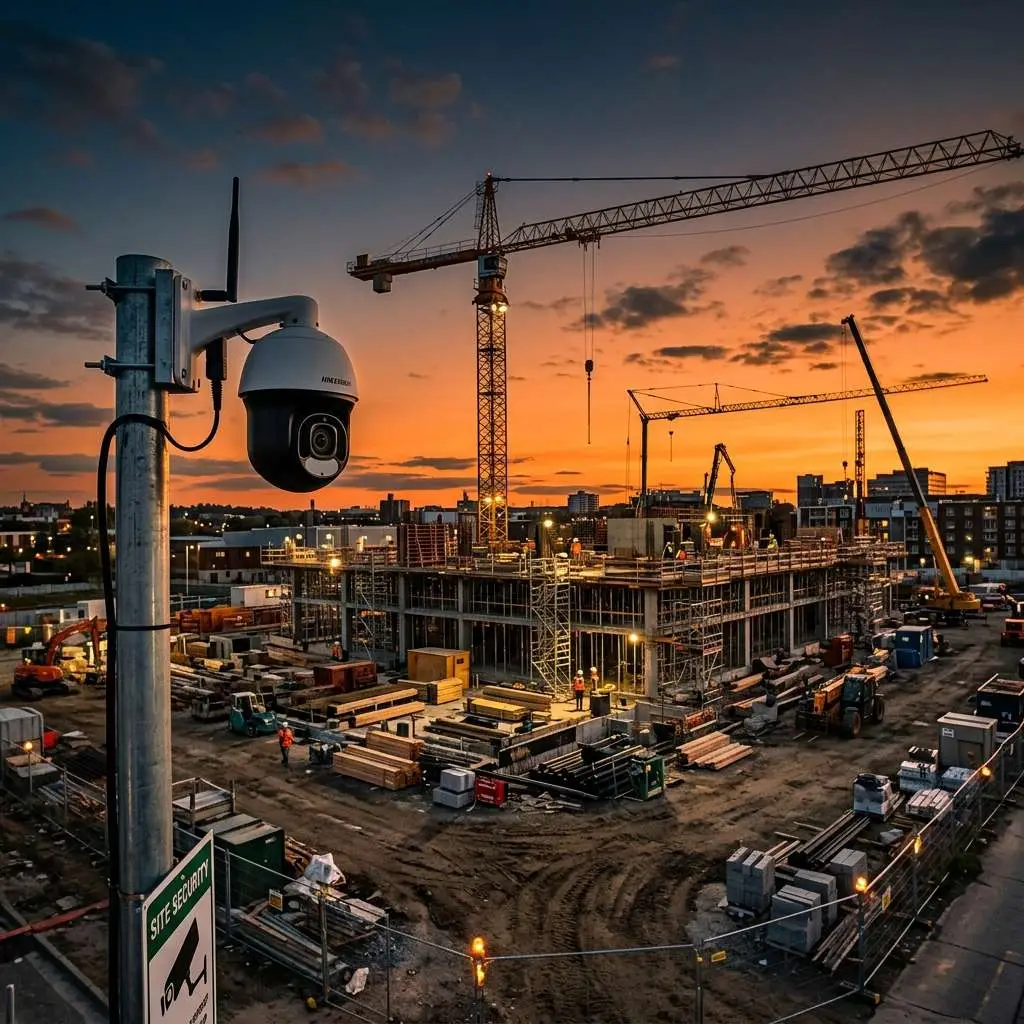
- Best for: Remote locations without power or internet, construction sites, temporary monitoring
Step 3: Key Features to Evaluate
Once you’ve narrowed down the camera type, evaluate these critical features to ensure you’re getting a system that
delivers real value:
Resolution
Resolution determines image clarity. If you need to identify people, capture vehicle details, or zoom into footage without
losing detail, this is non-negotiable.
- 720p (1MP): Acceptable for general monitoring at close range
- 1080p (2MP): The minimum recommended for business use
- 4K (8MP) to 16MP: Industry-best clarity for detailed identification at distance
Night Vision / Low-Light Performance
Many security incidents occur at night. Infrared (IR) cameras use invisible IR LEDs to illuminate dark areas,
allowing the camera to capture clear footage even in total darkness. Look for cameras with an IR range that matches
your coverage needs — typically 30-100 feet for most business applications.
Field of View
A wider field of view means fewer cameras needed. Standard cameras offer 70-90° angles, while wide-angle models can
cover 110-180°. Balance coverage area against the detail you need — wider views mean less detail per pixel.
Frame Rate
Frame rate (measured in FPS — frames per second) determines how smooth your video appears. Higher frame rates capture
more detail in fast-moving scenes.
- 15 FPS: Adequate for general surveillance
- 30 FPS: Standard for smooth, clear footage
- 60 FPS: Best for capturing rapid movement (e.g., traffic, sports facilities)
Durability
Outdoor cameras must withstand rain, dust, temperature extremes, and potential vandalism. Look for IP66/IP67
weatherproof ratings and IK10 vandal-resistant housings for exposed installations.
Remote Access & Mobile Monitoring
Modern systems should allow you to view live feeds and recorded footage from your smartphone, tablet, or laptop. This
is especially valuable for business owners who travel, manage multiple locations, or want to check in after hours.
Step 4: Choose Your Recording System
Every camera system needs a recording backend. Here’s how the two main options compare:
DVR (Digital Video Recorder)
DVRs work with analog cameras and process video at the recorder. They connect via coaxial cable and are the evolution
of older VCR-based systems.
- Pros: Lower cost, simpler setup
- Cons: Limited to analog cameras, lower resolution, less flexible
NVR (Network Video Recorder)
NVRs work with IP cameras and process video at the camera before sending it over the network. They’re the modern
standard.
- Pros: Higher resolution support, more flexible camera placement, advanced features
- Cons: Requires network infrastructure, higher cost
Cloud Storage
Some systems offer cloud-based storage as an alternative or supplement to local recording. Cloud storage provides
off-site backup (so footage survives even if the recorder is stolen or damaged) and easy remote access, but comes
with ongoing subscription costs.
POE (Power over Ethernet) Switches
For NVR systems, POE switches are a game-changer. They deliver both power and data over a single Ethernet cable,
eliminating the need for separate power sources at each camera location. This simplifies installation and reduces
costs significantly.
Step 5: Video Management Software (VMS)
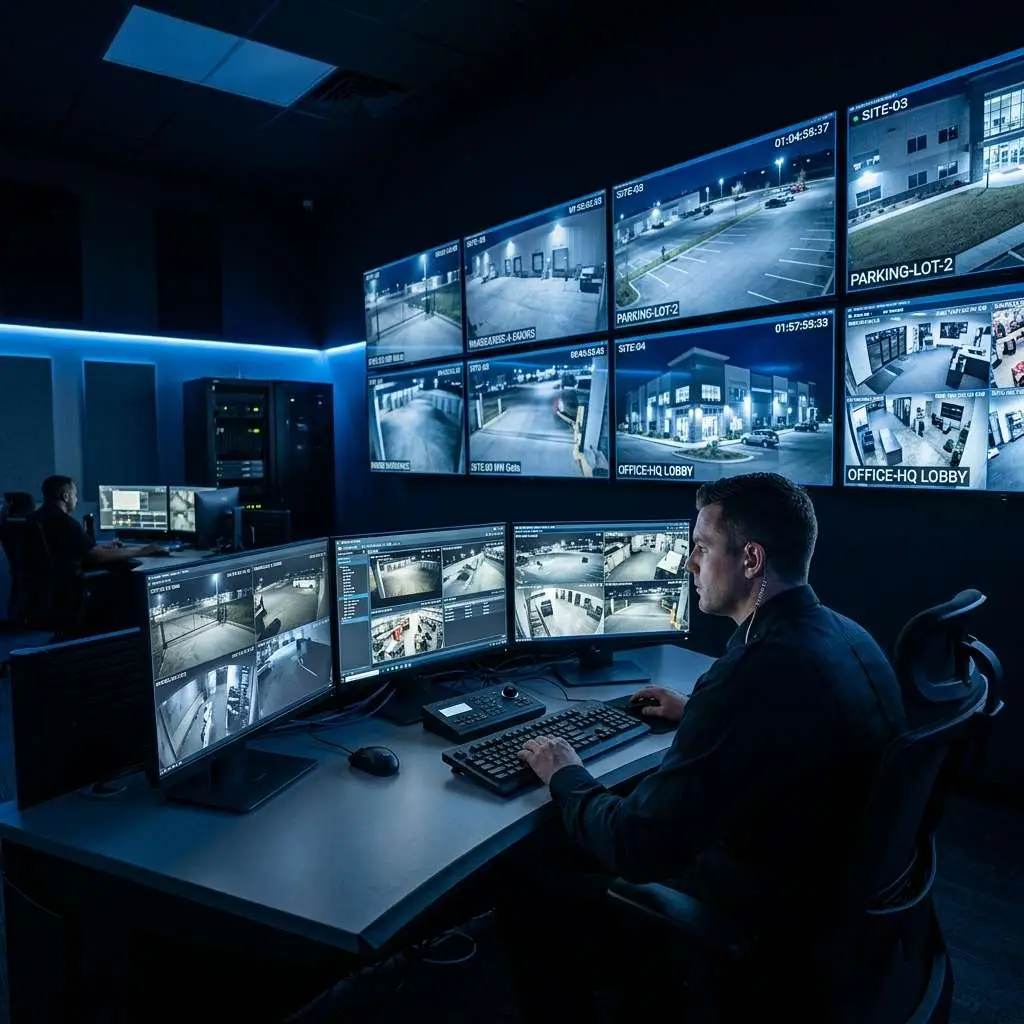
A Video Management System centralizes control of your entire camera network through a single dashboard. Key VMS
capabilities to look for include:
- Centralized monitoring: View all camera feeds from one screen
- User access controls: Assign different permission levels to managers, security staff, and IT
- Audit trails: Track who accessed footage and when — critical for compliance
- Smart analytics: Motion detection zones, people counting, heat mapping, and intrusion alerts
- Integration: Connect with access control systems, alarms, and POS systems
Step 6: Plan Your Camera Placement
Even the best cameras are useless if poorly positioned. Strategic placement ensures maximum coverage with minimum
blind spots:
- Entrances and exits: Capture every person entering or leaving
- Cash registers and POS terminals: Monitor transactions and deter internal theft
- High-value storage areas: Stock rooms, safes, server rooms, and supply closets
- Parking lots and exterior: Cover vehicles and deter vandalism, especially after hours
- Common/break areas: Monitor for safety and dispute resolution (check local privacy laws first)
- Blind spots: Alleys, back doors, and low-traffic areas are often exploited by criminals — don’t
neglect them
How Many Cameras Do You Need?
There’s no one-size-fits-all answer, but here are general benchmarks by business type:
| Business Type | Square Footage | Typical Camera Count |
|---|---|---|
| Small retail shop | Under 2,000 sq ft | 4-8 cameras |
| Restaurant / bar | 2,000-5,000 sq ft | 8-16 cameras |
| Office building | 5,000-15,000 sq ft | 12-24 cameras |
| Warehouse / industrial | 15,000+ sq ft | 16-32+ cameras |
| Multi-location business | Varies | Per-location assessment needed |
A professional security assessment is the most reliable way to determine your exact needs. Edge CCTV offers free consultations to help you design the right system.
Cybersecurity: Protect Your Surveillance System
A security camera system that’s itself insecure defeats the purpose. As cameras connect to networks and the internet,
they become potential targets for hackers. Protect your investment with these measures:
- Change default passwords on all cameras and recorders immediately after installation
- Keep firmware updated to patch known vulnerabilities
- Segment your network — keep cameras on a separate VLAN from your business network
- Encrypt video data both in transit and at rest
- Limit remote access to authorized users only, using VPN when possible
Frequently Asked Questions
What happens to my cameras during a power outage?
Without backup power, most wired cameras will go offline during an outage. Protect against this with an
Uninterruptible Power Supply (UPS) on your NVR/DVR and POE switch. Battery-powered cameras will continue recording
independently.
Should I buy cameras online and DIY, or hire a professional installer?
DIY can work for very simple setups (1-4 wireless cameras), but business installations benefit enormously from
professional design and installation. Professionals ensure optimal camera angles, proper wiring, correct network
configuration, and system reliability. The small additional cost pays for itself in avoided headaches and better
footage quality.
How long is footage stored?
Storage duration depends on your hard drive capacity, number of cameras, resolution, and recording mode (continuous
vs. motion-triggered). Most business systems store 30-90 days of footage. Your installer can help you size storage
to meet your specific retention needs.
Ready to Protect Your Business?
Whether you lean toward high-definition IP cameras, flexible wireless options, or comprehensive PTZ coverage, the
right system depends on your unique business needs, environment, and budget. The key is making an informed choice —
and that starts with a professional assessment.
At Edge CCTV, we specialize in designing and installing business security camera systems across Atlanta, Marietta,
Birmingham, Chattanooga, and Jacksonville. We’ll assess your property, recommend the right cameras and placement,
handle installation, and provide ongoing support.
Schedule your free security consultation today or call us at 678-883-0999 to get started.
{
“@context”: “https://schema.org”,
“@type”: “FAQPage”,
“mainEntity”: [
{
“@type”: “Question”,
“name”: “What happens to my cameras during a power outage?”,
“acceptedAnswer”: {
“@type”: “Answer”,
“text”: “Without backup power, most wired cameras will go offline during an outage. Protect against this with an Uninterruptible Power Supply (UPS) on your NVR/DVR and POE switch. Battery-powered cameras will continue recording independently.”
}
},
{
“@type”: “Question”,
“name”: “Should I buy cameras online and DIY, or hire a professional installer?”,
“acceptedAnswer”: {
“@type”: “Answer”,
“text”: “DIY can work for very simple setups (1-4 wireless cameras), but business installations benefit enormously from professional design and installation. Professionals ensure optimal camera angles, proper wiring, correct network configuration, and system reliability. The small additional cost pays for itself in avoided headaches and better footage quality.”
}
},
{
“@type”: “Question”,
“name”: “How long is footage stored?”,
“acceptedAnswer”: {
“@type”: “Answer”,
“text”: “Storage duration depends on your hard drive capacity, number of cameras, resolution, and recording mode (continuous vs. motion-triggered). Most business systems store 30-90 days of footage. Your installer can help you size storage to meet your specific retention needs.”
}
}
]
}
Go Deeper: Business Security Camera Guides
Each guide below covers a specific part of choosing, buying, and getting value from a business security camera system.
Business Security Camera Cost Guide (2026)
What does a commercial system really cost? Pricing by camera count, system size, and installation complexity.
IP vs. Analog Security Cameras for Business
Which camera technology is right for your building? A side-by-side comparison for business buyers.
How to Choose an NVR for Your Business
Storage, channels, resolution — how to size and select the right NVR before you buy.
Security Camera ROI for Businesses
Calculate the real return on your security investment: theft prevention, insurance savings, and liability.
How Surveillance Enforces Business Standards
Beyond security — how cameras improve staff accountability, customer service, and operations.
Building a Scalable Security Camera System
Plan a system that grows with your business, from a single location to a multi-site enterprise.
Security Cameras and Legal Protection
How footage protects your business in slip-and-fall claims, disputes, and HR incidents.
Anatomy of a Business Surveillance System
Cameras, NVRs, cabling, and monitoring — every component explained in plain language.
Why Your Business Needs Security Cameras
Every benefit explained: theft prevention, employee safety, insurance leverage, liability defense, and ROI.
More System Guides
Diagnose and fix the most common cause of camera outages.
How to verify your cameras are actually saving footage.
Every component explained: cameras, NVR, storage, VMS.
Warning signs your system is degrading before an incident reveals it.
How onboard SD card recording adds resilience to your system.
Do You Need Vandal-Proof Cameras?
IK ratings, IP ratings, and where they genuinely matter.
Related Guide
This post is part of our comprehensive buying guide series. The Complete Guide to Business Security Camera Systems →

About the Author
Kevin Harkins is the Director of Sales at Edge CCTV, where he has spent 10 years helping business owners design and implement commercial security camera systems across Atlanta, Birmingham, Chattanooga, and beyond. Starting as an Outside Sales Representative and working his way up through Sales Manager to Director of Sales, Kevin has guided hundreds of businesses through the process of evaluating, specifying, and installing the right system for their facility. More from Kevin Harkins.
Looking for an overview of business security cameras for commercial properties? Start on our homepage, then compare designed packages on business security camera systems.