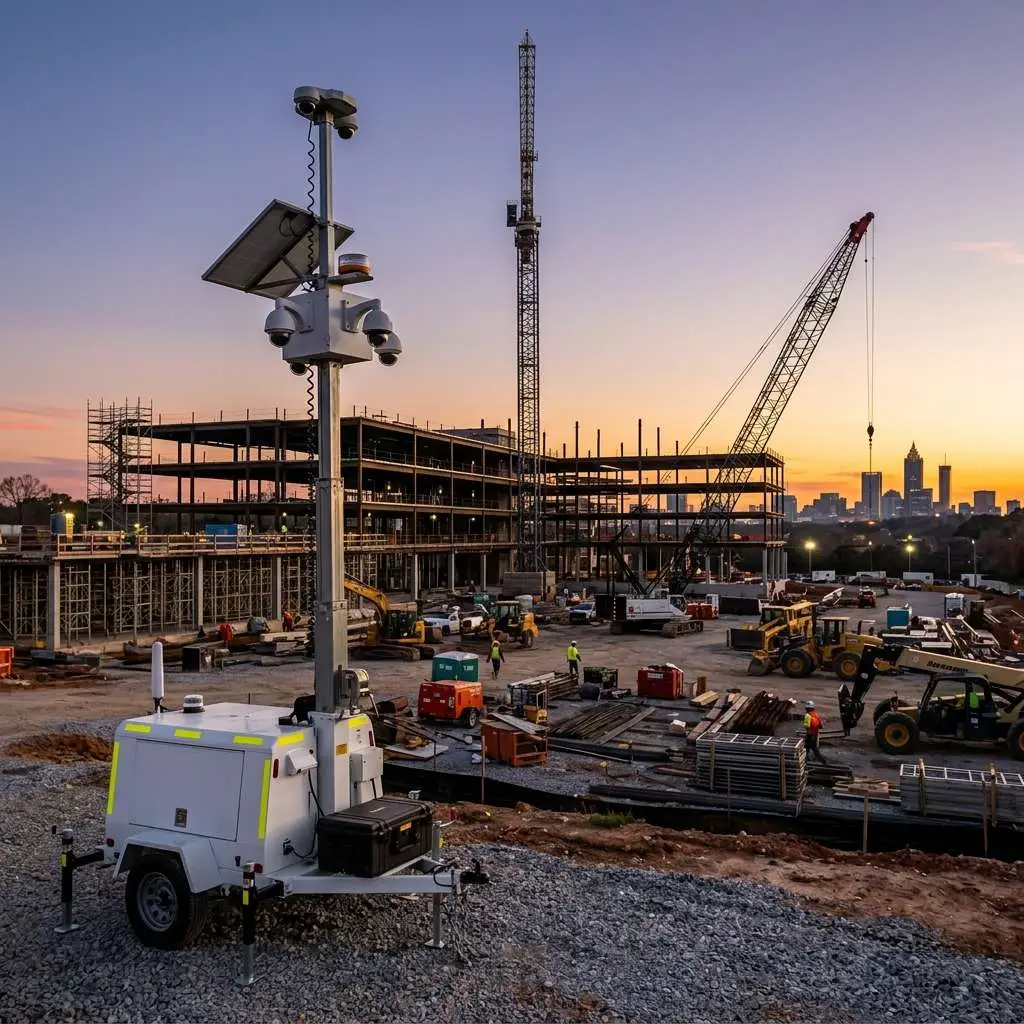
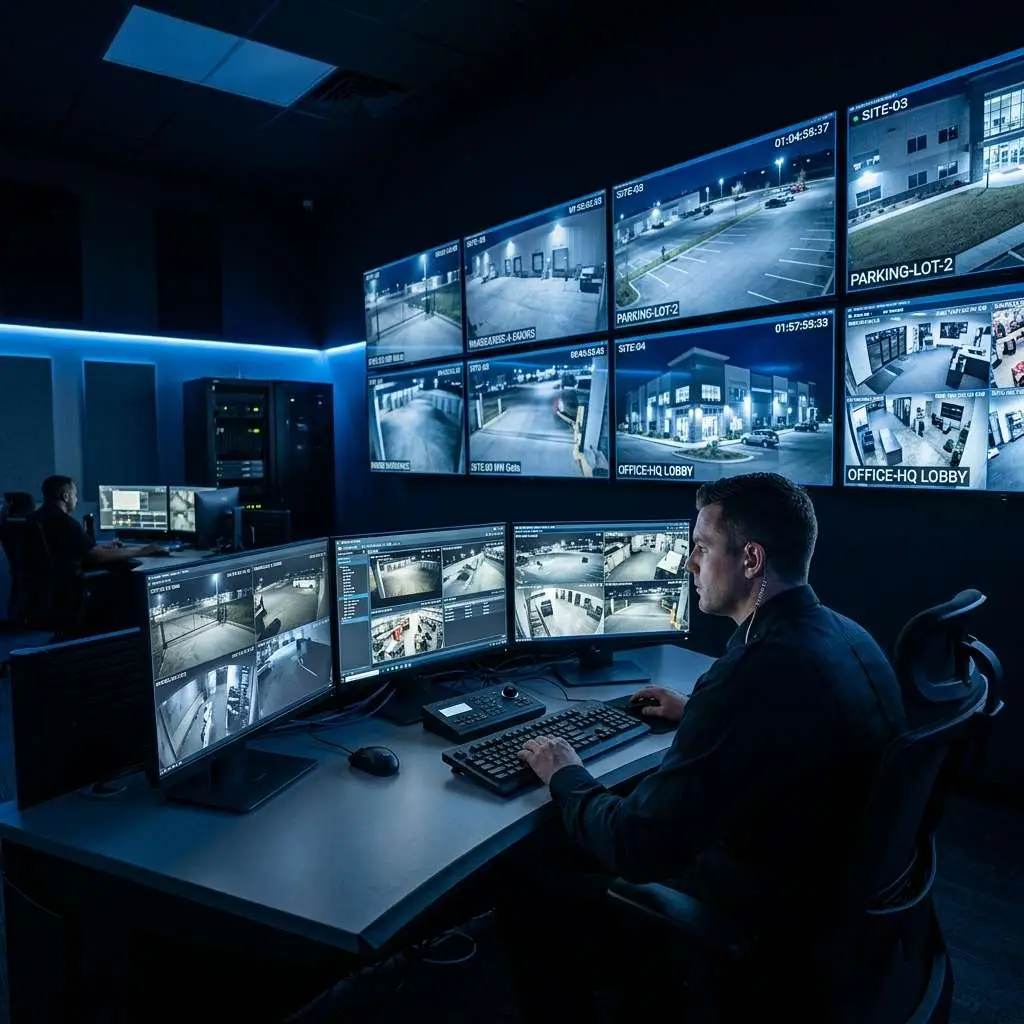
A commercial CCTV system looks straightforward from the outside — cameras mounted on walls, a monitor on the desk, and a recorder in the server room. But the full system involves more components than most business owners realize, and each component plays a specific role. When any component fails or is misconfigured, it can affect the performance of the entire system. Understanding what each part does helps you make better buying decisions, have more productive conversations with your installer, and diagnose problems faster when they arise.
1. Cameras
The camera is the most visible component and the one most people think of first. But within the category of cameras, there are significant differences in technology, form factor, and capability.
Analog vs. IP Cameras
Traditional analog cameras transmit a continuous video signal over coaxial cable to a DVR. Modern HD-over-coax standards (HD-CVI, HD-TVI, AHD) allow analog cameras to transmit up to 8MP resolution over existing coaxial infrastructure, making them a cost-effective upgrade path for businesses with legacy wiring.
IP cameras are network devices. They capture video, compress it using H.264 or H.265 encoding, and transmit it as data packets over Cat5e/Cat6 Ethernet cable or Wi-Fi to an NVR or directly to cloud storage. IP cameras offer higher resolution (up to 12MP and beyond), intelligent analytics, and greater flexibility in placement and configuration.
Camera Form Factors
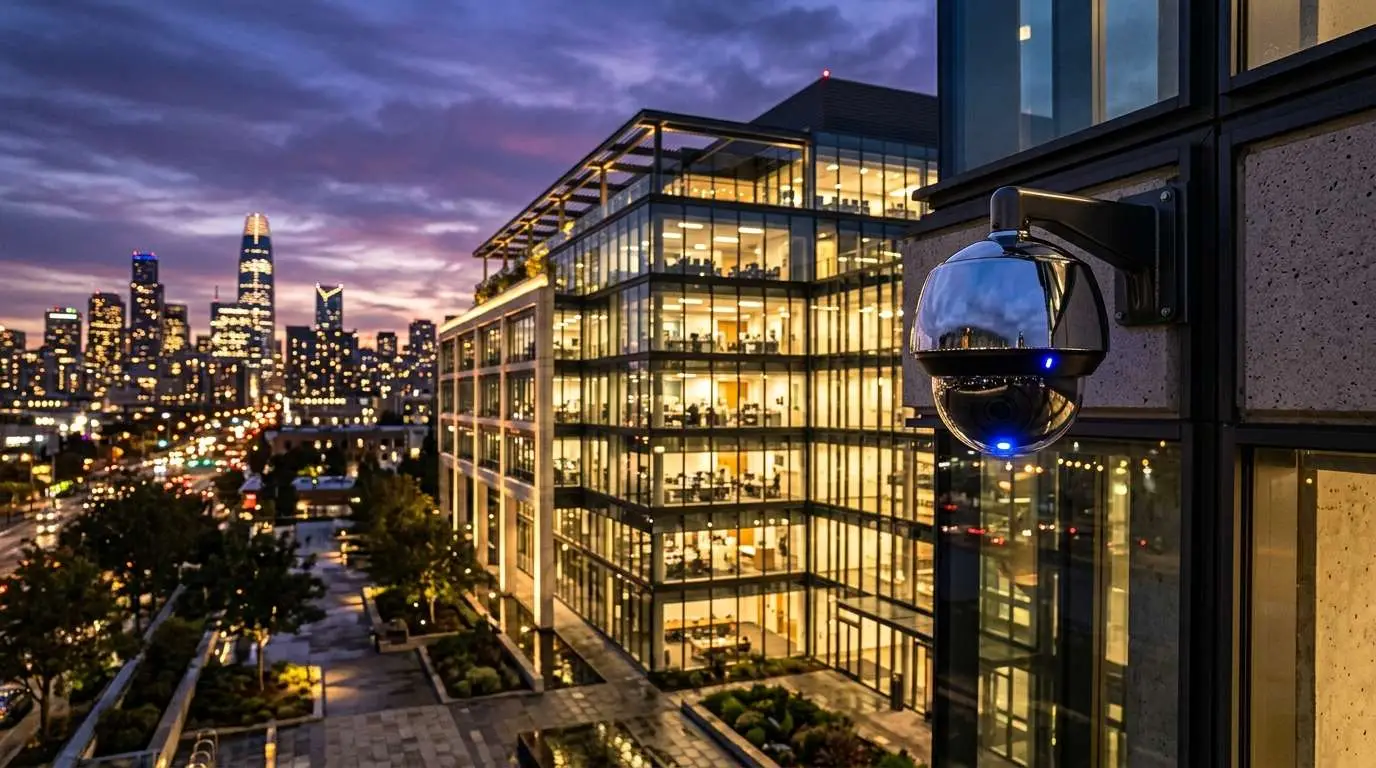
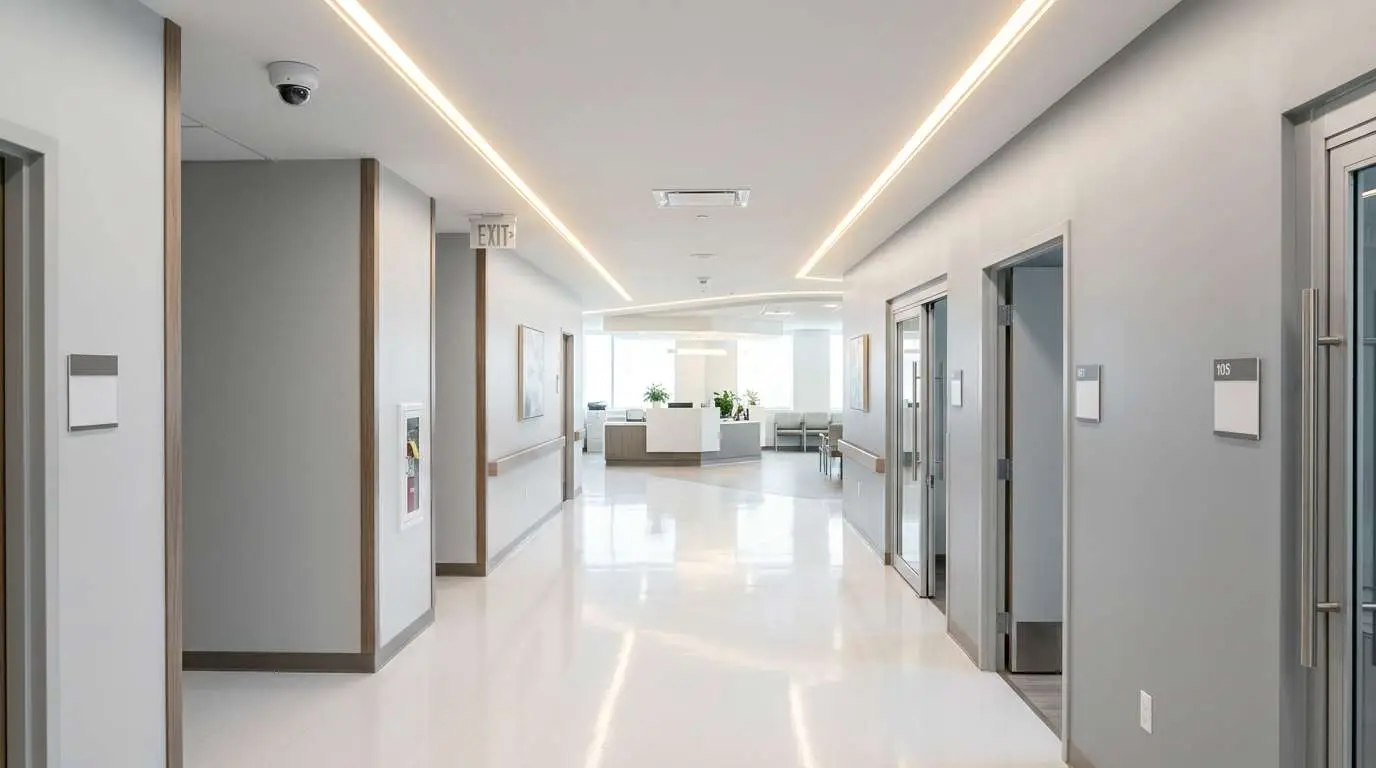
- Dome cameras: Ceiling-mounted with a wide-angle lens behind a dome cover. Difficult to determine the direction of view from the ground — a deterrence advantage. Commonly used in retail, restaurants, and office interiors.
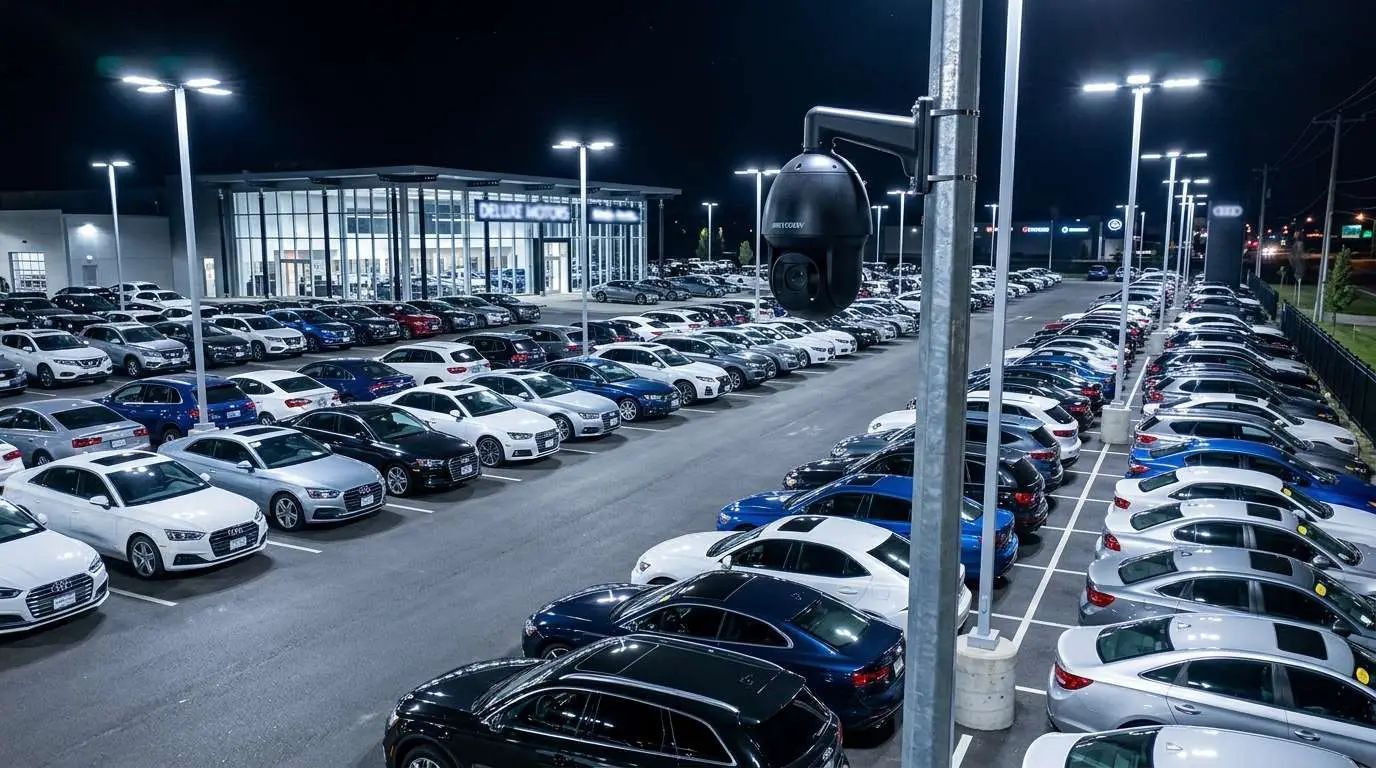
- Bullet cameras: Cylindrical cameras typically mounted on walls or poles. Visible direction of aim provides a strong deterrent effect. Well-suited for perimeter coverage, parking lots, and entrances.
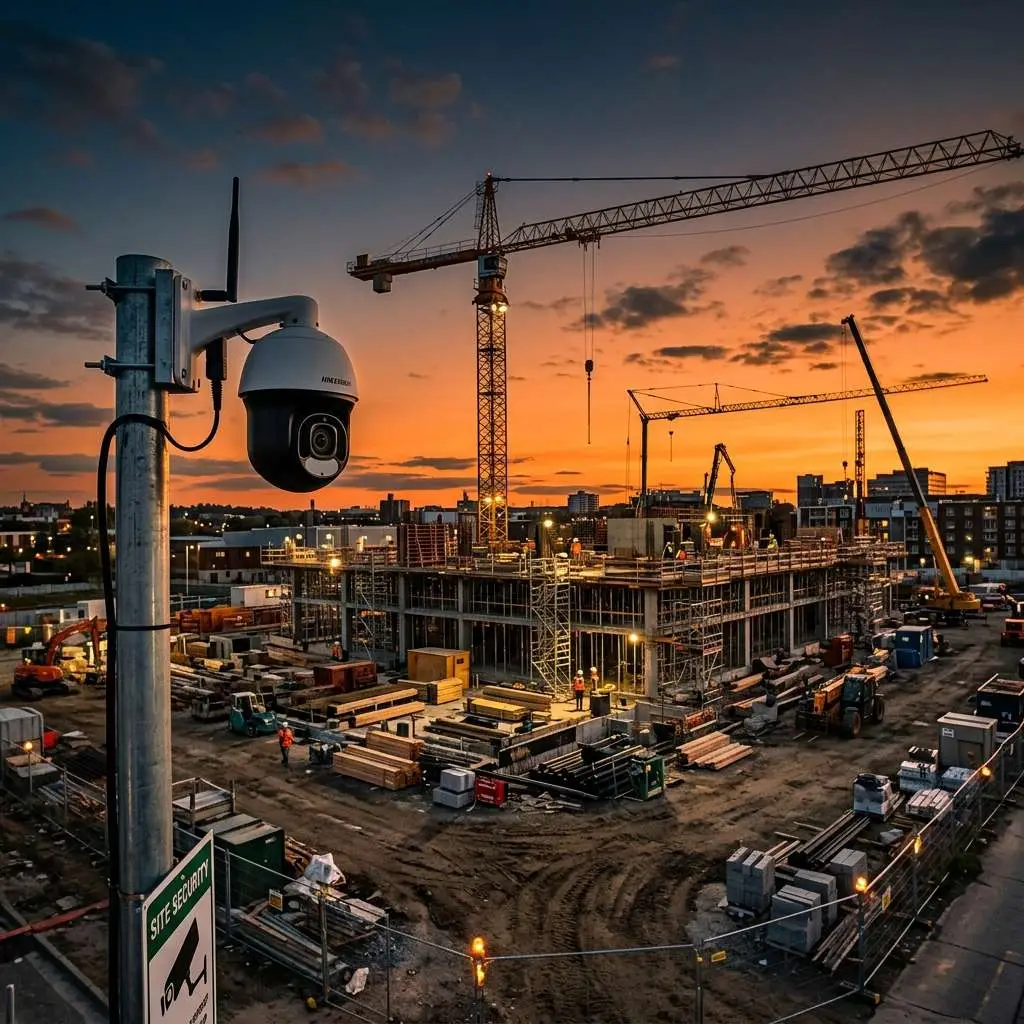
- PTZ cameras: Pan-tilt-zoom cameras with motorized movement. Can be controlled remotely to track subjects or cover large areas. Commonly used in large open spaces, warehouses, and live monitoring environments.
- Fisheye cameras: Ultra-wide 180 or 360-degree lens cameras mounted on ceilings. A single camera can cover an entire room with no blind spots. Require dewarping software to produce viewable footage.
- Covert cameras: Designed to be inconspicuous — built into fixtures or signage. Used in areas where discreet observation is more important than deterrence.
2. Cables and Network Infrastructure
Cameras need to transmit video signal and receive power. How they do this depends on the system type.
- Coaxial cable (RG59/RG6): Used in analog systems. Carries video signal; power is run separately or combined in a siamese configuration.
- Cat5e/Cat6 Ethernet: Used in IP systems. Carries both data and power when PoE (Power over Ethernet) is used — a single cable handles everything.
- Network switches: IP cameras connect to PoE switches, which feed into your NVR and network. The switch provides power to cameras and manages network traffic. Managed switches allow per-port monitoring and VLAN configuration for network security.
- Fiber optic cable: Used in large facilities where cable runs exceed Ethernet 328-foot limits, or where electrical isolation between buildings is required.
3. Recording Device: DVR vs. NVR
The recorder is the brain of the system — it receives video from cameras, stores it to a hard drive, and provides the interface for live view, playback, and configuration.
DVR (Digital Video Recorder)
A DVR connects directly to analog cameras via coaxial cable. It performs video encoding internally — the camera sends a raw analog signal, and the DVR digitizes and compresses it. DVRs are generally less expensive than NVRs and are a practical choice when retrofitting a facility that already has coaxial cable infrastructure.
NVR (Network Video Recorder)
An NVR connects to IP cameras over an Ethernet network. Each camera handles its own encoding and sends compressed digital video to the NVR for storage. NVRs support higher resolutions, more cameras, and more sophisticated features than DVRs. They are the standard choice for new commercial installations.
4. Hard Drive Storage
The recorder stores footage to an internal hard drive (or multiple drives in RAID configurations). Storage capacity determines how many days of footage you can retain before older recordings are overwritten.
Key considerations for commercial storage:
- Surveillance-grade drives: Standard desktop hard drives are not rated for 24/7 write cycles. Use drives designated for surveillance use (WD Purple, Seagate SkyHawk) for significantly longer drive life.
- RAID configurations: For high-security installations, RAID 1 (mirrored drives) ensures that a single drive failure does not result in footage loss.
- Retention planning: Calculate storage needs based on camera count, resolution, frame rate, and whether recording is continuous or motion-triggered. A 16-camera system recording at 4MP/15fps continuously requires approximately 12TB for 30 days of retention.
5. Monitor or Display
The monitor connected to your NVR or DVR provides the local live view and playback interface. For active monitoring environments such as reception desks or security offices, a dedicated monitor allows staff to observe all camera feeds simultaneously in a multi-grid view. Most NVRs also support HDMI output to large-format displays for prominent visibility in lobby or entrance areas.
6. Power Supply
Every component in a CCTV system requires stable, reliable power. How power is delivered depends on the system type:
- PoE (Power over Ethernet): In IP systems, the PoE switch delivers power to cameras over the same Ethernet cable used for data. Simplifies installation — only one cable per camera.
- Centralized power supplies: In analog systems, multi-output power supplies provide 12V DC or 24V AC to multiple cameras from a central distribution point.
- UPS (Uninterruptible Power Supply): A battery backup for the NVR, PoE switch, and critical cameras ensures recording continues during power outages. Essential for any business that needs continuous coverage.
7. Video Management Software (VMS)
VMS is the software layer — running either on the NVR itself or on a separate server — that provides the full user interface for your security system. Features include:
- Live multi-camera view with customizable layouts
- Motion detection and intelligent video analytics
- Scheduled and event-based recording
- Searchable playback with timeline scrubbing
- Remote access via web browser or mobile app
- User permission management
- Integration with access control systems, alarm panels, and intercoms
8. Remote Access and Cloud Integration
Modern commercial systems allow authorized users to view live cameras and review footage from any location via a mobile app or web interface. Cloud integration adds an additional layer of protection — footage stored or backed up to a cloud server is protected even if the local NVR is stolen or damaged.
How the Components Work Together
A complete IP security camera system operates as follows: Cameras capture video and compress it internally. Each camera is connected by a Cat6 cable to a PoE switch, which powers the camera and transmits the video data to the NVR. The NVR stores footage to its hard drives while simultaneously serving a live view stream to the local monitor. The VMS software running on the NVR applies motion detection rules and recording schedules, and makes footage available to authorized users via the mobile app. A UPS protects the NVR and switch from power interruptions.
When any link in this chain fails, the VMS should alert you through the system notification features. Configuring these alerts is one of the most important steps in commissioning a new system.
If you are evaluating a CCTV system for your business or need help understanding what you currently have installed, contact Edge CCTV for a no-obligation consultation.
More in this series
Security Camera Cost Guide|IP vs. Analog Cameras|How to Choose an NVR|Security Camera ROI
Related Guide

About the Author
Bobby Edwards is the Operations Manager at Edge CCTV, where he has been overseeing commercial security camera installations across the Southeast since 2014. A TRENDnet Certified Network Engineer (TNCE) and GA 811-credentialed technician, Bobby manages installation crews, designs camera layouts for new projects, and ensures every system meets the technical standards that keep it running for years. More from Bobby Edwards.