Reducing Shrink and Protecting Revenue with Professional Surveillance
Retail shrink costs American businesses over 100 billion dollars annually, and Metro Atlanta retailers face some of the highest organized retail crime activity in the Southeast. Whether you operate a single storefront, a strip mall location, or a multi-store chain, a professionally designed commercial security camera system is your most effective tool for reducing inventory loss, documenting incidents, and protecting both your employees and your customers. This guide covers the camera placement strategies, technology integrations, and operational approaches that make the biggest impact on retail security.
The Cost of Retail Shrink in the Southeast
The National Retail Federation consistently ranks the Southeast among the regions most affected by organized retail crime. Metro Atlanta sits at the intersection of major interstate corridors — I-75, I-85, and I-20 — which organized theft rings use to move stolen merchandise quickly across state lines. Strip malls and shopping centers along these corridors are particularly targeted.
But external theft is only part of the equation. Industry data shows that employee theft accounts for a significant portion of retail shrink, often exceeding shoplifting losses. Cashier sweethearting (not scanning items for friends), void and refund abuse, and back-door merchandise diversion all require camera coverage in specific areas to detect and deter. A well-placed camera system addresses both external and internal shrink simultaneously.
Strategic Camera Placement for Retail Stores
Entrances and Exits
Every customer entrance and employee exit needs a high-resolution camera that captures clear, identification-quality footage. These cameras serve as both a visible deterrent and the first reference point when investigating any incident. Position cameras at head height where possible, angled to capture faces rather than the tops of heads.
POS Registers and Checkout Areas
Cameras above each register should capture the transaction area, the cashier’s hands, and the customer interaction. When integrated with your POS system, these cameras allow you to pair every transaction with synchronized video — making it possible to review specific voids, refunds, or suspicious transactions with corresponding footage.
High-Theft Merchandise Areas
Position targeted cameras over display areas for your highest-value and most-stolen merchandise categories. In grocery stores, this typically means alcohol, health and beauty, and premium meat departments. In specialty retail, it means electronics, designer goods, and any merchandise frequently targeted by organized retail crime groups.
Stockrooms and Receiving Areas
Back-of-house cameras are critical for internal theft prevention. Cover the receiving dock to verify deliveries against purchase orders, the stockroom to document who accesses inventory, and any employee-only exits to prevent merchandise from leaving through the back door.
Loading Docks
Loading dock cameras verify every delivery against purchase orders and shipping manifests. They also document the condition of merchandise at the point of receipt, which is essential for filing freight damage claims with carriers and vendors.
POS Integration and Transaction Monitoring
Modern retail security goes beyond basic camera coverage. POS integration pairs your camera feeds with transaction data so you can search footage by transaction number, cashier ID, or transaction type. This transforms your security system from a passive recording tool into an active loss prevention platform.
Common transaction patterns that POS-integrated cameras help identify:
- Sweethearting: A cashier scans some items but passes others through without scanning. Camera footage paired with the itemized receipt reveals the discrepancy.
- Void abuse: Excessive voids by a specific cashier trigger review of the corresponding video to verify whether the voided items were actually returned to the shelf.
- Refund fraud: Returns processed without a corresponding incoming product on camera indicate potential refund fraud by employees or customers.
- Coupon and discount abuse: Unauthorized discounts applied at the register are flagged and verified against video showing whether the customer actually presented a qualifying coupon or loyalty card.
Loss Prevention Technology
AI-Powered People Counting and Analytics
Advanced camera analytics can count customers entering and exiting your store, track traffic patterns through departments, and generate heat maps showing which areas receive the most foot traffic. Beyond security, this data helps optimize store layouts, staffing schedules, and merchandise placement to maximize revenue per square foot.
After-Hours Intrusion Detection
AI-powered motion detection distinguishes between human activity and false alarm triggers like animals, headlights, or wind-blown signage. When someone enters your store or property after hours, the system triggers an immediate alert with video verification. Paired with our virtual guard monitoring service, a live operator verifies the intrusion and dispatches law enforcement within seconds.
Employee Safety and Incident Documentation
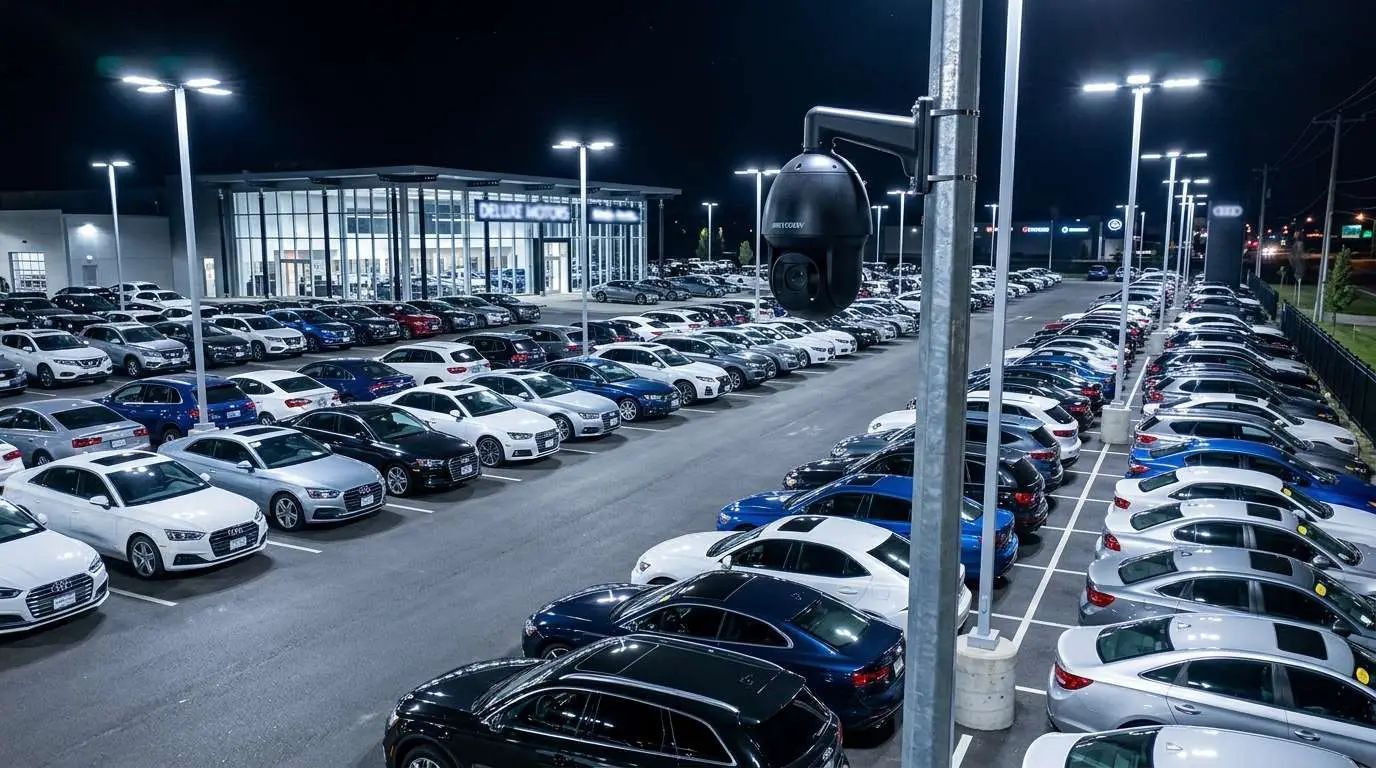
Security cameras protect more than inventory. Parking lot cameras deter assaults and vehicle break-ins that affect both employees and customers. Interior cameras document workplace safety compliance for OSHA purposes and provide objective evidence for workers’ compensation claims. In the event of a robbery, camera footage provides law enforcement with identification-quality images that dramatically increase the probability of arrest and recovery.
Slip-and-fall incidents are among the most costly liability events in retail. Cameras positioned to cover aisles, entrances, and high-traffic areas provide objective documentation of conditions before, during, and after an incident — often preventing inflated or fraudulent claims from progressing to expensive settlements.
Multi-Store Management
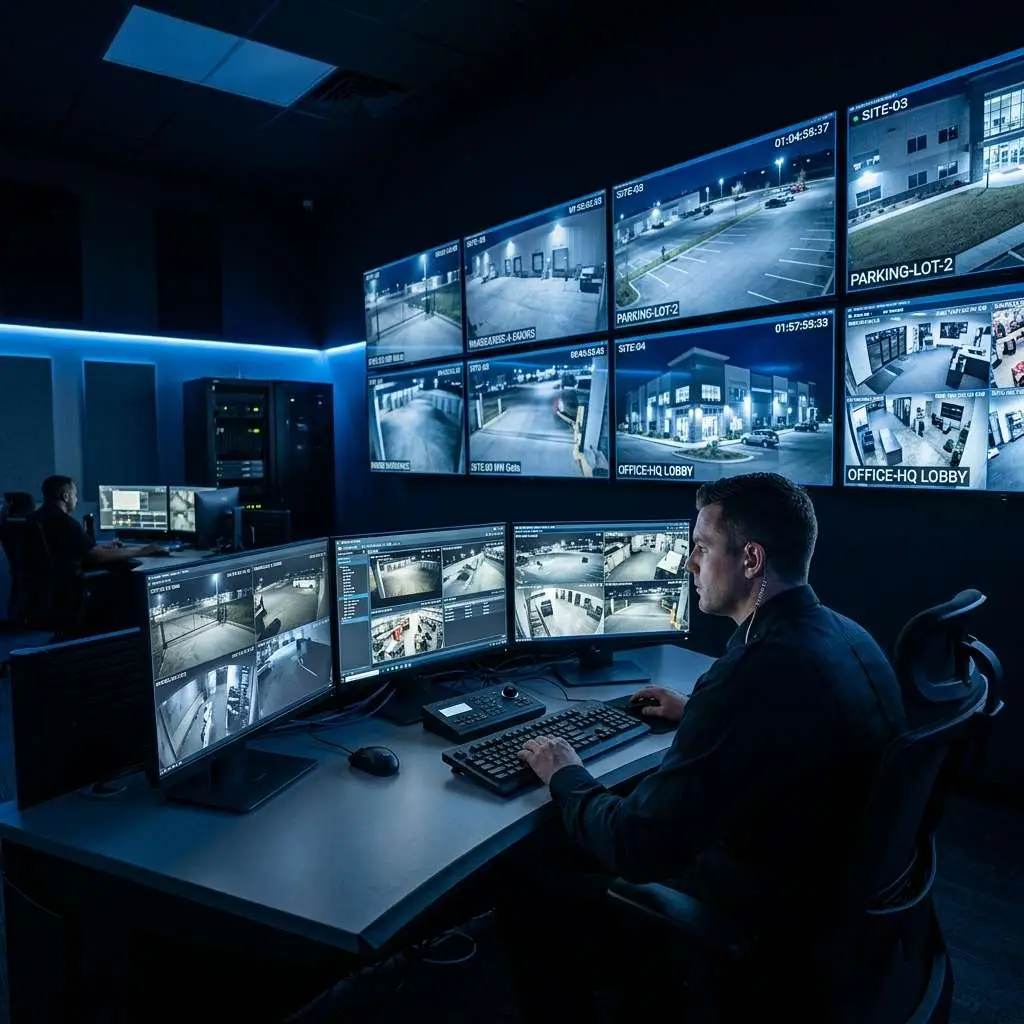
For retailers operating multiple locations, cloud-based management platforms provide a single dashboard that displays live feeds and recorded footage from every store. District managers and loss prevention teams can review footage, pull incident clips, and audit camera health across the entire chain without traveling to individual locations. Automated alerts for after-hours activity, camera offline events, and specific transaction patterns keep management informed in real time.
Why Atlanta Retailers Choose Edge CCTV
Metro Atlanta’s retail landscape spans major shopping centers and strip malls along every commercial corridor, from the Perimeter Mall area and Cumberland/Galleria district to the rapidly growing retail zones along GA-400 in Forsyth County and I-85 in Gwinnett. Edge CCTV has been providing commercial security installations to retail and grocery operations across this market for over 15 years.
We work with independent retailers, franchise operators, and multi-location chains. Every installation begins with a store walk-through where we map camera placements to your specific layout, traffic patterns, high-shrink areas, and POS integration requirements. We design systems that serve both security and operational analytics functions, delivering ROI that extends well beyond loss prevention.
Ready to Protect Your Retail Operation?
Contact Edge CCTV for a free, no-obligation security assessment of your retail location. We will evaluate your current coverage, identify shrink risk areas, and recommend a system designed to reduce loss and protect your team. Schedule your assessment today.
Related Guide
Explore security solutions tailored to your industry. See All Industries We Serve →

About the Author
Kevin Harkins is the Director of Sales at Edge CCTV, where he has spent 10 years helping business owners design and implement commercial security camera systems across Atlanta, Birmingham, Chattanooga, and beyond. Starting as an Outside Sales Representative and working his way up through Sales Manager to Director of Sales, Kevin has guided hundreds of businesses through the process of evaluating, specifying, and installing the right system for their facility. More from Kevin Harkins.