Picking the wrong mobile surveillance trailer for your job site is an expensive mistake. With the variety of trailer configurations available today, the right choice depends on a detailed assessment of your site before you ever contact a provider. This guide walks through every variable you need to evaluate, so you arrive at a confident decision.
Step 1: Assess Your Site
Before you can choose a trailer, you need to understand what you are protecting. A thorough site assessment covers five variables:
Site Size and Shape
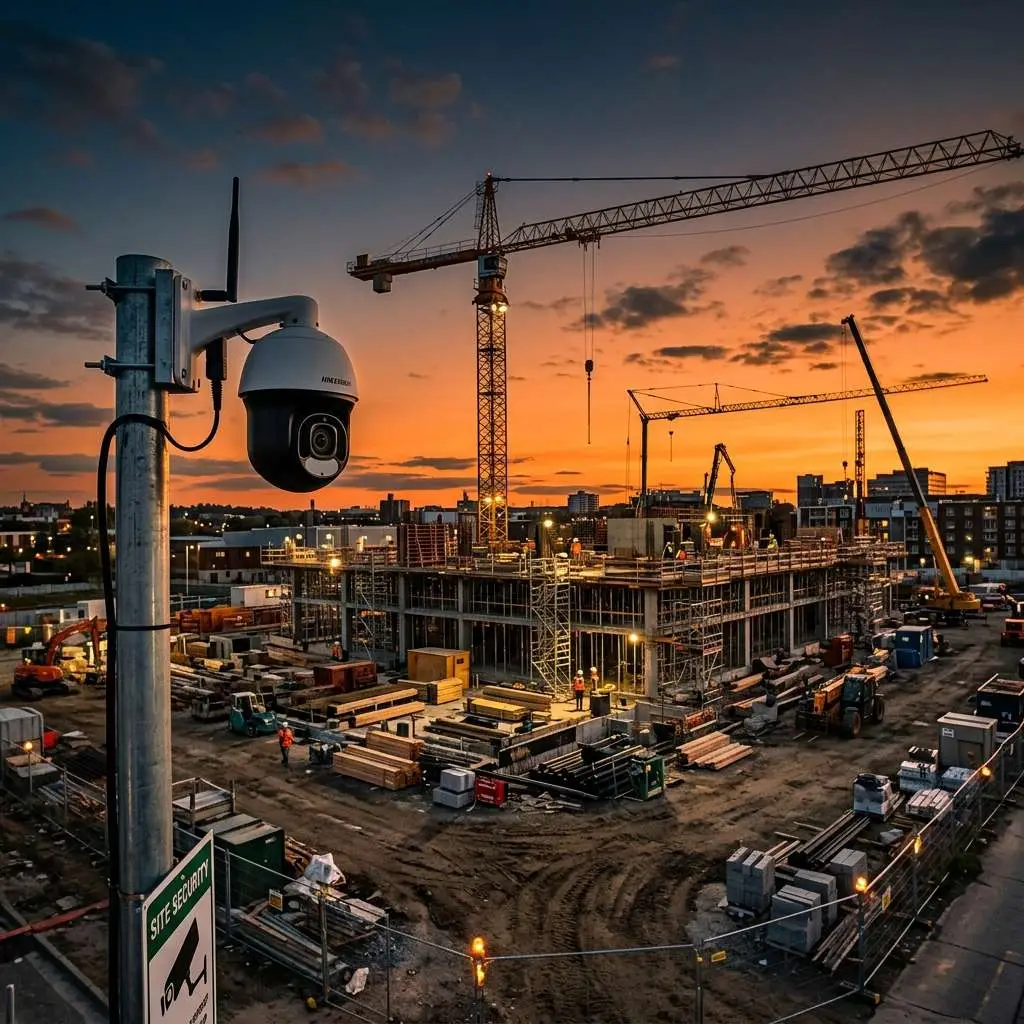
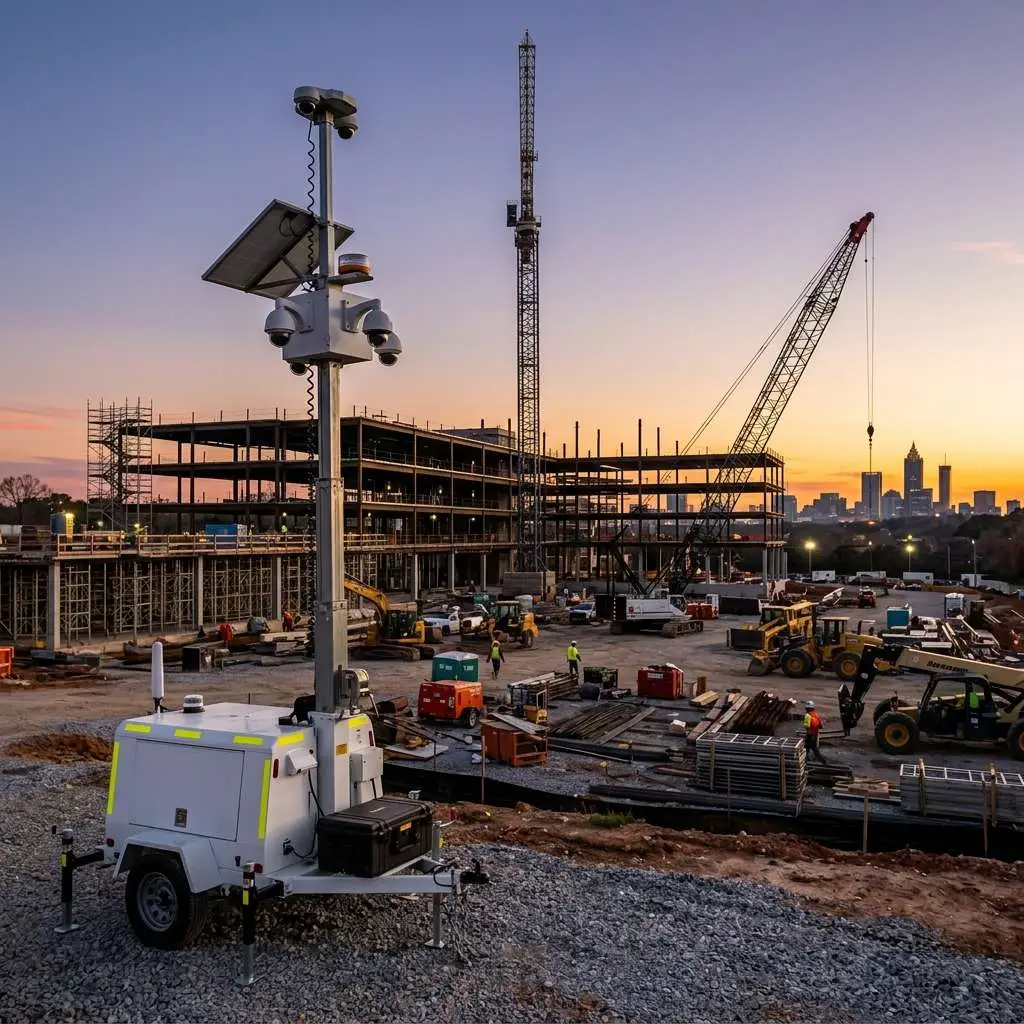
Total acreage determines how many trailers you need. A single trailer with 4 to 6 cameras on a 20 to 30 foot mast can cover approximately 2 to 3 acres of open terrain. Sites larger than 4 acres typically benefit from a second unit. Irregular shapes require more careful placement planning.
Entry and Exit Points
Every gate, access road, and pedestrian path is a potential vulnerability. Map them before you talk to a trailer provider. A site with a single controlled entry point is much simpler to cover than a sprawling construction site with four active gates and an open perimeter.
Blind Spots and Obstructions
Trees, buildings, equipment storage areas, and grade changes all create blind spots. Walk the perimeter and look for areas where a determined thief could operate without being seen. A trailer placed at the wrong spot on a hilly site can have its view cut off by a 3-foot grade change 100 feet away.
Power Availability
Is shore power available at or near your intended placement points? If yes, you have the option of grid-powered units. If no, you will need solar with battery backup. Knowing your power situation upfront prevents a last-minute scramble to find generators.
Connectivity
Does the site have reliable LTE cellular coverage? Check signal strength at the intended trailer positions. A single bar of LTE will not be enough for reliable HD video transmission. If you are in a dead zone or a rural area, Starlink satellite connectivity is the reliable alternative.
Step 2: Determine Camera Count and Placement
Camera count and placement strategy go hand in hand. More cameras is not always better. Strategically placed cameras with overlapping fields of view beat a higher count of cameras with gaps between them.
- Small construction site (under 1 acre): A single trailer with 4 cameras, positioned centrally or at the highest point, typically provides full coverage.
- Mid-size job site (1 to 3 acres): A single trailer with 6 to 8 cameras, including PTZ (pan-tilt-zoom) units for dynamic coverage of active work zones.
- Large site (3 to 10 acres): Two trailers, positioned at opposing ends or at natural high points, with PTZ capability to follow movement across the coverage overlap zone.
- Multi-building or campus site: Consider camera placement relative to the highest-value assets (materials storage, equipment yard, site office) rather than trying to achieve full perimeter coverage.
Always ask your provider to show you a coverage map showing camera fields of view relative to your site boundaries before you sign a rental agreement.
Step 3: Solar vs. Grid Power
Solar with Battery Backup
Choose solar when: Shore power is unavailable or more than 100 feet from the trailer position; the site changes frequently; you want zero ongoing power costs; you are in a location with at least 4 to 5 hours of direct sunlight per day.
Modern solar-powered surveillance trailers use high-efficiency panels and lithium battery banks that can sustain 3 to 5 days of operation without direct sunlight.
Caution: Verify the battery bank capacity with your provider. Smaller units may carry only 24 hours of battery reserve, which is risky in a week of overcast weather.
Grid Power
Choose grid when: Shore power is readily available; the site is permanent or semi-permanent; you want to run additional equipment from the same connection. Grid-powered units are not dependent on weather, but require a licensed electrician and add a monthly utility cost.
Step 4: Connectivity Options
Starlink for Remote Sites
Starlink satellite connectivity supports live HD video streaming from virtually any location in North America, including sites where LTE coverage is nonexistent. Download speeds typically exceed 100 Mbps with latency under 50ms. If your site is outside metropolitan cellular coverage, Starlink-equipped trailers are the correct choice.
LTE Cellular for Urban Sites
In dense urban and suburban areas with strong carrier coverage, LTE is reliable and cost-effective. Look for trailers with dual-carrier SIM cards or carrier-agnostic modems that can switch between networks to prevent coverage gaps.
Step 5: Monitoring Options
Self-Monitoring via App
Most trailer rentals include app-based access so your staff can view live feeds on a smartphone or tablet. This is the baseline option and typically included in the rental rate.
Virtual Guard Monitoring Add-On
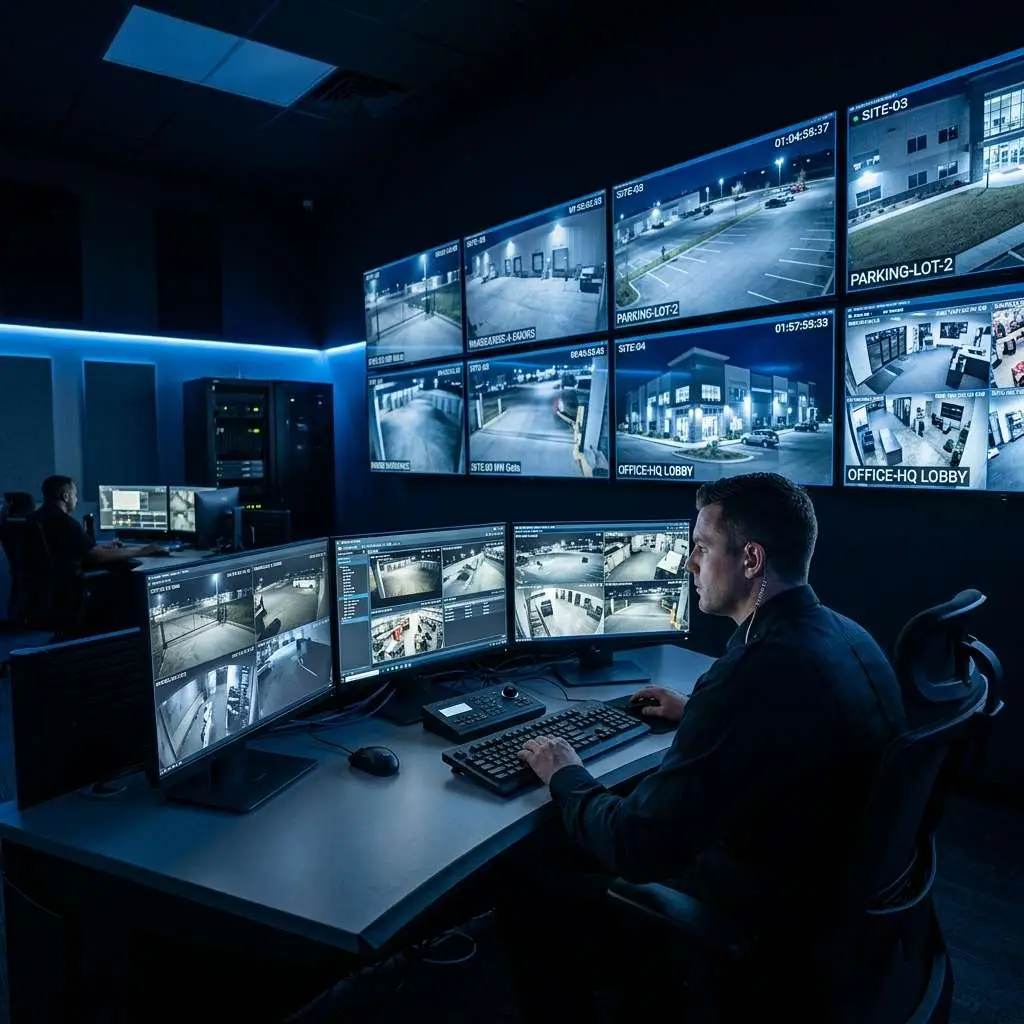
For high-value sites, overnight coverage, or situations where your team cannot dedicate someone to watching camera feeds, professional virtual guard monitoring is the upgrade worth considering. Trained operators watch your camera feeds around the clock, can issue audio warnings via on-trailer speakers when they see suspicious activity, and alert law enforcement when warranted. Virtual guard monitoring is particularly effective for construction sites where equipment theft typically happens between 10 PM and 4 AM. Learn more about virtual guard monitoring options
Step 6: Height and Mast Requirements
Mast height determines coverage radius:
- 20-foot mast: Best for compact sites, parking lots, or locations where height clearance is limited. Provides solid coverage for 1 to 2 acre sites.
- 25-foot mast: Standard configuration for most job sites. Good balance of coverage radius and stability in windy conditions.
- 30-foot mast: Maximum coverage, best for open terrain. Can cover 3 or more acres from a single position on flat ground.
Always check for overhead clearance during deployment. Identify and communicate any overhead hazards to your provider before delivery day.
Step 7: Rental Term Flexibility
Surveillance trailers are typically offered on monthly rental terms, with standard pricing around $1,500 per month. But rental terms are often more flexible:
- Short-term / event rates: For weekend events or temporary deployments under 30 days, ask specifically about short-term rates.
- Long-term discounts: Projects running 6 or more months may qualify for reduced monthly rates.
- Multi-unit discounts: Renting two or more trailers for a single project often comes with better per-unit pricing.
Checklist: Questions to Ask Before You Sign
Use this checklist when evaluating surveillance trailer providers:
- How many cameras are on the trailer, and what type (fixed vs. PTZ)?
- What is the effective coverage radius at my site dimensions?
- Can you provide a coverage map showing camera fields of view?
- What is the battery reserve on the solar system? How many days without sun?
- What connectivity is included – LTE, Starlink, or both?
- Is remote app access included in the rental rate?
- Is virtual guard monitoring available as an add-on? At what cost?
- What is the video retention period, and is footage cloud-backed?
- What is the maximum mast height, and are there deployment restrictions I should know about?
- What is the delivery lead time, and what is the service response time if equipment fails?
- Is there a short-term or multi-unit discount available?
- What happens if there is a weather event during deployment?
Putting It Together: A Quick Decision Framework
Before contacting a provider, answer these five questions: (1) How large is my site in acres? (2) Do I have shore power available at the trailer position? (3) What is the cellular signal strength at the site? (4) Do I need 24/7 monitored coverage or just recorded footage? (5) How long is the rental term? With those answers, a qualified provider can recommend the right configuration in a single 15-minute conversation.
Related Industry Guides
This post is part of our Industry Security Solutions hub – practical guides for businesses and operators across every sector. Browse the full library to find guidance specific to your industry or use case.
Get the Right Trailer for Your Site
Edge Business Security Cameras provides mobile surveillance trailer rentals across Metro Atlanta and throughout the Southeast. We will assess your site dimensions, recommend the right camera count and mast configuration, and handle delivery and setup so you are protected from Day 1 without the guesswork.
See our Mobile Surveillance Trailer Rental service or contact us for a no-obligation site quote. Bring your site dimensions and we will walk you through the right configuration for your project.

About the Author
Kevin Harkins is the Director of Sales at Edge CCTV, where he has spent 10 years helping business owners design and implement commercial security camera systems across Atlanta, Birmingham, Chattanooga, and beyond. Starting as an Outside Sales Representative and working his way up through Sales Manager to Director of Sales, Kevin has guided hundreds of businesses through the process of evaluating, specifying, and installing the right system for their facility. More from Kevin Harkins.