What Virtual Guard Monitoring Actually Is
The term “virtual guard” causes confusion for a lot of business owners. Some assume it means a fully automated, AI-only system — motion triggers an alarm, nobody actually watches. Others think it’s just standard burglar alarm monitoring with cameras. Neither is accurate.
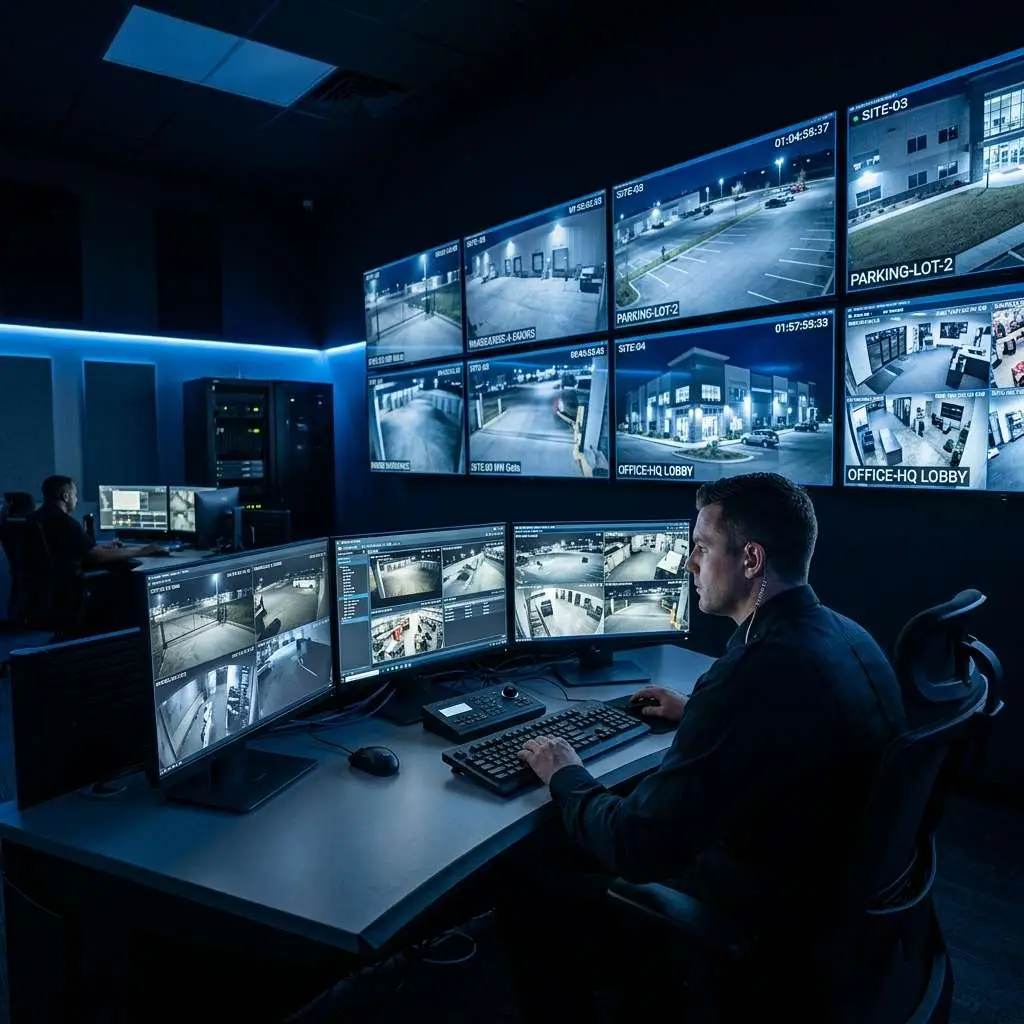
Virtual guard monitoring is a professionally staffed, live video surveillance service. Trained security operators watch your camera feeds in real time from a central monitoring facility. When they see something suspicious, they respond — using two-way audio speakers installed on your property to issue verbal warnings, contacting law enforcement when needed, and alerting your designated contacts. The “virtual” refers to the operator’s location, not their involvement level. A real person is making every response decision.
This distinction matters because it directly affects outcomes. Automated alarm systems generate enormous false-positive rates (studies consistently show 94–98% of commercial alarm dispatches are false alarms). Virtual guard operators assess the scene before acting, which means law enforcement responds to real threats — and your team isn’t woken up at 2 a.m. over a stray cat triggering a motion sensor.
The Technology Stack That Makes It Work
Virtual guard monitoring isn’t one piece of technology — it’s a system of components that work together. Understanding each layer helps you evaluate whether your existing infrastructure can support it, or what a new deployment would require.
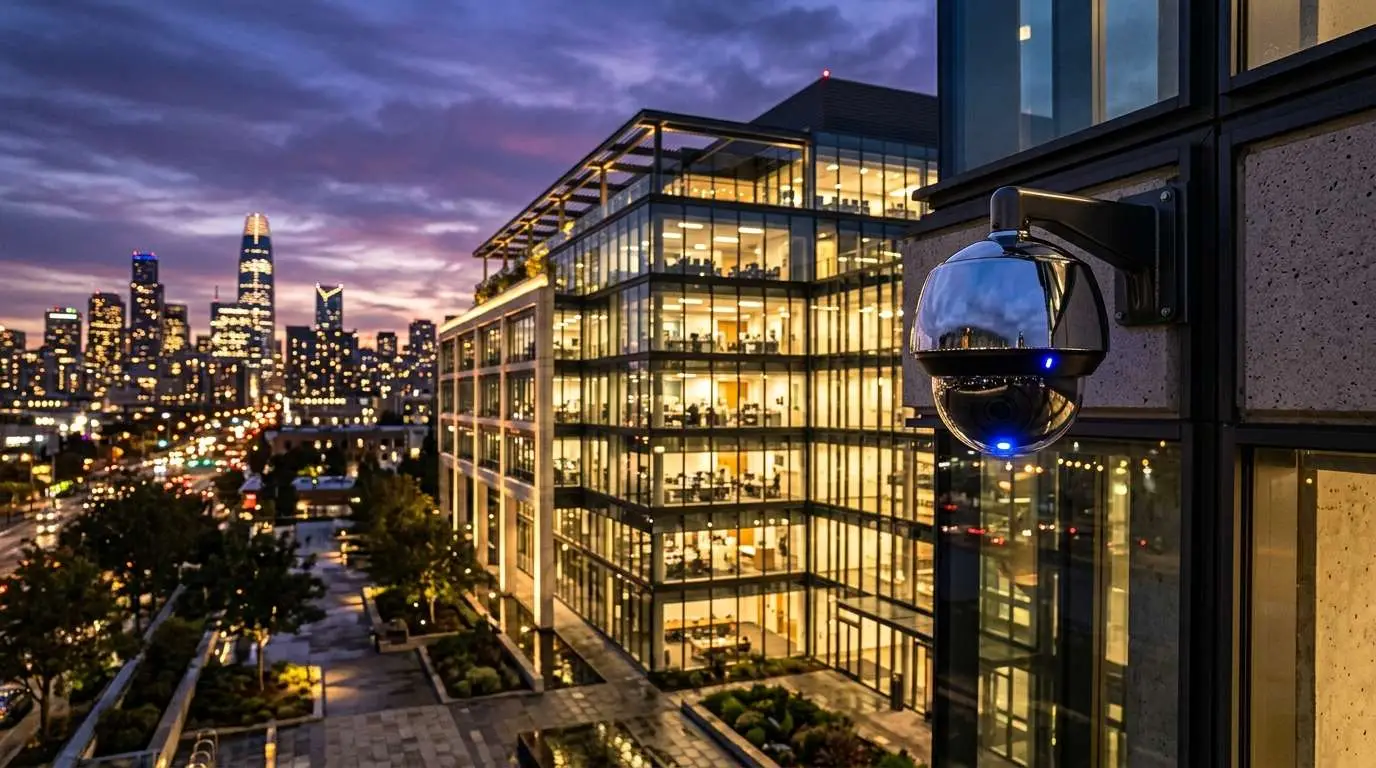
IP security cameras: Modern virtual guard deployments use network-connected IP cameras rather than older analog CCTV systems. IP cameras deliver higher resolution footage, support remote access over the internet, and integrate directly with video management software at the monitoring center. For effective after-hours monitoring, cameras need adequate low-light performance — either built-in IR night vision or supplemental lighting at key coverage points.
AI-assisted video analytics: Raw camera feeds produce an overwhelming volume of video data. AI analytics software — running either on the camera itself (edge processing) or on a server at the monitoring center — continuously analyzes the video stream and flags activity that meets defined criteria: a person entering a restricted zone after hours, a vehicle stopping in a no-parking area, motion in a loading dock that’s supposed to be empty. These flags are alerts, not automatic responses. They direct an operator’s attention to specific cameras at specific moments.
Video management system (VMS): All camera feeds aggregate into a VMS at the monitoring center. Operators use this software to view multiple feeds simultaneously, review flagged clips, replay footage, and communicate with on-site audio equipment. Enterprise-grade VMS platforms allow seamless management of hundreds of camera feeds across multiple client properties from a single interface.
Two-way audio speakers: This is the deterrence mechanism that sets virtual guard monitoring apart from passive surveillance. Ruggedized outdoor speakers — typically IP-connected and placed at key coverage points — allow operators to broadcast live audio to anyone on the property. A clear, authoritative voice warning potential intruders that they are being watched and that police have been notified is dramatically more effective than a silent camera and a recorded alarm siren.
Monitoring center: The human layer. Professional monitoring centers operate 24/7/365 with redundant power, internet connections, and staffing. Operators are trained in de-escalation, law enforcement coordination, and client communication protocols. Edge CCTV partners with professional monitoring facilities that maintain the staffing levels and technology infrastructure required for enterprise-grade reliability.
How a Virtual Guard Monitoring Event Works: Step-by-Step
Here’s exactly what happens from the moment an anomaly occurs on your property to resolution:
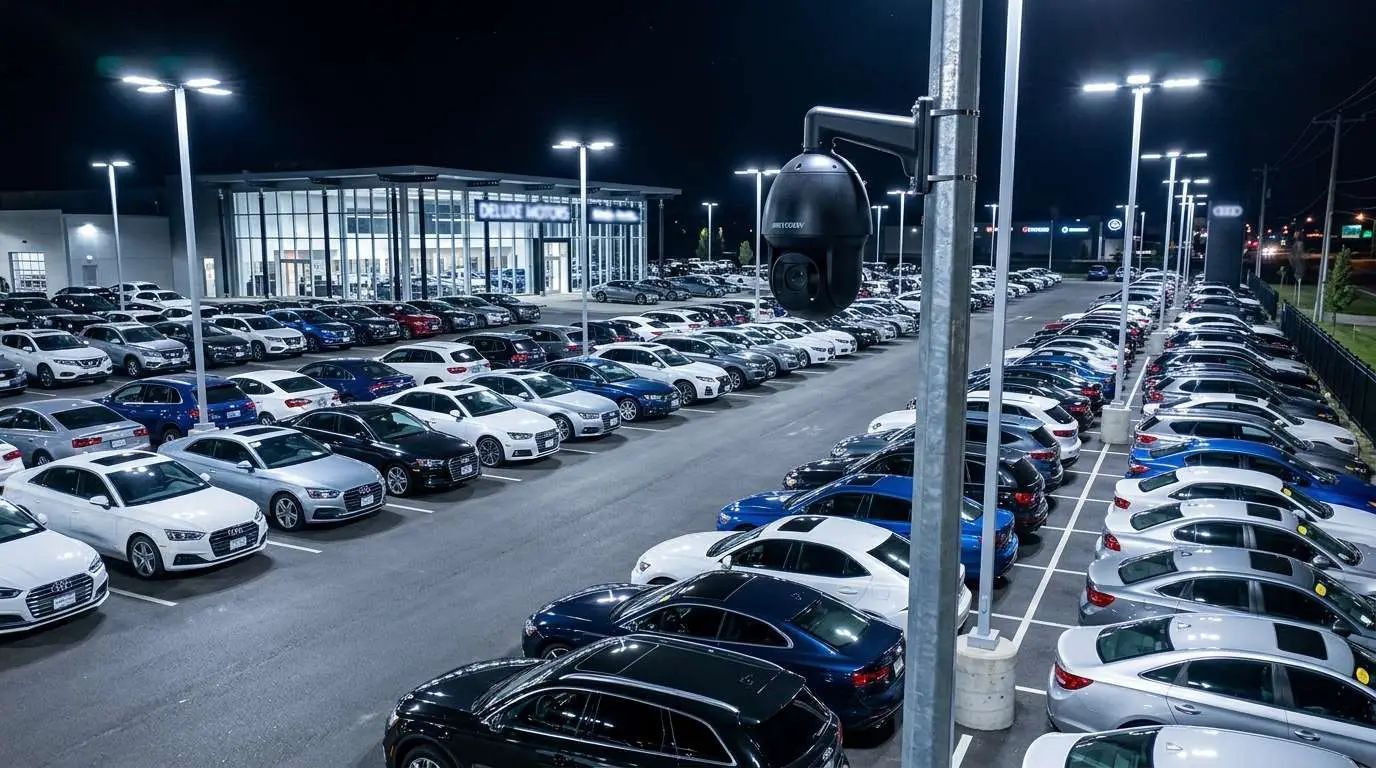
- Camera detects activity. A camera on your property captures motion or behavior that triggers the AI analytics threshold — for example, a person moving through a restricted area of your parking lot at 1:45 a.m.
- AI flags the event for operator review. Within seconds, the analytics engine flags the relevant camera feed and sends an alert to the monitoring center. The operator’s screen immediately pulls up the live view of that camera alongside a short clip of what triggered the alert.
- Operator assesses the scene in real time. The operator watches the live feed and any adjacent cameras to understand what’s happening. Is this a delivery driver who arrived early? An employee working late? Or an unauthorized person with no legitimate reason to be there? This human judgment step is what separates virtual guard monitoring from automated alarm systems. The operator has context — time of day, your site’s schedule, past activity patterns — and makes an informed decision.
- Audio deterrence is issued. If the operator determines the activity warrants intervention, they activate the two-way speaker and deliver a verbal warning — something like: “Attention — this property is monitored by live video surveillance. You are being recorded. Please leave the premises immediately or law enforcement will be contacted.” In most cases, this is enough. The vast majority of opportunistic criminals leave immediately when they realize they have been seen and identified.
- Escalation if the warning isn’t heeded. If the intruder does not leave, or if the situation is serious enough (a break-in already in progress, a weapon visible), the operator escalates immediately — calling 911 and providing law enforcement with a live description of the suspect, their location on the property, and direction of travel. The operator stays on the line with police while monitoring the scene, giving officers real-time updates as they respond.
- Client notification. After the event is resolved — either by deterrence or law enforcement response — the operator contacts your designated point of contact with a summary of what occurred, the time of the event, and what action was taken. Depending on your service configuration, you may also receive a video clip of the incident.
- Event documentation. Every event is logged with timestamps, camera feeds, and operator notes. This documentation is available to you for insurance claims, police reports, or internal review.
What Happens During a Deterrence Event
Most business owners want to know: does the audio warning actually work? The evidence from real-world deployments is consistent — proactive audio deterrence stops the overwhelming majority of unauthorized entries before any property damage or theft occurs.
When an intruder hears a live voice address them specifically — not a generic recorded alarm, but a direct, informed instruction from someone who is clearly watching them — the psychological impact is significant. They understand they have been seen. They understand the operator knows what they look like. They understand that police may already be on the way. The decision to flee is almost always immediate.
This is why virtual guard monitoring consistently outperforms passive surveillance camera systems in reducing incident rates. Cameras alone record what happened. Virtual guard monitoring stops it from happening.
Integration With Your Existing Camera System
A common question: do you have to rip out your existing cameras to implement virtual guard monitoring?
Often, no. Many existing IP camera systems can be integrated with a virtual guard monitoring platform without full replacement. The key requirements are:
- IP-based cameras with RTSP stream capability (most cameras installed in the last 8–10 years qualify)
- Sufficient image quality for operators to clearly identify people and vehicles — generally 1080p or higher recommended for active monitoring use cases
- Reliable internet connectivity at your site for stream upload
- Coverage gaps addressed — a site assessment will identify any areas that need additional camera placement for effective monitoring
If your camera system is older analog CCTV, an encoder can sometimes bridge the gap — though many older systems are worth replacing entirely given the cost reduction in modern IP cameras and the operational benefits of a fully integrated system.
Edge CCTV begins every virtual guard engagement with a professional site assessment to evaluate your existing infrastructure and identify the most cost-effective path to effective coverage.
Myths vs. Reality
A few persistent misconceptions that come up regularly:
Myth: “Virtual monitoring is just AI — no real person watches.”
Reality: AI analytics is a filter, not a decision-maker. It handles the impossible task of watching dozens of camera feeds simultaneously and flags activity that warrants human attention. Every response decision — audio deterrence, police dispatch, client notification — is made by a trained human operator reviewing live footage.
Myth: “If something goes wrong, nobody can actually stop it.”
Reality: The audio deterrence component stops most incidents before they escalate. For those that do escalate, operators dispatch law enforcement with real-time intelligence — suspect descriptions, camera feeds, property layout — that significantly improves police response effectiveness compared to a burglar alarm going off with no additional information.
Myth: “It only works for large businesses with sophisticated camera systems.”
Reality: Virtual guard monitoring scales to fit properties of all sizes. A small auto repair shop with four cameras can be monitored just as effectively as a 10-acre distribution center — the system architecture is the same, scaled to the property’s footprint and camera count.
Myth: “You need new cameras to get started.”
Reality: Many existing IP camera systems are compatible. A site assessment determines what, if anything, needs upgrading before monitoring can begin.
Is Virtual Guard Monitoring Right for Your Business?
Virtual guard monitoring is particularly well suited for businesses that need after-hours security coverage, have properties too large or complex for a single guard to effectively patrol, or are currently paying high costs for staffed security without getting comprehensive coverage in return.
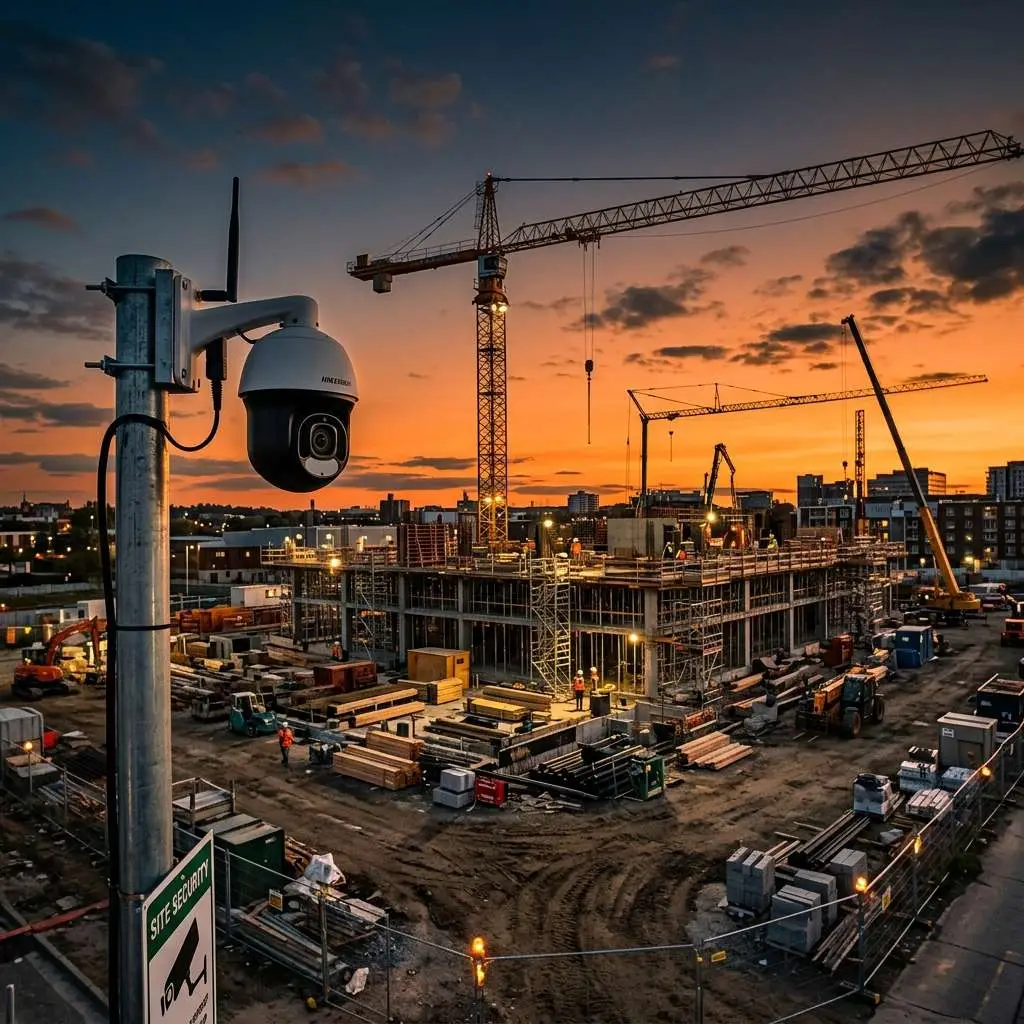
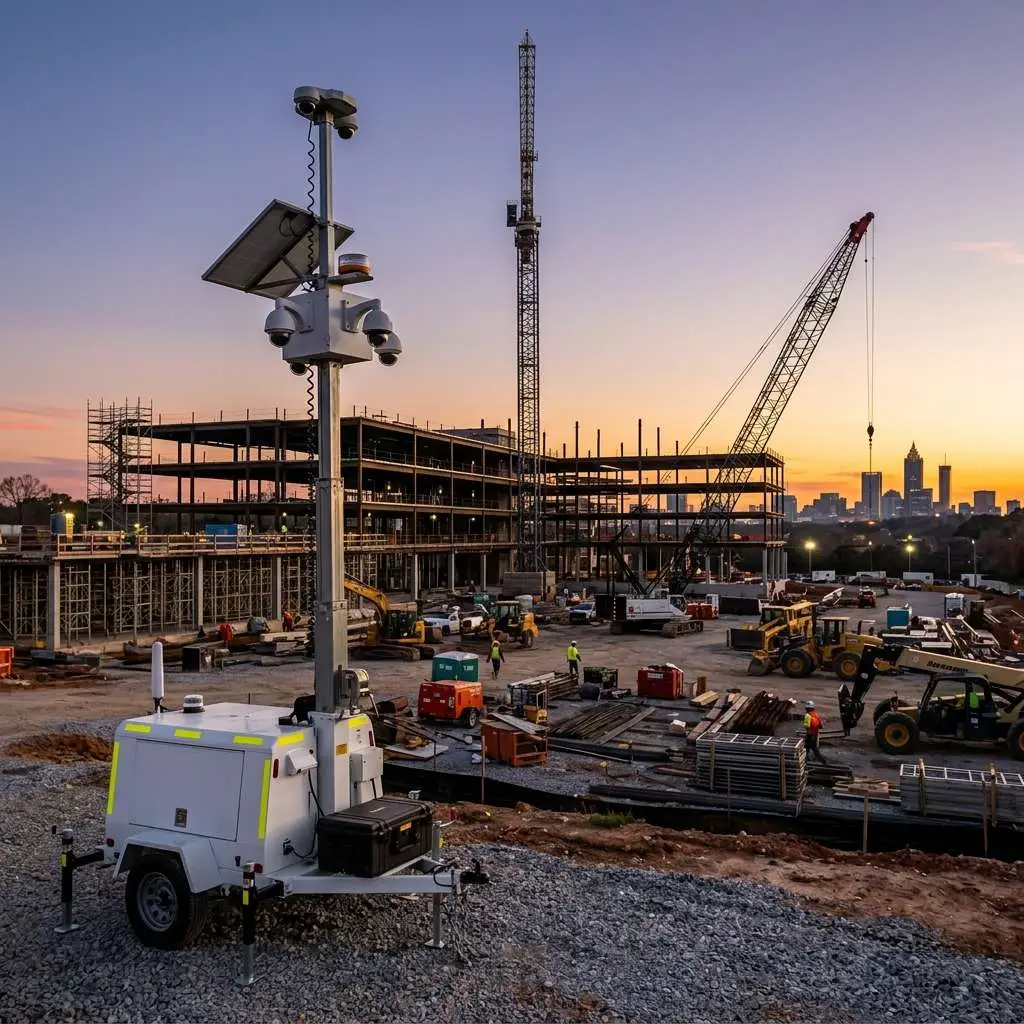
Industries where the fit is consistently strong include construction, automotive, warehousing and distribution, self-storage, retail, and multi-location property management. But the honest answer is that most commercial properties with a legitimate security need are good candidates — the economics and performance data are compelling across a wide range of use cases.
The best way to determine fit is a professional assessment of your property, camera infrastructure, and specific risk profile. That assessment will identify exactly what coverage you have, what gaps exist, and what a monitoring solution would cost and deliver for your specific situation.
Learn more about Edge CCTV’s Virtual Guard Video Monitoring — or contact us to schedule a free site assessment and find out whether your existing cameras are monitoring-ready.
Part of the Edge CCTV Industry Security Guide
Explore security camera solutions, virtual monitoring, and surveillance strategies by industry: Security Cameras by Industry — Edge CCTV

About the Author
Kevin Harkins is the Director of Sales at Edge CCTV, where he has spent 10 years helping business owners design and implement commercial security camera systems across Atlanta, Birmingham, Chattanooga, and beyond. Starting as an Outside Sales Representative and working his way up through Sales Manager to Director of Sales, Kevin has guided hundreds of businesses through the process of evaluating, specifying, and installing the right system for their facility. More from Kevin Harkins.