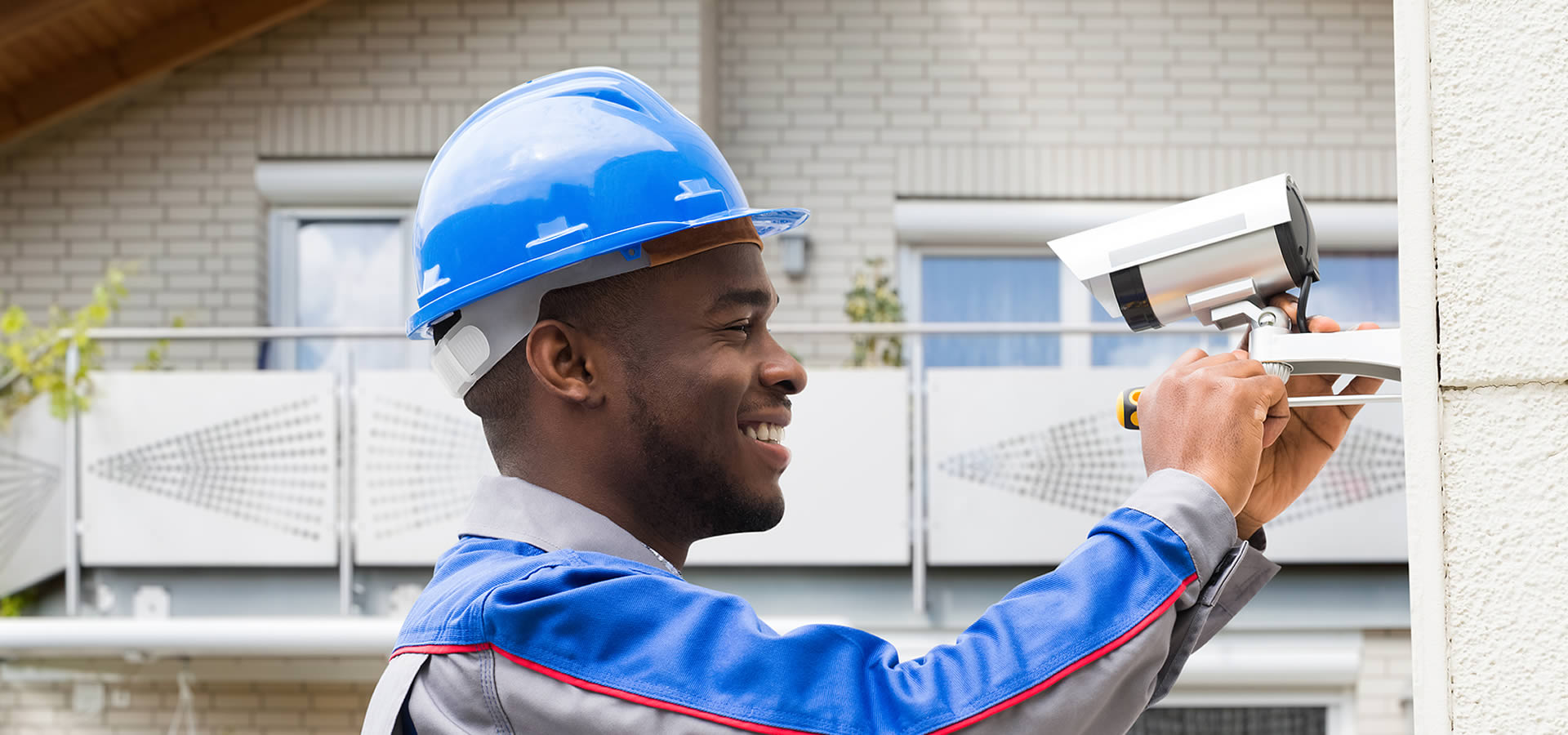

Having a security camera installed gives you peace of mind that your business is safe from intruders. But would you know if there were any issues with your video surveillance system that require maintenance?
Doing regular checks for early problem signs and getting routine maintenance to service any concerns can help prevent major issues from arising.
In this article, we’ve assembled some of the most common symptoms that you may need to have your security camera installation company out to perform maintenance.
It’s a good indicator that it’s time to have your security cameras checked out if you don’t remember the last time you had maintenance done.
Scheduling regular general system checks is one of the best ways to ensure the cameras are working properly and help you stay on top of possible issues. Having security camera maintenance done regularly will identify if any cameras could need maintenance done in the future. Doing a little fine-tuning is sometimes all you need to optimize camera performance and safeguard your camera system from failing when you need it most.
It’s easy to forget about your security camera system when it’s working. That’s why it’s a good idea to inspect your security cameras for signs of wear and tear. Exposed wires, damage to the housing, cracked glass, and significant scratches on the camera lens are some of the problems an experienced maintenance technician should assess.
Remember to check outdoor cameras, which are particularly vulnerable because they’re always exposed to the elements.
Recording clear, focused footage is one of the most crucial functions of business video surveillance systems. If the recordings are blurry or grainy, you need to have them checked by a maintenance technician.
If you notice problems with the picture only on one camera, it’s a good sign that there’s damage to that particular camera, and it may need replacing.
When footage cuts in and out on your security camera system, it can be due to numerous issues, some more serious than others. It could be interference or a poor signal, problems with the network, weak power supply, power surge, faulty hardware, issues with the cables, software bugs, or improper configurations.
Notice if there’s a pattern to when the outage occurs. This information can help the technician determine the root of the problem.
Whether it’s heavy rainfall, high winds, or snow, severe weather conditions are one of the main reasons a security camera system could require maintenance.
Outdoor security cameras should be checked after every major weather event to ensure they’re undamaged and working properly. Visually inspect cameras to make sure there’s no physical damage and that they haven’t moved out of position. Testing the footage will tell you if there’s a problem with the recording.
It’s a good idea to position outdoor cameras in a sheltered location to protect the lens as much as possible, but harsh conditions could still affect the video quality.
Indoor cameras should also be checked after a major weather event to ensure everything is running.
Edge CCTV provides end-to-end surveillance system installation and service to commercial and industrial clients in Marietta, Georgia, and the surrounding areas of Atlanta.
Give us a call today at 678-883-0999 or contact us online for more information or to schedule a free demo of our commercial property surveillance systems. Don’t forget to request a free quote.

Choose the Right Video Security System for Your Business: A Comprehensive Guide Selecting the right video security system for your business is a critical decision that…
Read More
In today's world, ensuring the safety and security of students, staff, and school property is a top priority for educational institutions. One of the most…
Read More
Security cameras are your eyes when you're not around, but their effectiveness can be compromised if the footage isn’t stored properly or for a sufficient…
Read More
Choosing the right type of surveillance camera is an important first step in ensuring the safety and security of your business. However, with the overwhelming…
Read More
Enhance Security & Profitability Through Advanced Surveillance Since launching in 2014, Edge CCTV Business Security Cameras has stood at the forefront of the security industry,…
Read More
Every night, as business owners lock their doors, the lingering concern of a potential burglary can be concerning. Despite diligent efforts to secure properties, burglaries…
Read More
When it comes to the safety of our elderly loved ones, we can't afford to be lax. With the increasing concerns about elder safety and…
Read More
Selecting a surveillance system that aligns with your needs, budget, and technical preferences is a serious challenge. Choosing the right surveillance system can feel like…
Read More

