As business security camera systems grow more sophisticated, so do the ways footage is stored and managed. For years, the dominant model was simple: cameras send video over cables to a central recorder, which saves everything to a hard drive in a back office or IT closet. That model still works well for many businesses. But a growing number of commercial installations now incorporate edge recording — a fundamentally different approach to footage storage that offers specific advantages in reliability, bandwidth efficiency, and resilience against equipment failure or theft.
What Edge Recording Means
In computing, “the edge” refers to processing or storage that happens at or near the source of data, rather than at a central server. In security camera systems, edge recording means that the camera itself stores video footage — typically on a microSD or SD card inserted directly into the camera body — rather than transmitting everything to a separate NVR or DVR for storage.
This is distinct from cloud recording (where video is transmitted over the internet to remote servers) and from NVR/DVR recording (where video is transmitted over a local network to a dedicated on-premises recorder). With edge recording, the camera is both the capture device and the storage device — a self-contained unit that does not depend on a network connection or a central recorder to preserve footage.
How Edge Recording Works in Practice
In a typical edge-recording setup, a business-grade IP camera is equipped with a microSD card (commonly 32GB, 64GB, 128GB, or 256GB) inserted into a slot on the camera body. The camera onboard processor compresses captured video using H.264 or H.265 encoding and writes it directly to the SD card. The camera manages its own storage — when the card fills up, it overwrites the oldest footage in a rolling loop, just as an NVR would overwrite old footage on its hard drive.
Most cameras that support edge recording also support simultaneous NVR recording. This hybrid recording mode is the most common commercial implementation: the camera streams video to the NVR as it normally would, while also writing a local copy to the onboard SD card. The SD card footage serves as a backup that is available even if the NVR is offline, the network fails, or the NVR is stolen.
Key Advantages of Edge Recording
Resilience Against Network Interruptions
The most practical benefit of edge recording in a business environment is continuity during network outages. IP cameras in systems without edge recording stop recording entirely if the network connection to the NVR is lost — whether from a router reboot, a switch failure, a cable cut, or a network attack. With edge recording enabled, those cameras continue writing footage to their local SD card throughout the outage. When network connectivity is restored, many systems can automatically upload the locally stored footage to the NVR to fill in the gap.
Bandwidth Efficiency
In environments with limited network bandwidth — remote sites, facilities connected over cellular or fixed wireless, or multi-building campuses with constrained inter-building links — edge recording reduces the demands placed on the network. Rather than streaming continuous full-resolution video to a central NVR, cameras with edge recording can transmit lower-bitrate streams for live viewing while storing high-resolution footage locally. Full-quality footage is accessed from the SD card only when needed for review.
Decentralized Theft Resistance
If an intruder steals or destroys your NVR, they eliminate all centrally stored footage in a single act. Footage stored on SD cards inside cameras mounted throughout your facility is distributed — a thief would need to locate and access every camera individually to eliminate all recording evidence. Combined with cloud backup, edge recording makes complete footage destruction extremely difficult to accomplish.
Simplified Small-Site Deployment
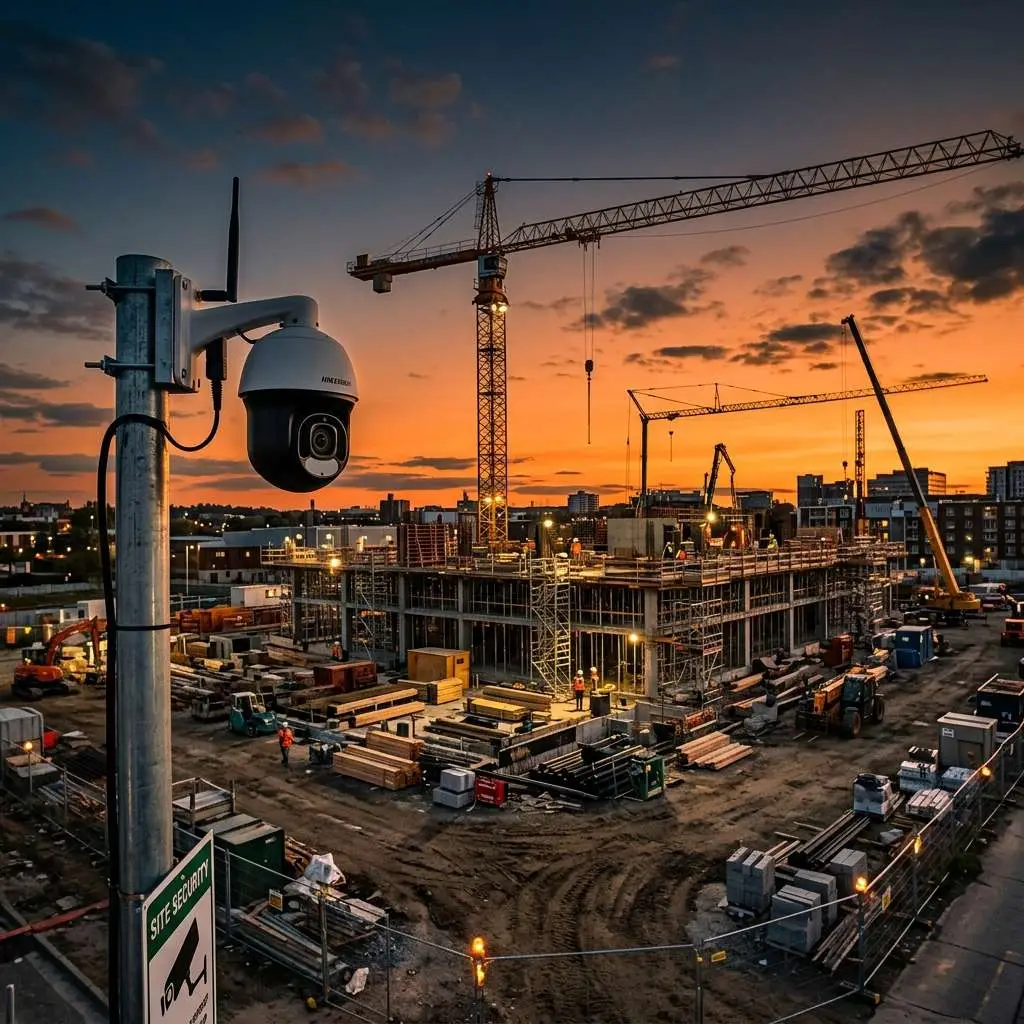
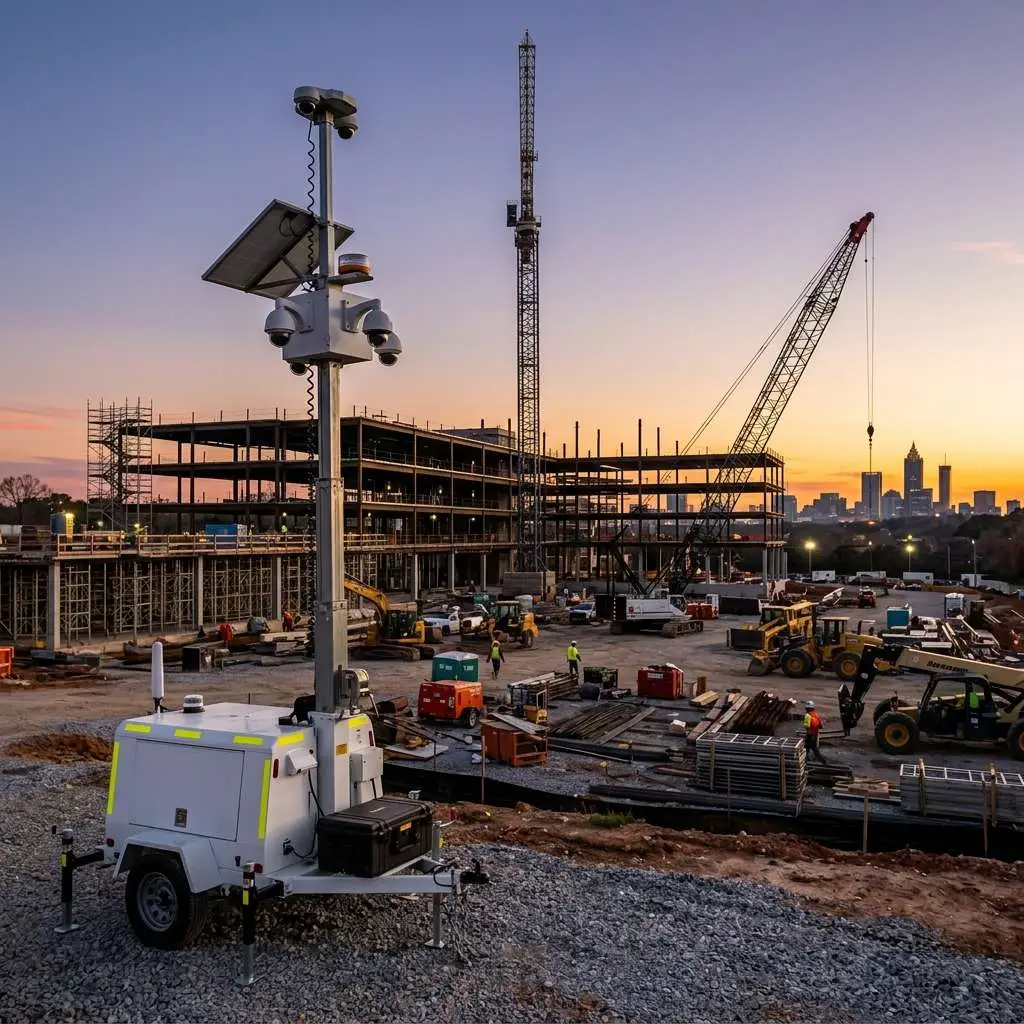
For locations where installing and maintaining a full NVR is impractical — a remote warehouse, a storage yard, a temporary construction site — edge recording enables a functional surveillance system using only cameras and an internet connection for remote live viewing, with no NVR required on-site. Footage is retrieved directly from the camera SD card when needed.
Limitations and Considerations
SD Card Lifespan Under Continuous Writing
SD cards are flash memory devices with a finite number of write cycles. A camera continuously overwriting a 64GB card at a standard bitrate completes multiple full-card write cycles per day. Consumer SD cards are not designed for this workload and can fail within weeks to months. Use cards specifically rated for surveillance or dashcam use (higher endurance ratings, designed for continuous writes). Plan to replace SD cards every 1-2 years in continuously recording cameras, and inspect them during scheduled maintenance visits.
Limited Storage Capacity
The largest commercially available microSD cards are 512GB, and most cameras support a maximum of 256GB. This limits local retention to hours or days of footage at full resolution — far less than the 30-90 days most businesses want to retain. Edge recording works best as a gap-filler or backup layer rather than a primary long-term storage solution.
No Central Management of Edge-Only Footage
Reviewing footage stored solely on SD cards requires physical access to each camera, or a VMS that supports pulling edge footage over the network. If your VMS does not support centralized edge footage retrieval, reviewing SD card footage after an incident involves accessing each camera individually — time-consuming in multi-camera deployments.
Hybrid Recording: The Best of Both Approaches
For most commercial applications, the optimal configuration combines NVR recording for primary storage and management with edge recording as a resilience layer:
- NVR provides 30-90 days of centrally managed, searchable footage at full resolution
- SD card in each camera provides a local backup for the past 24-72 hours
- If the NVR goes offline, recording continues locally without any gap
- For cameras on the perimeter or at remote locations, the SD card provides a recovery option if the NVR is compromised
This hybrid approach is what Edge CCTV recommends for most commercial installations where uninterrupted recording is a priority. The additional cost of a surveillance-grade SD card in each camera is minimal relative to the resilience benefit it provides.
Frequently Asked Questions
Can I add edge recording to my existing cameras?
If your existing cameras have a microSD card slot (check the manufacturer spec sheet), you can enable edge recording by inserting a compatible card and enabling local recording in the camera settings. Many business cameras from Hikvision, Dahua, Axis, and other major brands include a card slot even if it was not originally used.
How much footage can a 64GB SD card store?
At 4MP resolution with H.265 compression recording motion-only, a 64GB card typically stores 5-10 days of footage. At full 4MP continuous recording, capacity drops to 1-3 days. Exact capacity depends heavily on scene complexity — a camera pointed at a busy parking lot will fill the card faster than one pointed at a quiet corridor.
Is edge recording appropriate for high-security environments?
For the highest-security environments, edge recording should be used in combination with NVR recording and cloud backup — not as the sole storage method. Edge-only recording creates a vulnerability if cameras are physically compromised. For most commercial businesses, hybrid recording provides an excellent balance of resilience and practicality.
To discuss whether edge recording is the right addition to your security camera system, contact Edge CCTV for a consultation.
More in this series
Security Camera Cost Guide|IP vs. Analog Cameras|How to Choose an NVR|Security Camera ROI
Related Guide

About the Author
Bobby Edwards is the Operations Manager at Edge CCTV, where he has been overseeing commercial security camera installations across the Southeast since 2014. A TRENDnet Certified Network Engineer (TNCE) and GA 811-credentialed technician, Bobby manages installation crews, designs camera layouts for new projects, and ensures every system meets the technical standards that keep it running for years. More from Bobby Edwards.