When a security camera project starts, one of the first specification decisions is whether each camera position requires an indoor or outdoor unit. This sounds straightforward, but it is routinely mishandled in two directions: outdoor-rated cameras installed indoors unnecessarily (adding cost), and indoor cameras installed outdoors or in transitional spaces (creating early failure and coverage gaps). Getting this right from the start saves money on the initial install and eliminates avoidable service calls over the life of the system.
The Core Difference: Environmental Rating
The practical difference between an indoor and outdoor security camera is not the lens, image sensor, or resolution — those are determined by coverage requirements, not location. The difference is the housing and the environmental protection rating it carries.
Outdoor cameras are built to operate across a wide temperature range (typically -22°F to 140°F), resist water intrusion, survive direct sun exposure without overheating, and handle the condensation that occurs when a warm camera shell meets cold night air. Indoor cameras are not rated for any of these conditions. They use thinner housings, lower-grade seals, and components that are not spec’d for temperature extremes or moisture.
Understanding IP Ratings
The standard measure of environmental protection is the IP (Ingress Protection) rating, expressed as IP followed by two digits. The first digit rates protection against solid particles (dust), the second against liquids (water). Common ratings for security cameras:
- IP65 — Dust-tight, protected against low-pressure water jets from any direction. Suitable for most outdoor installations with overhead cover.
- IP66 — Dust-tight, protected against powerful water jets. Better for exposed outdoor positions with direct rain exposure.
- IP67 — Dust-tight, protected against temporary immersion up to 1 meter. Good for cameras near drains, wash-down areas, or flood-prone locations.
- IP68 — Dust-tight, protected against continuous immersion. Required for cameras in underground or submerged applications.
Indoor cameras typically carry an IP20 or IP30 rating at most — finger-proof, but no water protection. Some are entirely unrated. Neither is appropriate for outdoor use.
IK Ratings: Impact Protection
A second rating system — IK — measures resistance to mechanical impact. IK10 is the highest standard, rated to withstand 20 joules of impact (roughly equivalent to a 5kg weight dropped from 40cm). Outdoor cameras in accessible locations — parking structures, exterior walls at ground level, stairwells — should carry an IK09 or IK10 rating to resist tampering and accidental impact. Indoor cameras in secured office areas typically do not require IK ratings.
Cameras That Are Genuinely Outdoors
These positions always require outdoor-rated cameras:
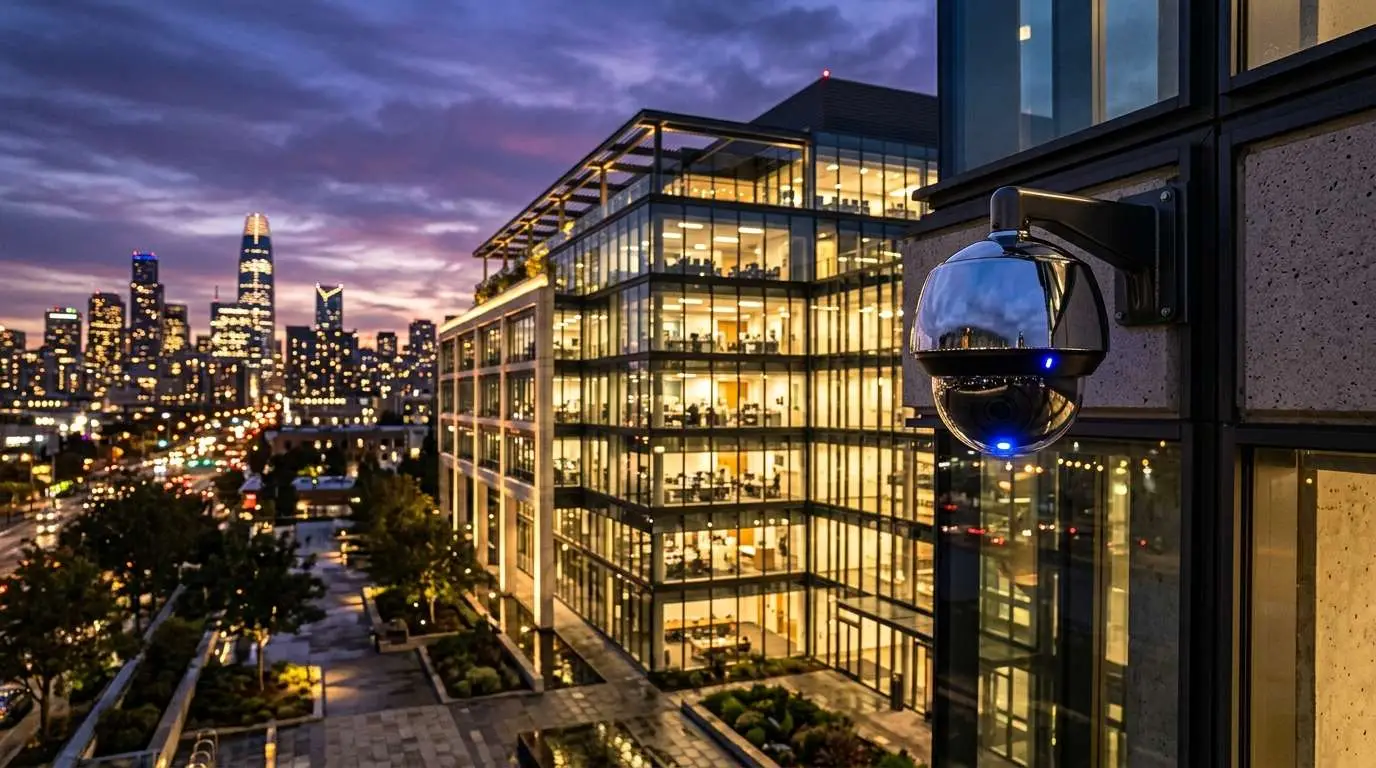
- Exterior building walls, soffits, and rooflines
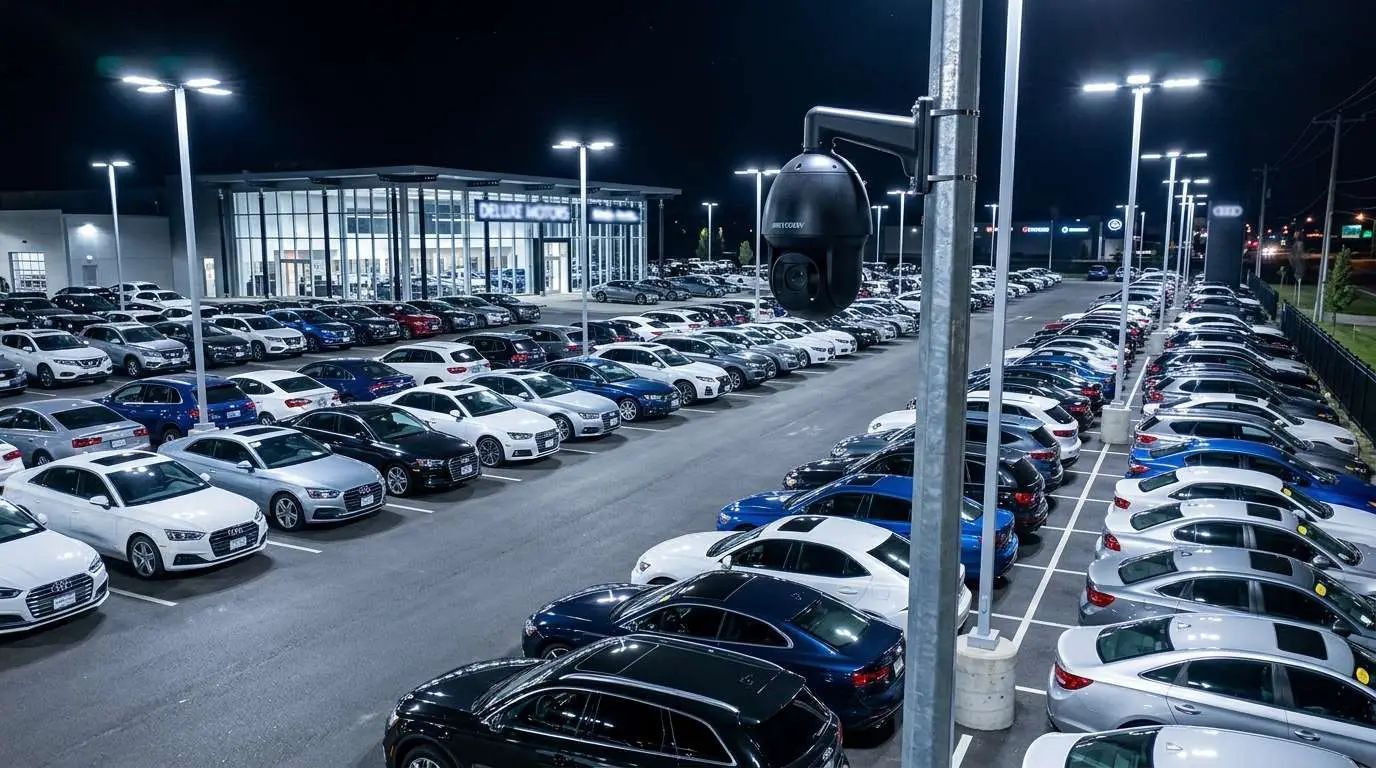
- Parking lots and parking structures (covered or uncovered)
- Loading docks and delivery areas
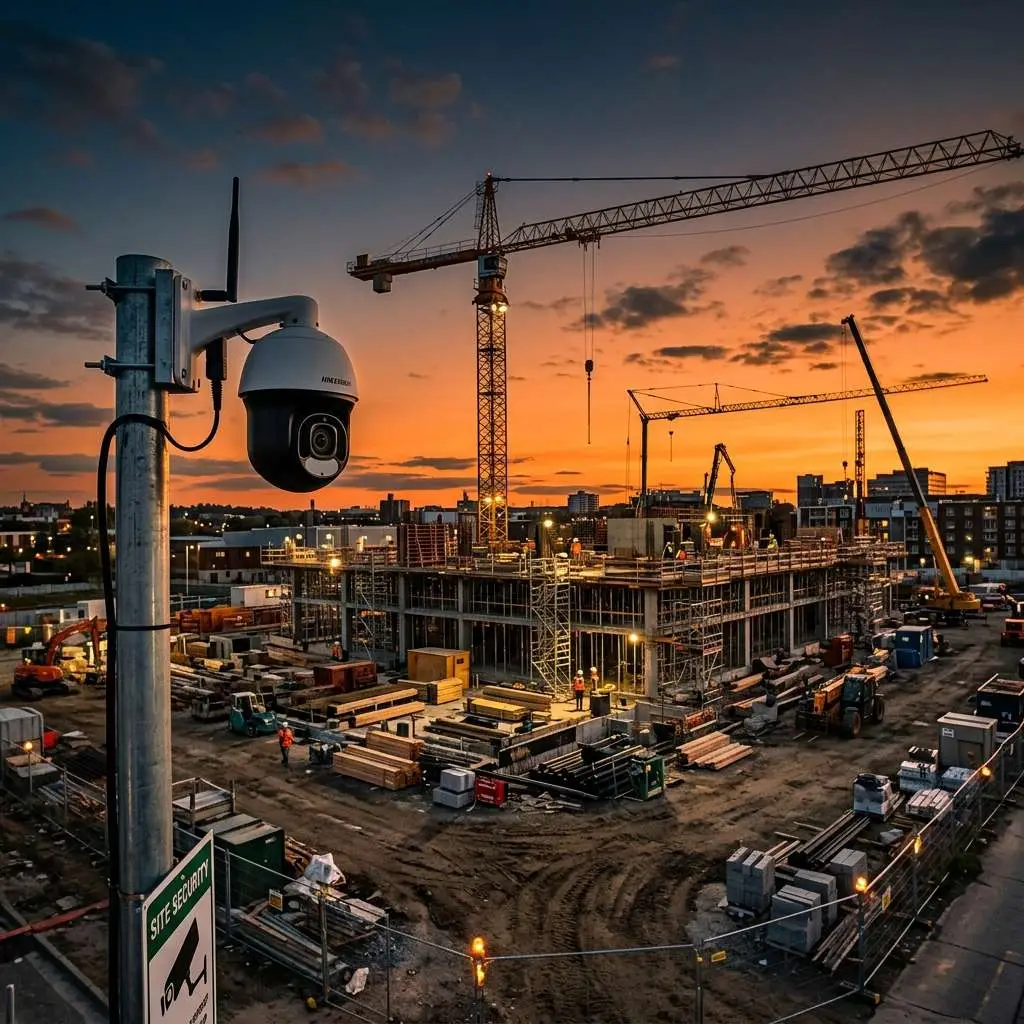
- Perimeter fencing and gate entry points
- Drive-throughs and outdoor service areas
- Dumpster enclosures and utility yards
The Gray Zone: Transitional and Semi-Outdoor Spaces
The trickiest camera positions are transitional spaces that are not fully outdoors but are not controlled interior environments either. These include:
Covered Parking Structures
Covered but not enclosed. Cameras here experience significant temperature swings, wind-driven rain, and condensation. Outdoor-rated cameras required.
Loading Bays with Roll-Up Doors
When the door is open, the space is effectively outdoors. Humidity, dust, vehicle exhaust, and temperature extremes make this an outdoor environment. Outdoor-rated cameras required.
Entryway Vestibules and Covered Walkways
These are often heated and covered but open to outside air. On cold days, a camera at the entrance experiences near-outdoor temperatures and condensation. If the space is unheated or open to weather, use an outdoor-rated camera. If it is a fully enclosed heated vestibule with no direct exposure, an indoor-rated camera is acceptable.
Stairwells
Interior stairwells are indoor environments. Exterior stairwells with open sides are outdoor. Fire egress stairs on the exterior of a building require outdoor cameras.
Warehouses and Manufacturing Floors
Large open warehouses with roll-up doors and little climate control can experience wide temperature swings and high dust levels. Depending on conditions, an IP65-rated camera may be appropriate even though the space is technically indoors. Wash-down food processing environments specifically require IP67 or higher.
Cameras That Are Genuinely Indoors
Standard indoor camera positions where environmental rating is not a concern:
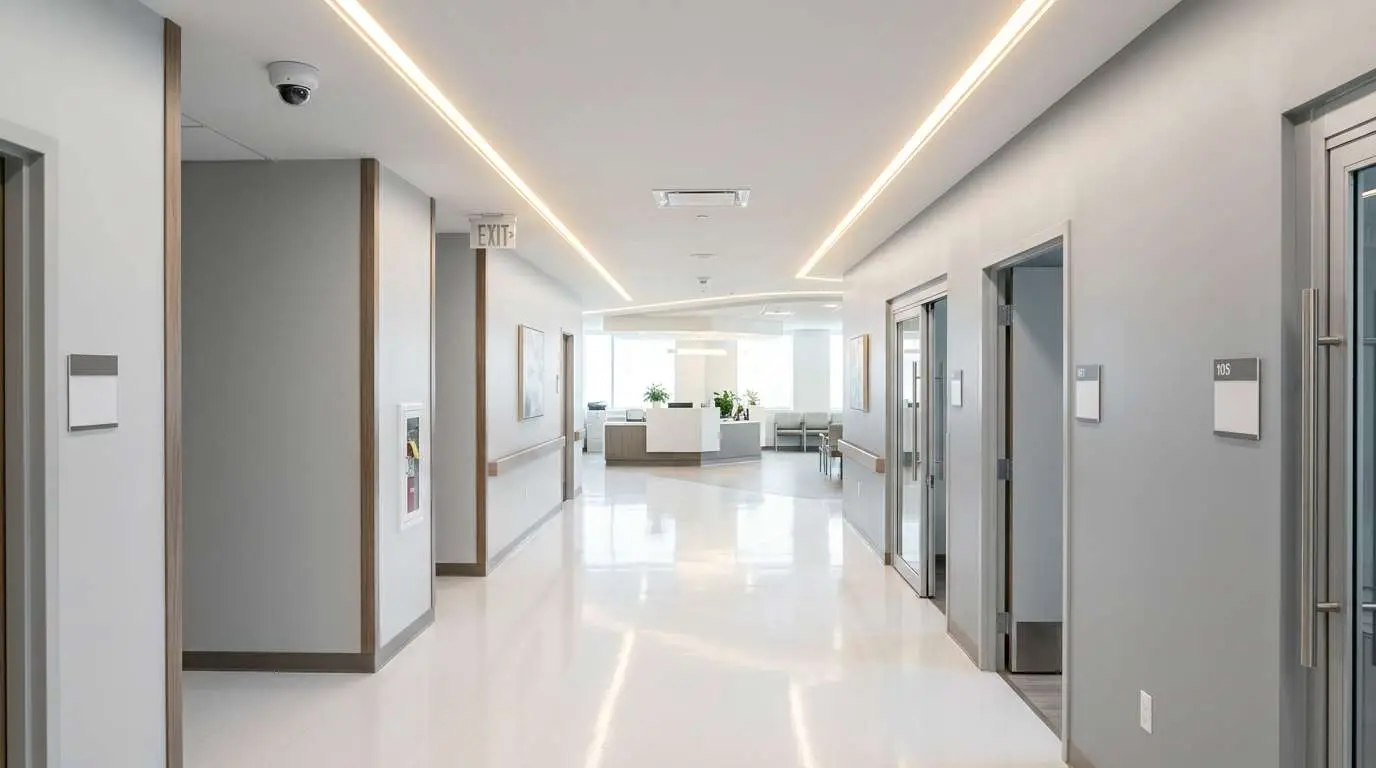
- Office interiors, reception areas, and conference rooms
- Retail sales floors and stockrooms (climate-controlled)
- Server rooms and data centers (temperature-controlled)
- Bank branches and financial service interiors
- Corridors, elevators, and enclosed stairwells
- Restaurant dining rooms and kitchens (unless open to outdoor elements)
Form Factor Considerations
Outdoor cameras are almost always dome or bullet configurations. Dome cameras are preferred for most commercial outdoor positions because their housing makes it difficult to determine which direction the camera is aimed — a deterrent benefit. Bullet cameras offer longer range and are appropriate for large parking lots, perimeter fencing, and applications where the directional nature of the camera is a feature rather than a liability.
Indoor cameras include dome, PTZ (pan-tilt-zoom), and discreet pinhole configurations. PTZ cameras are most commonly deployed indoors for large open areas — retail floors, warehouses, lobbies — where a single camera needs to cover a wide area with the ability to zoom in on detail.
Cost Difference
Outdoor-rated cameras of equivalent resolution and optics cost 15–30% more than comparable indoor cameras, primarily due to the housing. This cost difference is real but small relative to the total installed cost of a system that includes labor, cabling, and NVR. Specifying outdoor cameras in the wrong positions to save money is a false economy — an indoor camera that fails outdoors in 18 months costs more to replace than the price difference would have saved.
How to Specify Correctly
When planning a camera system, walk the facility and categorize every proposed camera position into one of three buckets:
- Definitely outdoor — exposed to weather, direct sun, or outdoor temperatures. Outdoor IP65+ rated camera required.
- Transitional / uncertain — semi-enclosed, loading area, industrial interior. Outdoor-rated camera required unless the space is fully climate-controlled and enclosed.
- Definitely indoor — climate-controlled, enclosed interior. Standard indoor camera acceptable.
When in doubt, specify outdoor. The incremental cost is minor; the cost of a premature failure is not.
Edge CCTV walks every site before specifying equipment. We identify transitional spaces and difficult environments as part of the free on-site assessment — ensuring the right camera goes in the right position the first time. Schedule an assessment here.
More in this series
Wireless vs. Wired Cameras|IP vs. Analog Cameras|Vandal-Proof Cameras Guide|How to Choose an NVR
Related Guide

About the Author
Bobby Edwards is the Operations Manager at Edge CCTV, where he has been overseeing commercial security camera installations across the Southeast since 2014. A TRENDnet Certified Network Engineer (TNCE) and GA 811-credentialed technician, Bobby manages installation crews, designs camera layouts for new projects, and ensures every system meets the technical standards that keep it running for years. More from Bobby Edwards.