One of the most common questions business owners ask when designing a security camera system is whether to go wired or wireless. The answer is almost always the same from experienced installers: for commercial applications, wired systems are the default, and wireless cameras are a supplement for specific situations where running cable is genuinely impractical. But “almost always” is not “always” — and understanding exactly why wired wins most commercial comparisons will help you recognize the specific scenarios where wireless genuinely makes sense for your facility.
How Each System Works
Wired IP Camera Systems
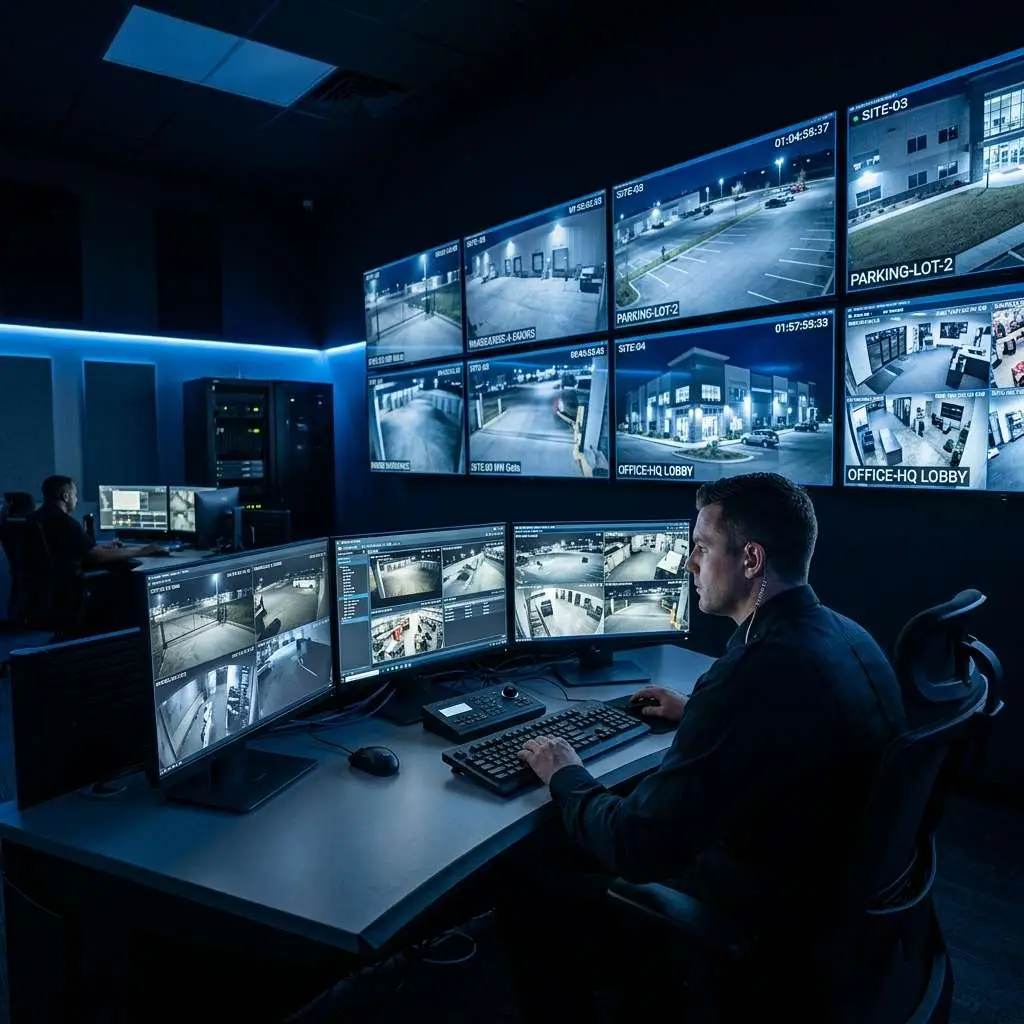
In a wired IP camera system, each camera connects to the network via a Cat5e or Cat6 Ethernet cable. That single cable carries both data (the video stream) and power (via PoE — Power over Ethernet), eliminating the need for a separate power outlet at each camera location. The cameras connect to a PoE network switch, which feeds into a Network Video Recorder (NVR) for storage. The NVR provides the interface for live viewing, playback, and system management.
This is the architecture of the vast majority of commercial security camera systems installed today. It is proven, reliable, and well-understood by professional installers.
Wireless IP Camera Systems
Wireless cameras transmit video over Wi-Fi (typically 2.4GHz or 5GHz) to a wireless access point or directly to a cloud recorder. They still require a power source — either a local AC outlet, a PoE injector via a short cable, or in some consumer-grade models, a rechargeable battery. True wireless cameras (battery-powered with no cable at all) are largely a consumer product and are not appropriate for commercial continuous recording.
In commercial wireless camera deployments, “wireless” typically means the video transmission is wireless, but the camera still has a power cable. The benefit is eliminating the long structured cabling run from the camera back to the NVR or switch room.
Why Wired Wins for Most Commercial Applications
Reliability
A wired camera is either working or it is not — there is no signal degradation, no interference, no bandwidth contention. Wireless video is susceptible to RF interference from other devices on the 2.4GHz band (microwaves, neighboring Wi-Fi networks, Bluetooth devices), physical obstructions between the camera and access point (concrete walls, metal shelving, HVAC equipment), and network congestion when many devices share the same wireless infrastructure.
In a commercial environment where your security system needs to record reliably 24 hours a day, 7 days a week, without gaps, wired is the architecture that delivers this consistently. Wireless can deliver it too — but requires more careful RF planning, higher-quality access points, and dedicated wireless infrastructure to match wired reliability.
Bandwidth and Video Quality
A single Cat6 cable to each camera supports Gigabit speeds — far more than any commercial camera requires, even at 4K resolution. Wireless bandwidth is shared between all devices connected to an access point, and real-world throughput is significantly lower than theoretical maximums. A 4MP camera at 15fps continuous recording requires approximately 4-8 Mbps. An access point serving 10 cameras simultaneously needs 40-80 Mbps of sustained wireless throughput — manageable on a well-designed 5GHz network, but a significant engineering challenge with no margin for other wireless traffic.
Security
Wireless signals can be detected and potentially jammed. A sophisticated criminal who knows your facility uses wireless cameras can carry a 2.4GHz jammer — a small, inexpensive device — that disrupts camera transmission across a wide area. Wired cameras are immune to this attack vector. For facilities with genuine security requirements (financial institutions, jewelry retailers, cannabis operations, server rooms), wireless camera vulnerability to signal jamming is a meaningful risk factor.
Long-Term Cost
The labor cost of pulling cable during initial installation is real and often significant. But that cost is paid once. Wireless infrastructure — access points, wireless-specific cameras — costs more than wired equivalents and requires ongoing maintenance. Access points need replacement every 5-7 years. Over a 10-year system lifespan, properly installed wired infrastructure typically has lower total cost of ownership than an equivalent wireless system.
When Wireless Makes Sense Commercially
Existing Buildings Where Cable Runs Are Not Feasible
Historic buildings with finished walls that cannot be disturbed, buildings where landlords prohibit drilling, and facilities where the path from camera location to NVR crosses structural obstacles that would make cable installation prohibitively expensive are all candidates for wireless. If running cable would require opening finished ceilings across a large span of occupied office space, wireless may be the practical answer even if it is not the theoretical ideal.
Temporary Locations
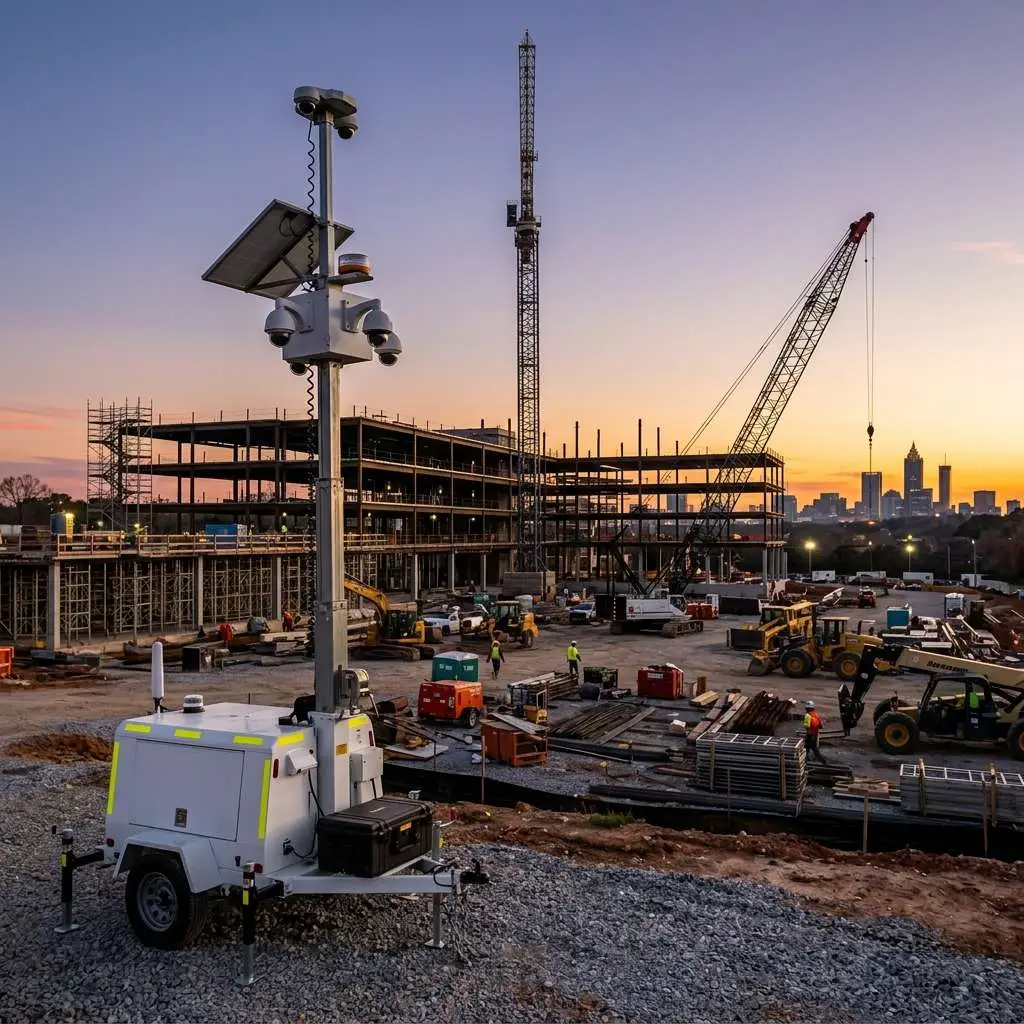
Construction site trailers, temporary retail pop-ups, seasonal outdoor events, and any other temporary business location are good candidates for wireless. When the location closes, wireless equipment is easier to relocate than permanently installed cabling.
Outdoor Locations Exceeding Cable Run Limits
Ethernet cable has a maximum run length of 328 feet (100 meters) per segment. Cameras at the far end of a large parking lot, at a remote gate, or covering a large outdoor storage yard may exceed this limit. Wireless (or a wireless bridge combined with wired cameras) can cover these distances without the fiber optic infrastructure that would otherwise be required.
Small-Scale Supplemental Coverage
Adding one or two cameras to an existing wired system in locations where pulling new cable is difficult can be accomplished with wireless cameras without rebuilding the entire system architecture.
The Hybrid Approach
Many commercial installations use a hybrid approach: wired cameras cover the primary coverage areas where cable runs are practical, and wireless cameras handle specific locations where wired installation would be unusually difficult or expensive. The NVR connects to both wired cameras directly and to the wireless network, receiving feeds from all cameras in a single unified interface.
Designing a hybrid system correctly requires RF planning for the wireless segment — identifying the right access point placement, ensuring adequate signal strength at each wireless camera location, and isolating the camera wireless network from general-purpose business Wi-Fi to prevent bandwidth contention.
What About Cellular-Connected Cameras?
A third option for truly remote locations is cameras that connect over 4G LTE or 5G cellular networks. These work where no local network infrastructure exists at all — remote storage facilities, agricultural properties, isolated construction sites. Monthly data costs and video resolution limitations (driven by cellular bandwidth and cost) make cellular cameras appropriate only for motion-triggered recording in remote locations, not for continuous high-resolution surveillance.
Questions to Ask Before Choosing
- Is cable installation feasible to all planned camera locations? If yes, wire it.
- Are there specific locations where cable installation is genuinely impractical? Those are wireless candidates.
- What is the security risk profile of the facility? Higher-security environments should default to wired for all critical coverage areas.
- Is this a permanent installation or temporary? Temporary installations favor wireless for flexibility.
- Is existing wireless infrastructure adequate to handle camera traffic? If not, the cost of upgrading wireless infrastructure may exceed the cost of running cable.
For most commercial businesses — retail stores, office buildings, warehouses, restaurants, car dealerships, and industrial facilities — a professional wired installation is the right answer. The cable run cost is a one-time investment that pays dividends in reliability, video quality, and security for the life of the system.
Edge CCTV designs commercial security camera systems tailored to your facility layout and constraints. Contact us for a free on-site assessment — we will evaluate cable feasibility and recommend the right architecture for your building.
More in this series
Security Camera Cost Guide|IP vs. Analog Cameras|How to Choose an NVR|Vandal-Proof Cameras Guide
Related Guide

About the Author
Bobby Edwards is the Operations Manager at Edge CCTV, where he has been overseeing commercial security camera installations across the Southeast since 2014. A TRENDnet Certified Network Engineer (TNCE) and GA 811-credentialed technician, Bobby manages installation crews, designs camera layouts for new projects, and ensures every system meets the technical standards that keep it running for years. More from Bobby Edwards.