If your business still runs analog CCTV, an aging DVR, or early-generation IP cameras from a decade ago, you are probably paying a hidden cost every month. Grainy footage, blind spots at night, slow remote access, and storage that fills up in days are not minor annoyances – they are gaps in the security story you tell insurers, employees, and law enforcement after an incident.
Upgrading security cameras is not about chasing the latest gadget. It is about matching image quality, retention, and access to how your site actually operates today. Modern IP systems deliver sharper evidence, smarter alerts, lower total cabling complexity, and remote viewing that works on phones without VPN gymnastics. This guide explains the practical benefits of moving from analog or old IP to current hardware, what to prioritize in a phased upgrade, and how to avoid replacing everything at once when budget is tight.
For a full framework on evaluating cameras, retention, and vendor quotes, see our Complete Guide to Business Security Camera Systems. For installation scope and cost drivers, see Commercial Security Camera Installation.
Why Businesses Wait – and Why Delay Gets Expensive
Camera upgrades stall for predictable reasons: the old system still “works,” replacement quotes feel large, and nobody wants downtime in a busy retail floor or active warehouse. Those are fair concerns. The problem is that working and useful are not the same thing.
Analog and early IP systems often record at resolutions too low to identify people, vehicle markings, or distinguishing clothing at distance. DVRs with failing drives corrupt clips silently. Firmware on discontinued models stops receiving security patches. Staff stop checking alerts because motion detection floods phones with tree-shadow false alarms. Each month you defer upgrade, you gamble that your next incident will be minor – and that police or insurance will accept footage that does not clearly show what happened.
Upgrading does not always mean ripping out every camera on day one. Many businesses phase projects: replace critical exterior and entrance cameras first, retain usable interior units temporarily, and migrate recording to a modern NVR with enough headroom for full replacement over twelve to twenty-four months. The benefit starts as soon as your highest-risk zones produce usable evidence.
Image Quality: From “Something Moved” to Provable Detail
The most visible upgrade benefit is resolution. Modern 4MP, 5MP, and 8MP IP cameras capture far more pixels per scene than analog CVBS or early 1.3MP IP models. That matters at choke points: main entrances, cash handling areas, loading docks, and parking lanes where you need to see faces, logos on clothing, handoffs, and vehicle descriptions.
Low Light and Night Performance
Older cameras often switch to noisy black-and-white modes at night, smearing motion into gray blur. Current sensors with improved low-light sensitivity, better infrared illumination, and wide dynamic range (WDR) hold detail when headlights, storefront glare, or security floods create harsh contrast. For businesses open after dark – restaurants, convenience stores, self-storage, medical clinics – night quality is not a luxury. It is when most external incidents occur.
Lens Selection and Coverage Efficiency
Upgrades are an opportunity to fix lens mistakes. A wide-angle camera that covers a whole lot but cannot read a plate or face at the far curb should be replaced with a tighter lens or a dual-sensor design. Varifocal and motorized zoom cameras cost more per unit but reduce total camera count when aimed correctly. Better coverage design often lowers long-term cost even when per-camera price rises.
From Coax Spaghetti to Structured IP Infrastructure
Analog systems depend on coax runs home-run to a DVR, often with separate power lines and baluns where cable quality was uneven. IP cameras on Power over Ethernet (PoE) use a single Cat6 run per device to a network switch, simplifying installs and troubleshooting.
- PoE standardization: IEEE 802.3af/at/bt delivers power and data on one cable, reducing failure points.
- Managed switches: VLAN segmentation keeps cameras off your guest Wi-Fi and POS network.
- Cable certification: New Cat6 supports higher bandwidth for multi-stream and future analytics without re-cabling.
- Remote diagnostics: IP devices report link status, packet errors, and firmware versions – coax faults are harder to isolate.
Some retrofits reuse existing coax with encoders, but that is a bridge solution, not an end state. When coax is brittle, unlabeled, or water-damaged in ceilings, a structured IP rebuild pays off in maintainability. Discuss reuse vs. replace during a professional security consultation so you do not invest in adapters for cable that will fail within a year.
Storage, Retention, and Evidence You Can Actually Export
Old DVRs max out at limited drive bays, proprietary formats, and export workflows that require USB sticks and proprietary players. Modern NVRs support larger RAID arrays, H.265/H.265+ compression, and standard export formats for police and insurance.
Retention is a business decision, not a tech hobby. Thirty days may suffice for a small office; sixty to ninety days helps seasonal businesses and liability-heavy sites. Upgrading lets you right-size storage during design instead of discovering overwrite cycles that erase footage the day before someone files a claim.
Edge recording on cameras – storing clips locally on SD cards as backup – adds resilience when switch or NVR outages occur. Not every business needs it, but upgraded hardware makes the option available where chain-of-custody and uptime matter.
Smarter Alerts Without Alert Fatigue
Legacy motion detection treats every pixel change as an event. Modern systems apply analytics to classify people, vehicles, and zones before pushing notifications. That changes how staff interact with the system: fewer 2 a.m. false alarms from moths and shadows, more actionable alerts from loading docks and fenced yards after hours.
Analytics are not biometric identity matching. Edge CCTV does not deploy facial recognition as a product feature. Person-and-vehicle classification means “something human-shaped entered Zone B,” not “this is employee Jane Doe.” That distinction matters for privacy policy, employee trust, and legal review in many industries. Upgraded cameras support useful detection without crossing into biometric surveillance you did not intend to buy.
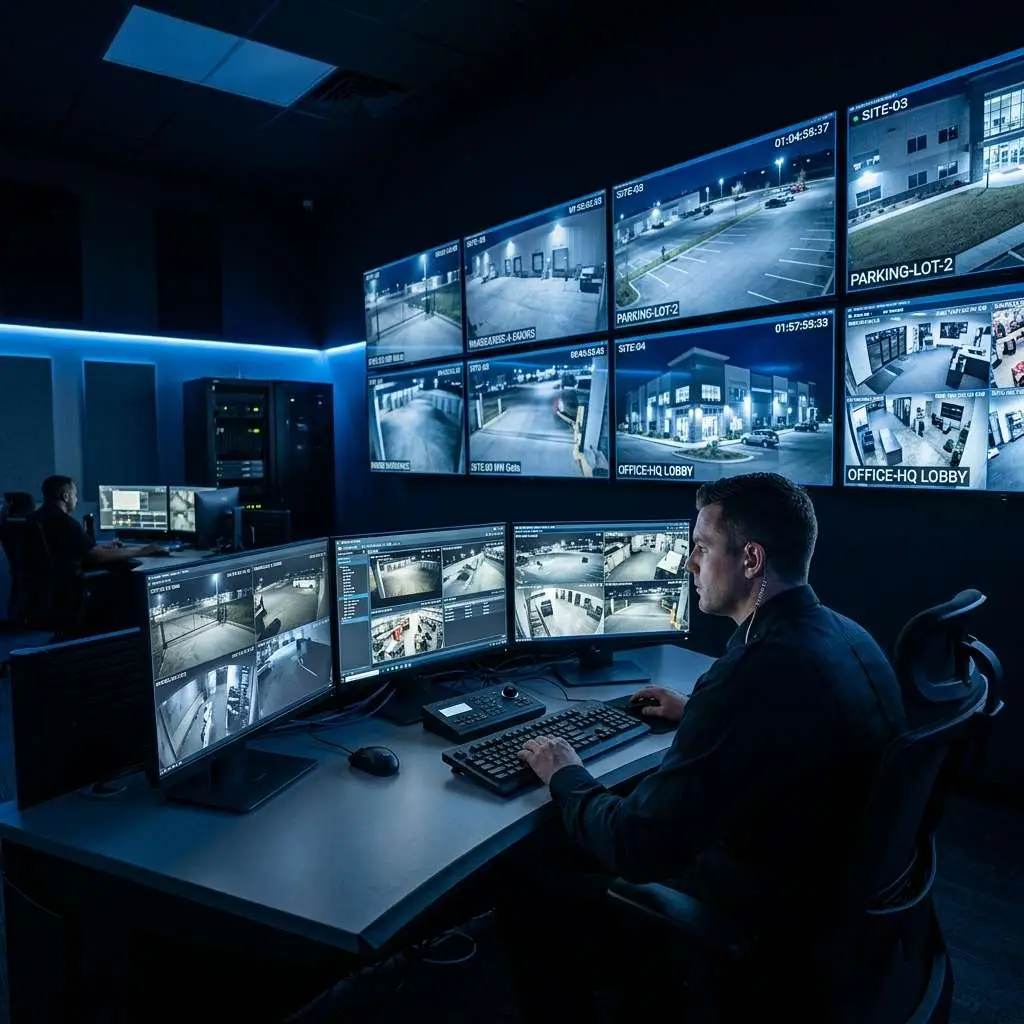
Pair analytics with Virtual Guard video monitoring when you want human verification before police dispatch or talk-down audio on construction and vacant property sites. The upgrade path is layered: better sensors first, intelligent rules second, live monitoring where ROI is clear.
Remote Access That Works for Owners and Managers
Early IP systems promised phone viewing but often delivered broken port forwarding, expired DDNS accounts, and plugins that browsers no longer support. Current platforms offer mobile apps with encrypted cloud relay or properly configured VPN access, multi-user permissions, and clip sharing without handing everyone admin passwords.
For multi-location operators, centralized dashboards beat logging into twelve separate DVRs. Upgrading aligns user management with how your team actually works: district managers who check stores weekly, facilities leads who respond to after-hours alerts, and owners who want a thirty-second clip, not a networking project.
Cybersecurity and Firmware Lifecycle
Disconnected DVRs on old firmware are soft targets on your network. Modern vendors publish security advisories, patch CVEs, and support TLS for remote sessions. Upgrading hardware is an opportunity to segment cameras on a dedicated VLAN, disable unused services, change default credentials, and document an update cadence – the same hygiene that protects your POS and accounting systems.
Camera upgrades alone do not guarantee security. A brand-new system left on factory passwords with UPnP exposed is still risky. Professional commercial installation includes network hardening as part of commissioning, not as an optional extra you discover after a breach headline.
Insurance, Liability, and Operational ROI
Insurers and legal counsel increasingly expect timestamped, high-resolution video with reliable retention policies. Clear footage speeds internal investigations: slip-and-fall claims, inventory shrink disputes, workers comp incidents, and vendor delivery conflicts. The upgrade benefit is time saved proving what happened – or disproving what did not.
Operational uses multiply once image quality improves. Training staff on customer flow, verifying contractor work, confirming gate closures, and reviewing safety near forklifts all use the same cameras purchased for security. A system that people trust to be accurate gets watched; a blurry DVR everyone ignores provides false comfort.
Phased Upgrade Strategies That Respect Budget
Full rip-and-replace is not the only path. Common phased approaches include:
- Critical perimeter first: Entrances, parking, and cash-handling zones before low-risk hallways.
- Recorder modernization: New NVR with encoders for remaining analog cameras, then replace cameras as budgets allow.
- License and channel expansion: Some platforms unlock additional channels with software keys as you add hardware.
- Monitoring-ready design: Place two-way audio and analytics-friendly angles where virtual guard may follow in a later phase.
Document a written roadmap so year-one spending does not paint you into a corner – incompatible mounts, orphaned switches, or storage that cannot grow.
When to Pair Upgrades with New Services
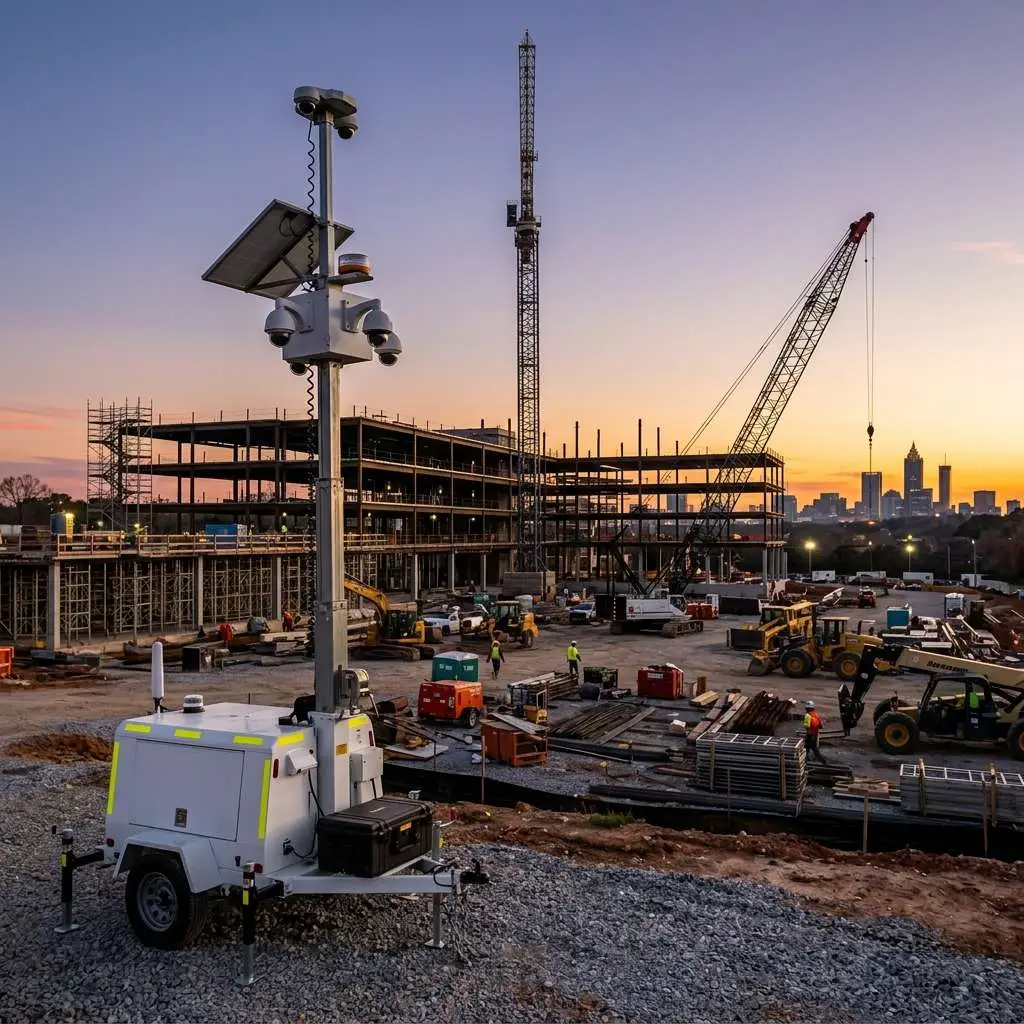
Hardware upgrades unlock services that were impractical on old gear. Mobile video surveillance trailers address temporary sites during construction or events. Virtual guard monitoring becomes cost-effective when analytics filter noise before a human operator reviews live views. Access control integrations correlate door events with nearby cameras without facial recognition – timestamp correlation and standard video review.
Industry-specific needs vary. Restaurants worry about patio and dumpster areas; warehouses prioritize dock doors and yard perimeters; healthcare clinics balance entrance coverage with interior privacy expectations. Browse industries we serve for patterns that match your environment, then align upgrade priorities accordingly.
Choosing What to Upgrade First
| Pain Point Today | Upgrade Priority | Expected Benefit |
|---|---|---|
| Unreadable night footage at entrances | Exterior cameras with modern low-light sensors and IR | Identifiable subjects and smoother insurance review |
| DVR storage fills in under two weeks | NVR with H.265 and right-sized drives | Meet retention targets without constant overwrite |
| Cannot view remotely without IT help | Modern platform with mobile app and user roles | Owners and managers self-serve clips |
| False motion alerts ignored | Analytics-capable cameras with zone rules | Staff trust alerts again; faster response |
| Aging coax and power injectors failing | Structured Cat6 PoE and managed switch | Fewer truck rolls and clearer troubleshooting |
Use this table as a conversation starter with installers, not a rigid formula. Site surveys reveal whether cable reuse, pole mounts, or lift access change the sequence.
Work With Edge CCTV
Edge CCTV helps Atlanta-area businesses plan camera upgrades that respect budget phasing and daily operations. We assess existing coax, IP, and NVR gear honestly – sometimes retention and switch upgrades deliver quick wins; sometimes critical zones need new sensors immediately. We design business security camera systems without pushing biometric features your policies do not need. Edge does not use facial recognition.
Request a professional security consultation to walk your property and build a written upgrade roadmap, or contact our team at (678) 883-0999.
Related Guide
Upgrading starts with the right specs and buying criteria – compare options in our Complete Guide to Business Security Camera Systems →

About the Author
Kevin Harkins is the Director of Sales at Edge CCTV, where he has spent 10 years helping business owners design and implement commercial security camera systems across Atlanta, Birmingham, Chattanooga, and beyond. Starting as an Outside Sales Representative and working his way up through Sales Manager to Director of Sales, Kevin has guided hundreds of businesses through the process of evaluating, specifying, and installing the right system for their facility. More from Kevin Harkins.