Security camera systems for schools and educational campuses carry requirements that most commercial environments do not face: strict privacy regulations, political sensitivity around surveillance of minors, architectural complexity of large campus facilities, and the unique operational rhythms of an institution that may be bustling during the day and completely empty at night. Getting the design right — both technically and legally — requires a more thoughtful approach than a standard commercial installation. This guide covers what K-12 schools and higher education campuses need to know before deploying or upgrading a security camera system.
K-12 Schools vs Higher Education Campuses: Key Differences
While both share common security concerns, K-12 schools and college or university campuses have meaningfully different security profiles and regulatory environments.
K-12 schools operate under stricter oversight because they house minors. Parents, school boards, and state education agencies have heightened sensitivity to any surveillance system perceived as invasive. K-12 security programs typically prioritize controlled access (single-point entry with visitor verification), immediate response capability, and deterrence over investigative use. Cameras at K-12 campuses are most commonly used to document incidents that have already occurred, support expulsion hearings, and provide evidence for law enforcement when crimes occur on campus property.
Higher education campuses operate more like open commercial environments and often span multiple buildings across acreage. Students and faculty move freely between buildings, and the institution has a significantly larger perimeter to manage. Campus security at universities often integrates with local law enforcement, operates a dedicated dispatch function, and manages a more complex mix of public-access and restricted-access zones. The privacy calculus is somewhat different — university students are adults — but FERPA (Family Educational Rights and Privacy Act) considerations still apply to footage that captures identifiable students in educational settings.
Both institution types benefit from a layered security approach: perimeter detection, access-controlled entry, interior corridor monitoring, and high-risk area coverage. The emphasis and regulatory constraints differ, but the technical infrastructure is similar.
Where Cameras Should Be: Key Coverage Zones
Main Entrance Vestibule and Visitor Control Point
The single most important camera location in any K-12 school is the main entrance vestibule. Modern best practice for K-12 security is a double-door airlock vestibule design: visitors enter through an outer door (often manually or remotely unlocked), are observed and verified via intercom and camera before the inner door is released, and only then gain access to the main building. Every component of this system needs camera coverage: the outer door exterior, the vestibule interior, and the inner door area with a face-capture angle.
The camera at the outer door should be positioned to capture clear facial imagery of anyone standing at the intercom panel — typically mounted at 7 to 9 feet on the door frame, angled down at 15 to 25 degrees. The interior vestibule camera should cover the full space from above. The office staff who control door access should have a live monitor displaying both cameras at their workstation.
For higher education campuses, equivalent priority zones include any building that requires card access, the campus police dispatch center, and residence hall lobbies.
Parking Lots and Bus Loops
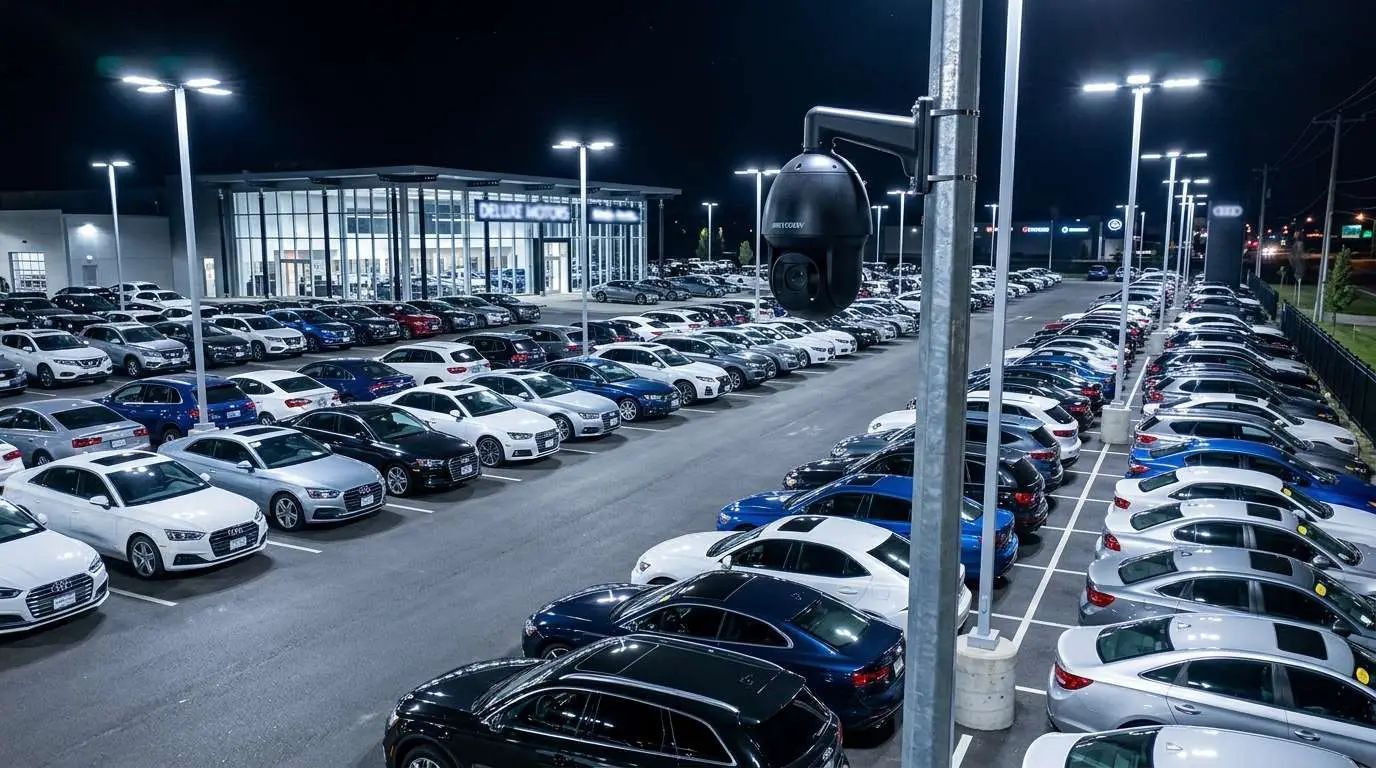
Parking lots are frequently the highest-incident-density zones on school campuses. Afternoon dismissal creates chaotic conditions in which conflicts, vehicle incidents, and unauthorized visitor access are all elevated risks. Comprehensive parking lot coverage requires cameras positioned to capture both vehicle movement lanes and pedestrian areas, with resolution sufficient to read license plates at the lot exit.
Bus loops — the dedicated loading and unloading zones for school buses — require specific coverage of the full loop perimeter, the student boarding zone, and any area where students cross active driveways. After-school incidents in bus loops are disproportionately common in incident reports from K-12 campuses.
For universities, campus parking structures require a camera at every entry and exit lane, elevator lobbies on each floor, and stairwell entrances — these are among the highest-risk zones for assault incidents on college campuses according to campus security data.
Gymnasiums and Athletic Facilities
Gymnasiums and athletic facilities present a specific challenge: they are large, high-ceiling spaces that require wide-area coverage, and they operate on irregular schedules (evening events, weekend tournaments) that extend the monitoring requirement beyond normal school hours. For gymnasiums, perimeter cameras covering entry doors and the gym floor are appropriate. Locker room areas (not the locker rooms themselves — see the privacy section below) and equipment storage rooms warrant dedicated coverage given the value of athletic equipment and the frequency of equipment theft.
Cafeteria
The cafeteria is typically the highest-density public space on a K-12 campus during lunch periods, and it is a common location for conflict incidents. Two to four cameras covering the serving lines, seating area, and cafeteria exits provide comprehensive coverage in most school cafeteria configurations. Vandalism of food service areas after hours is also a documented pattern in schools without after-hours monitoring.
Hallway Intersections and Corridor Coverage
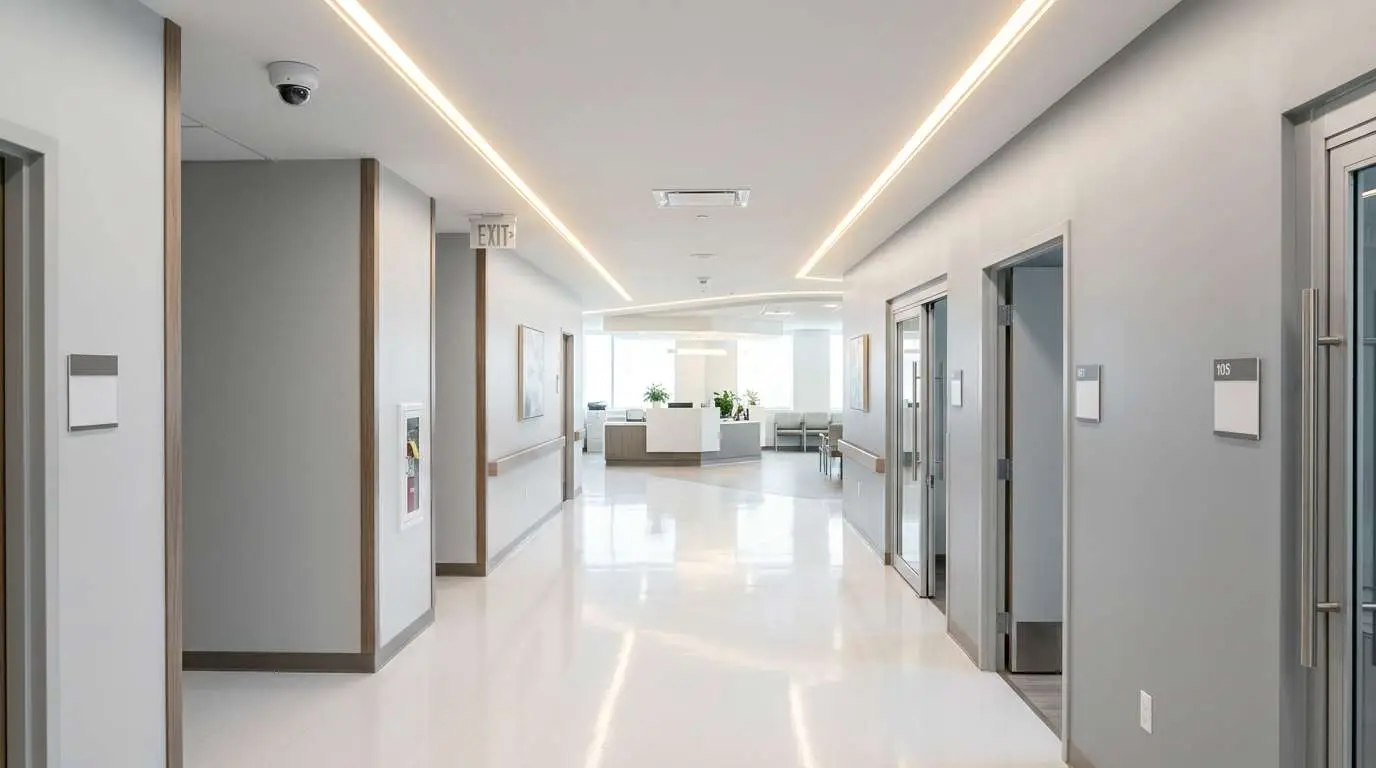
Interior hallway cameras serve two primary functions: deterrence of in-school behavioral incidents and post-incident documentation. Camera placement at the intersection of major corridors — rather than continuous coverage of every hallway segment — is the most cost-effective approach. A camera positioned at a T-intersection or four-way corridor junction can observe two to four hallway directions simultaneously with appropriate lens selection, reducing camera count while maintaining effective coverage.
Secondary placement priorities include: areas near restroom entrances (camera outside the entrance, not inside), lockers (particularly in schools with documented locker-related incidents), and any areas identified by administrators as incident-prone based on prior history.
Exterior Perimeter
The exterior perimeter of a school campus — the outer walls of the building, the fence line if applicable, and any unsupervised outdoor areas — provides the first layer of detection for unauthorized access after hours. Cameras positioned to cover the building perimeter from above (roofline-mounted or on exterior poles) should provide overlapping coverage with no significant gaps.
For schools with athletic fields, outdoor courts, or portable classroom clusters, those areas should be included in the perimeter coverage plan. Portable classrooms and outbuildings are disproportionately targeted for vandalism and burglary in school facility incident data.
Where Cameras Are NOT Allowed: Privacy and Legal Compliance
This section is not optional reading — placing cameras in prohibited areas exposes the school district to civil liability and, in some jurisdictions, criminal penalties.
Restrooms and locker rooms: Cameras are strictly prohibited inside restrooms and locker rooms in all U.S. jurisdictions. This prohibition is absolute and does not carry exceptions for safety or security purposes. Cameras may be placed at the entrance to these spaces — covering the door and the area immediately in front of the door — but the camera angle must not be able to capture any view of the interior when the door is open. Consult your district’s legal counsel before installing any camera within sightline of a restroom or locker room entrance.
Medical and counseling spaces: School health offices, counseling rooms, and any space where confidential conversations occur should not have interior camera coverage. Entry coverage is generally acceptable; interior coverage creates confidentiality concerns that may conflict with HIPAA (for health information) and general privacy expectations for counseling contexts.
Spaces with a reasonable expectation of privacy: This is a catch-all that varies by jurisdiction, but generally includes any space where individuals have a reasonable expectation of not being observed. Administrative application of cameras in classrooms is an area where districts frequently face pushback from teachers’ unions and parents — some states have specific regulations governing classroom cameras. Verify applicable state law before installing classroom cameras.
Document your placement policy: Every school district should have a written camera placement policy that specifies where cameras are located, who has access to footage, retention periods, and conditions under which footage can be reviewed. This policy protects the district legally and provides a framework for responding to records requests and legal holds.
Visitor Management Integration
Security cameras are most effective when integrated with a visitor management system (VMS) at the main entrance. Modern school VMS platforms (Raptor, Verkada Access, and others) scan visitor IDs against sex offender registries and custody databases at entry. When a camera at the vestibule feeds a live view to the office staff member operating the VMS, the two systems together provide a robust access control layer that neither provides alone.
For higher education campuses, card access control systems integrated with camera feeds allow security personnel to immediately pull footage of any card swipe at any access-controlled door — a capability that dramatically shortens incident investigation timelines. If your campus access control and camera systems are on separate platforms that do not communicate, a technology upgrade to a unified platform should be a priority when any component of either system is due for replacement.
After-Hours Monitoring: The Undervalued ROI Driver
School campuses are frequently targeted for vandalism, graffiti, and burglary during evenings, weekends, and summer breaks. This is well-documented in school facility management literature, and it is one of the strongest ROI arguments for comprehensive camera systems in educational settings.
A school district that experiences recurring summer break vandalism — graffiti, broken windows, equipment theft — can typically document specific dollar losses per incident. Comparing those losses against the cost of a camera system that enables rapid detection and law enforcement response often shows a payback period of one to three years for the camera investment, particularly when integrated with video monitoring services that can alert law enforcement within minutes of a detected intrusion rather than hours (when staff arrives the next morning).
When presenting a camera system proposal to a school board or facilities committee, after-hours loss prevention data from comparable districts in your region is among the most persuasive supporting evidence. Ask your security integrator if they can provide reference data from comparable school clients.
How to Pitch the School Board: Making the ROI Case
School board approval for security camera investments requires a different kind of case than a business owner making a unilateral purchasing decision. Board members are accountable to parents, taxpayers, and administrators who may have concerns ranging from privacy to budget priorities. An effective presentation addresses all of these dimensions.
Document the current risk: Compile incident reports from the past two to three years — incidents that were not resolved due to lack of camera evidence, and incidents where existing cameras provided key evidence. This data demonstrates both the value of cameras already in place and the cost of gaps in the current system.
Quantify the financial exposure: Insurance deductibles, repair costs, substitute security personnel, and law enforcement liaison time all have dollar values. If the district’s property insurer offers a rate reduction for documented security improvements, get that figure in writing and include it in the presentation.
Address the privacy concern directly: Present your proposed camera placement policy, the list of prohibited zones, the access control policy for footage review, and the retention period before footage is overwritten. Demonstrating that you have thought through the privacy implications proactively disarms objections before they become obstacles.
Phase the investment if necessary: A full-campus camera upgrade may be a multi-year capital project. Presenting a phased implementation plan — highest-priority zones in year one, secondary zones in subsequent years — makes the budget request more approachable and gives the board a milestone structure that builds confidence through demonstrated results.
Technology Considerations for Educational Campuses
Large educational campuses benefit from several technology features that smaller commercial installations may not require:
- PoE switches at distributed locations: Rather than running all cable to a central NVR, large campuses often use building-level or wing-level PoE switches that feed a campus-wide NVR via fiber or network infrastructure. This reduces cable run lengths and simplifies future expansion.
- Cloud-managed or hybrid recording: Cloud-managed camera systems allow district IT staff to manage all cameras from a central dashboard, push firmware updates remotely, and access footage without being physically present at the NVR. This is particularly valuable for multi-building campuses.
- Video analytics: Schools with higher security budgets are increasingly deploying AI-based video analytics that can detect loitering, perimeter breaches, or unattended bags and alert security personnel in near-real-time. These analytics run at the camera or at the NVR and reduce the monitoring burden on staff who cannot watch live feeds continuously.
- Integration with emergency notification systems: Some campus security platforms can trigger school-wide PA announcements or lockdown notifications based on camera-detected events or manual security triggers. If your district uses an emergency notification system, ask your camera vendor about integration options.
Working with Edge Business Security Cameras on Educational Projects
Edge Business Security Cameras has experience designing and installing security camera systems for educational facilities, from single-building private schools to multi-building campus environments. We understand the regulatory requirements, the board presentation process, and the operational constraints of working within an active school environment during installation.
We offer free facility assessments that result in a detailed camera placement recommendation, coverage map, and transparent installation quote — everything you need to take a camera system proposal to your school board with confidence. Contact us to schedule your assessment.
More in this series
Security Cameras by Industry|Retail Security After Dark|Healthcare Security|Manufacturing Surveillance|
Related Guide

About the Author
Kevin Harkins is the Director of Sales at Edge CCTV, where he has spent 10 years helping business owners design and implement commercial security camera systems across Atlanta, Birmingham, Chattanooga, and beyond. Starting as an Outside Sales Representative and working his way up through Sales Manager to Director of Sales, Kevin has guided hundreds of businesses through the process of evaluating, specifying, and installing the right system for their facility. More from Kevin Harkins.
For Edge’s school vertical overview, visit school security systems. Daycares and early-learning centers: daycare security.