Managing one location’s security is hard enough. When you’re responsible for two, five, or fifty locations, the complexity multiplies — different camera brands, separate login credentials, disconnected footage, and no way to get a unified view of your entire operation.
It doesn’t have to be this way. Modern multi-location security camera platforms let you view, manage, and monitor every camera across every location from a single dashboard, whether you’re in the office, at home, or on the road.
The Multi-Location Security Challenge
Business owners and operations managers with multiple sites face common frustrations:
- ❌ Different systems at different locations — Each site was set up at a different time, with different equipment
- ❌ Multiple apps and logins — Juggling different software for each location
- ❌ No centralized alerts — An incident at Location B doesn’t notify the team at Location A
- ❌ Inconsistent camera quality — Some locations have 4K, others still run 480p
- ❌ Siloed footage — Can’t compare footage across locations or pull reports across sites
- ❌ Uneven security coverage — Some locations are well-protected, others have blind spots
How Centralized Multi-Location Systems Work
A modern multi-site security platform connects all your locations into one unified system:
The Architecture
- Each location has its own NVR and cameras on a local network
- Each NVR connects to the central platform via encrypted internet connection
- The central platform aggregates all feeds into one interface
- You access everything from one app on your phone, one web portal, or one desktop client
What You Can Do from One Dashboard
- ✅ View live feeds from every camera at every location simultaneously
- ✅ Playback footage from any location, any date, any time
- ✅ Receive unified alerts — one notification stream across all sites
- ✅ Manage user access — give regional managers access only to their locations
- ✅ Generate reports — cross-location analytics for corporate review
- ✅ Push firmware updates — update all cameras and NVRs remotely
- ✅ Monitor system health — see which cameras are offline across your entire network
Who Needs Multi-Location Camera Management?
| Business Type | Typical Location Count | Key Benefits |
|---|---|---|
| Franchise operations | 5 – 500+ | Standardized security across all franchisees |
| Restaurant/QSR chains | 3 – 100+ | POS integration across locations, corporate oversight |
| Retail chains | 3 – 200+ | Loss prevention analytics, employee accountability |
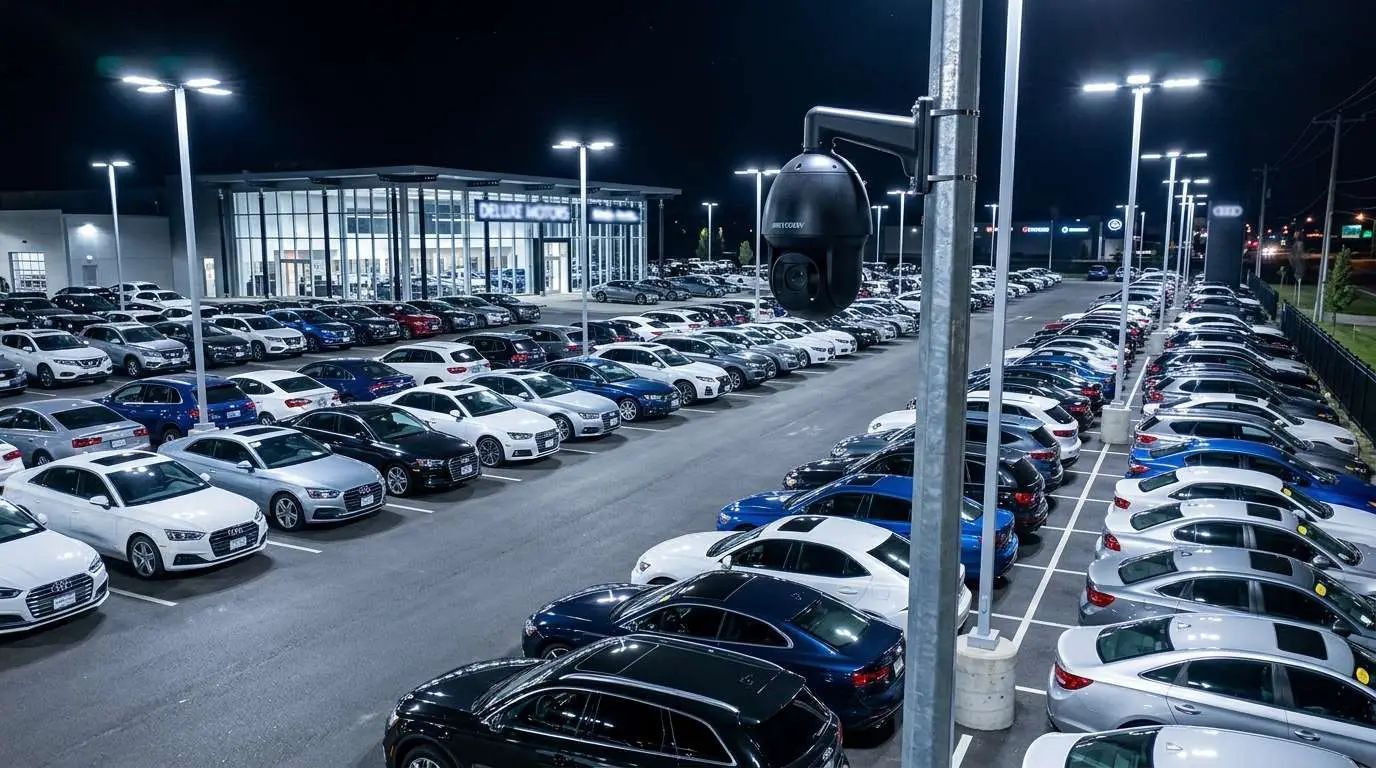
| Auto dealership groups | 2 – 20 | Lot monitoring, after-hours virtual guard |
| Property management | 5 – 100+ | Tenant safety, common area monitoring |
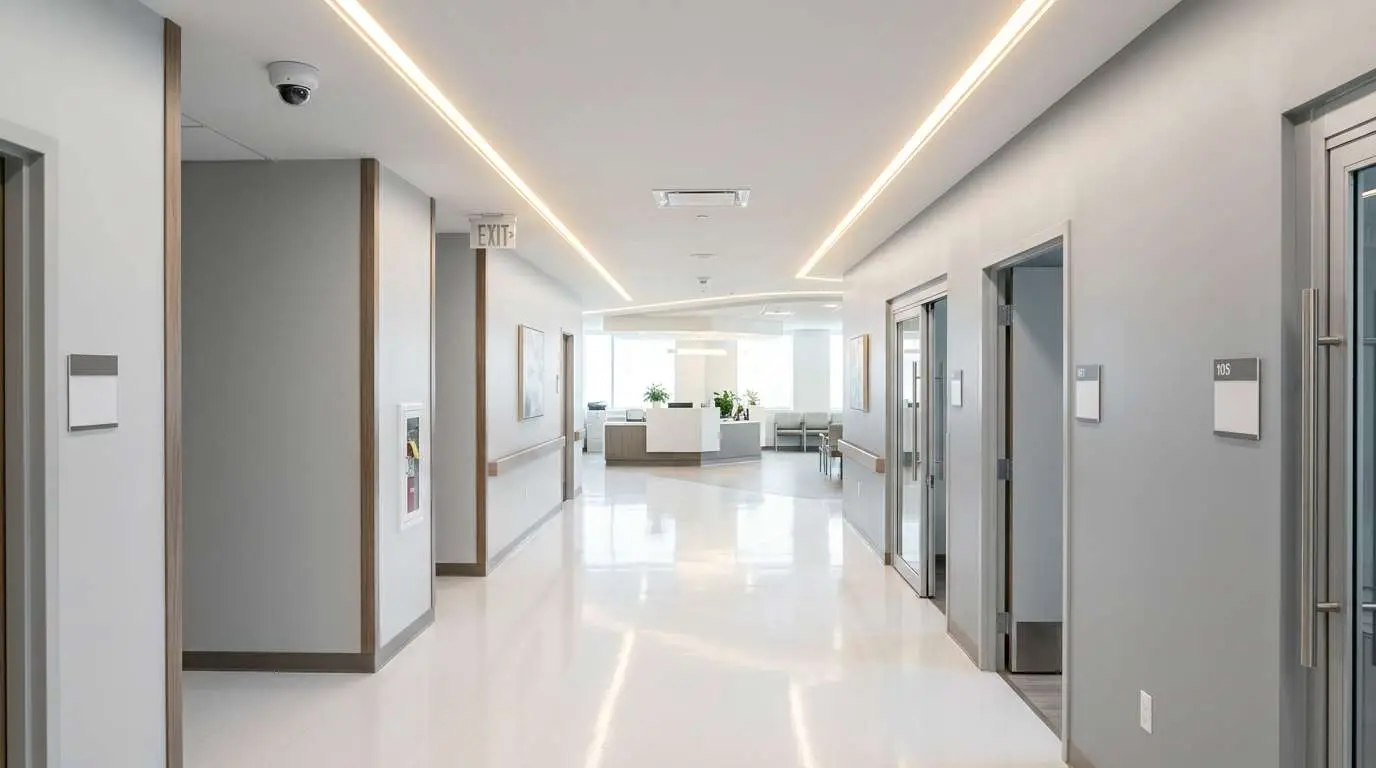
| Healthcare groups | 3 – 50+ | HIPAA-aware monitoring, access control |
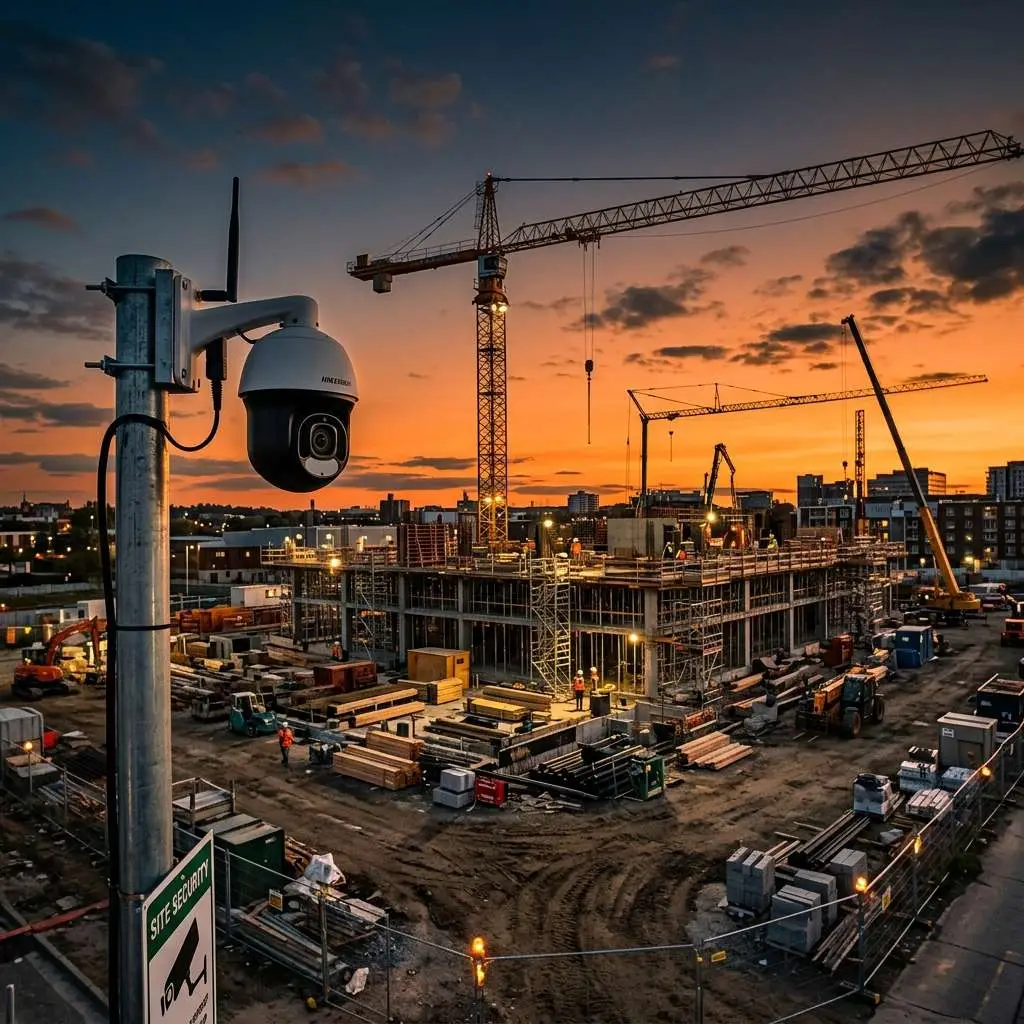
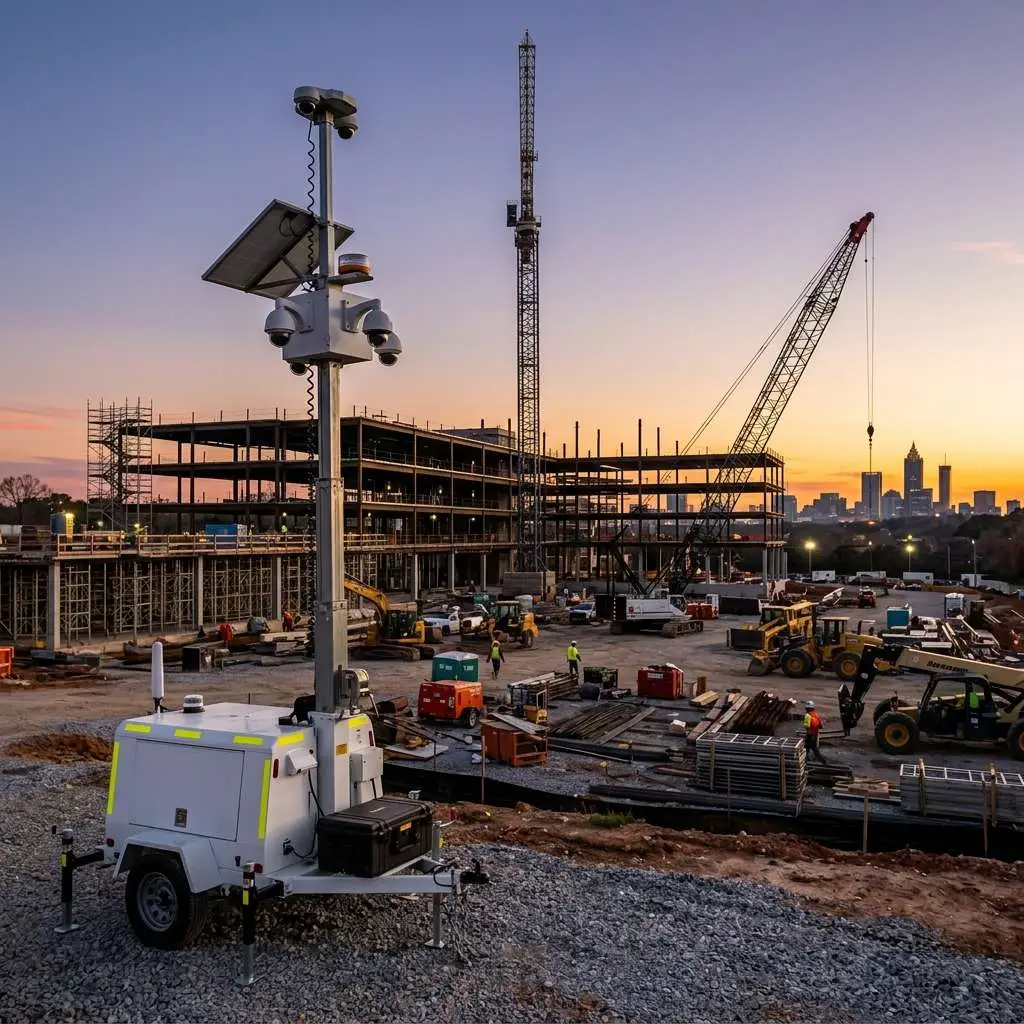
| Construction companies | Variable | Mobile trailers across active jobsites |
| Churches with campuses | 2 – 10 | Unified safety monitoring for all buildings |
Key Features for Multi-Location Systems
Role-Based Access Control
Not everyone needs access to everything:
- Owner/CEO: Access to all locations, all cameras, all reports
- Regional manager: Access to their region’s locations only
- Store manager: Access to their single location only
- Security team: Live view and playback access, no system settings
- IT admin: System configuration and health monitoring
Standardized Camera Layouts
Consistency across locations makes management dramatically easier:
- Same camera models at every site
- Same NVR configuration
- Same naming conventions (e.g., “L3-POS-1” = Location 3, POS Camera 1)
- Same retention policies
- Same alert rules
Centralized Health Monitoring
Know immediately when something goes wrong at any location:
- 🔴 Camera offline alerts
- 🔴 Hard drive failure warnings
- 🔴 Network connectivity issues
- 🔴 Storage capacity warnings
- 🔴 Tampering detection
Cross-Location Analytics
Compare security metrics across your entire portfolio:
- Incident count by location
- Most active alert times by site
- Camera uptime and reliability scores
- Employee access patterns (with access control integration)
Transitioning from Separate Systems to Unified Management
If your locations currently have different, disconnected systems, here’s the path forward:
Option 1: Full Standardization (Recommended)
Replace all cameras and NVRs across all locations with a unified platform. This provides the best long-term result but requires the highest upfront investment.
Best for: Companies planning to keep all locations long-term, franchisors requiring consistency.
Option 2: Phased Rollout
Upgrade one location at a time, starting with the highest-priority sites. Connect each new system to the central platform as it’s installed.
Best for: Budget-conscious rollouts, companies adding new locations regularly.
Option 3: Platform Overlay
Keep existing cameras and NVRs, but add a central management platform that connects to multiple NVR brands. This sacrifices some advanced features but avoids replacing working equipment.
Best for: Locations with relatively new equipment that still works well.
The Edge CCTV Multi-Location Approach
At Edge CCTV, multi-location management is one of our core strengths. We serve businesses with locations across Georgia, Alabama, Tennessee, Texas, Florida, South Carolina, and North Carolina — and we manage all of them from one unified platform.
Our Process
- Multi-site assessment — We audit all your locations and document current systems
- Standardization plan — We design a unified system architecture
- Phased installation — We deploy site by site with minimal disruption
- Central platform setup — We configure your unified dashboard with role-based access
- Training — We train your team on the centralized platform
- Ongoing support — One phone number, one support team, all locations covered
Ready to Unify Your Security?
Stop juggling multiple systems. Let Edge CCTV design a multi-location security platform that gives you total visibility across every site.
📞 Call us: 678-883-0999
🗓️ Schedule Your Multi-Site Assessment
Edge CCTV manages multi-location security for businesses across the Southeast. See our full service offerings.
More in this series
Restaurant Security Cameras|Virtual Guard vs. Security Guard|Retail Security After Dark|Automotive Dealership Security
Multi-Site Rollout Sequence That Avoids Rework
Standardize camera models, NVR naming, user roles, and retention before the third location goes live. Otherwise every store becomes a one-off that nobody can support. Roll critical exterior and cash areas first, validate remote health monitoring, then deepen interior coverage once the template is proven.
Tie access control and video under the same permission model so a terminated badge also removes live-view rights. For portfolio planning, pair this spoke with the business camera buying guide.
Related Guide
Managing cameras across locations? See all our industry solutions. Security Cameras by Industry →

About the Author
Kevin Harkins is the Director of Sales at Edge CCTV, where he has spent 10 years helping business owners design and implement commercial security camera systems across Atlanta, Birmingham, Chattanooga, and beyond. Starting as an Outside Sales Representative and working his way up through Sales Manager to Director of Sales, Kevin has guided hundreds of businesses through the process of evaluating, specifying, and installing the right system for their facility. More from Kevin Harkins.