A hotel operates around the clock. Guests check in at midnight, service teams begin prep at 5 AM, valet lanes stay busy from breakfast through last call, and the parking structure never fully empties. That round-the-clock activity creates a security environment unlike almost any other commercial property — high foot traffic, transient occupants, significant cash handling, and areas where staff are simply not physically present at all times.
A well-designed hotel security camera system does not replace hospitality — it protects it. The goal is to deter theft, document incidents, support staff accountability, and give management remote visibility into areas that would otherwise require a person standing watch. This guide breaks down camera placement by zone so your coverage is complete without overstepping the boundaries guests expect.
Lobby and Front Entrance
The lobby is the first and last point of contact for every guest. It is also where most disputes, confrontations, and property incidents begin — or end. Camera coverage here is not optional; it is the foundation of your entire hotel security system.
Position a wide-angle camera at the main entrance that captures the full entry corridor, the door hardware, and the faces of everyone entering and exiting. This angle is critical for reviewing incidents that begin outside and move in, or vice versa. Use a camera with a wide dynamic range (WDR) specification so it handles bright outdoor light flooding in through glass doors without washing out faces.
The front desk itself needs a dedicated angle — not a sweeping overview, but a targeted camera that captures the transaction zone: the counter surface, the POS or key card terminal, the face of the agent, and the face of the guest standing across from them. This dual-face angle is essential when resolving charge disputes, theft allegations, or claims about what was communicated at check-in. Mount this camera above and slightly behind the desk so it looks down at roughly a 30-40 degree angle into the transaction space.
Add a secondary camera covering the lobby seating area and any luggage storage zone. Guests leave bags unattended; this coverage protects against theft claims and documents who accessed stored luggage during a shift.
All lobby cameras should be set to continuous 24/7 recording. Do not rely on motion triggers in a space that is never truly quiet. Storage retention of at least 30 days is recommended for a property where charge disputes often surface weeks after checkout.
Parking Structure and Exterior
The parking structure is consistently the highest-risk zone on a hotel property. It is isolated, poorly lit in many sections, and largely unmonitored by staff. Vehicle break-ins, personal property theft, and physical confrontations are more likely to occur in the structure than anywhere else on the property.
Every vehicle entry and exit lane requires a camera positioned to capture the front of vehicles as they pass — to document general vehicle type, color, and time of entry and exit. This footage is invaluable when a guest reports damage to their vehicle and disputes when the damage occurred.
Cover all stairwell entrances and elevator bank lobbies within the structure. These chokepoints are where incidents concentrate. Mount cameras high on the wall, angled down into the stairwell landing and elevator lobby. Position them so the field of view captures the full landing, the elevator doors, and the stairwell opening simultaneously if possible.
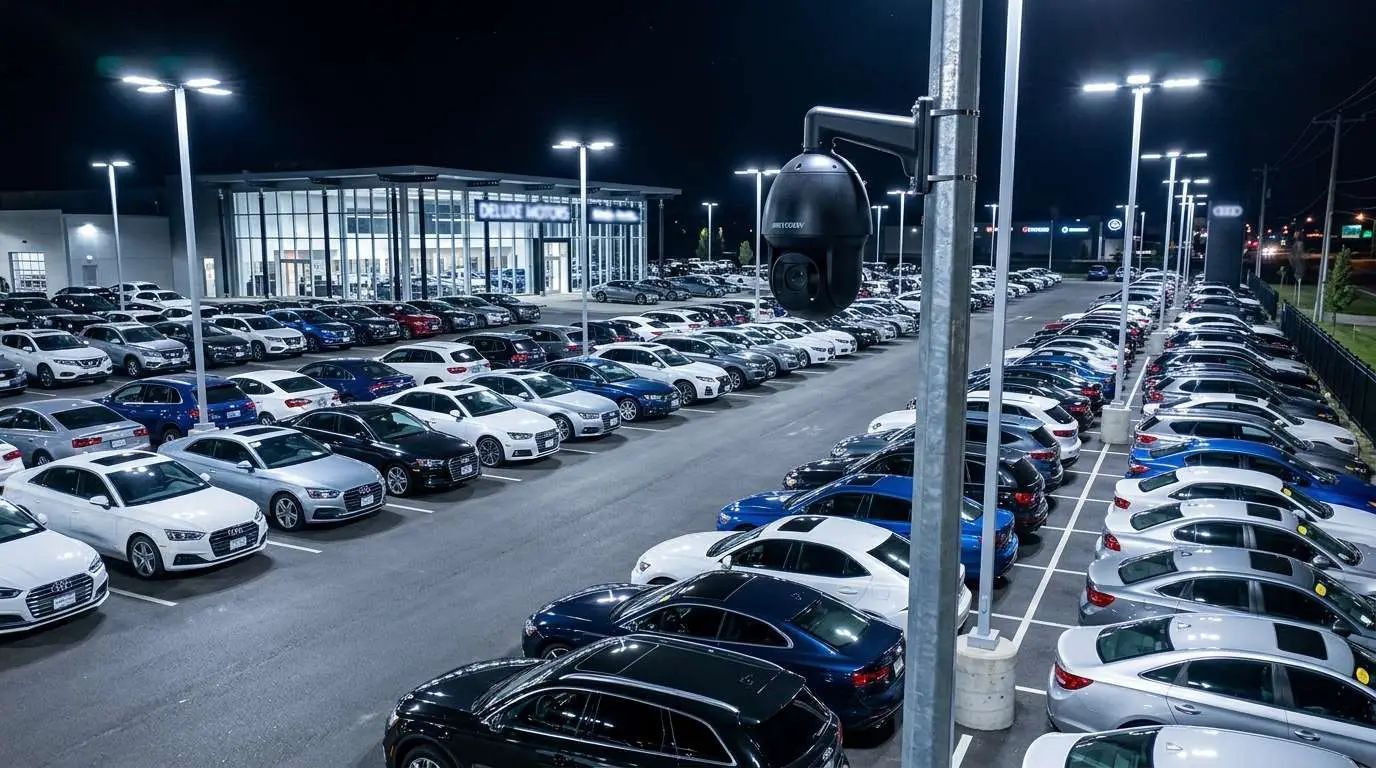
For open-deck structures, perimeter cameras should cover each deck level with overlapping fields of view so there are no blind lanes. Use cameras rated for night vision — infrared or low-light color — appropriate to your actual lighting levels. If the structure has existing perimeter lighting, verify the camera specifications match the lux output of that lighting. If lighting is minimal, either upgrade to cameras with stronger IR range or add supplemental lighting to reduce the IR throw distance required.
Exterior perimeter cameras should cover all pedestrian pathways between the parking structure and hotel entrance, the loading dock approach, and any secondary entrances or side exits used by guests and staff.
Elevators
Elevator coverage is a specific and important placement challenge. You need a camera inside the elevator car and a camera in the elevator lobby on each floor — but the priorities differ for each position.
The in-car camera should be a wide-angle, corner-mounted unit positioned high in one corner of the cab to capture the full interior: all occupants, their faces (when they are not deliberately turned away), any bags or items they are carrying, and the floor number display. This footage is the most-cited camera in guest incident reports — assault allegations, theft inside the elevator, and disputes about whether someone accessed a floor they should not have.
The lobby-level camera for each elevator bank should be positioned to capture who boards and who exits at that floor. This is especially important on guest-room floors and the parking structure entry floor. If an incident is reported on floor 6, this camera tells you who got on and off at floor 6 within the relevant time window without you needing to review every floor’s footage independently.
Elevator cameras require low-light performance. Elevator cabs are often lit with warm, dim fixtures — ensure your camera specifications account for the actual lighting environment before selecting a unit.
Corridors
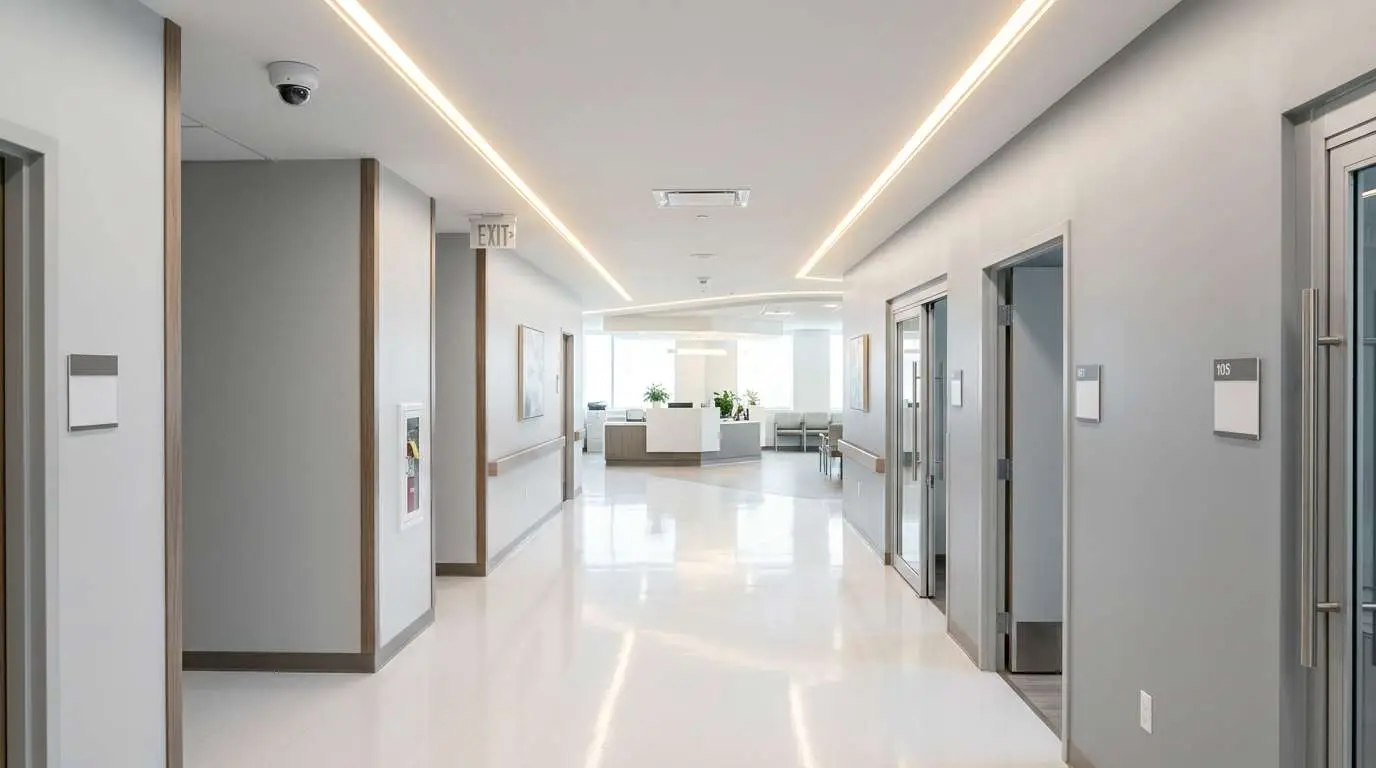
Corridor camera placement requires a specific technique that is widely misunderstood in hotel security deployments: mount cameras high at one end of the corridor, angled down the length of the hallway toward the other end.
This placement gives you visibility of everyone walking the corridor — faces, luggage, and timing — without pointing cameras directly at guest room doors at close range. A camera mounted close to a door and aimed at it will capture inside a room when the door is opened. That is an unacceptable privacy violation and creates significant liability. The long-corridor, high-mount angle avoids this entirely while still giving you actionable footage of anyone who was in a hallway during a reported incident window.
For long corridors, you may need two cameras — one at each end — to avoid a dead zone in the middle. Use cameras with at least 4MP resolution so digital zoom during review is still usable at the far end of the field of view.
Stairwell access doors on each floor should also be captured by the corridor camera or a dedicated unit aimed at the stairwell door from the corridor side. This documents who used the stairwell as an alternative to the elevator on each floor.
Pool and Fitness Areas
Pool deck and fitness center coverage serves two purposes: safety documentation and theft deterrence. Guests leave personal belongings in both areas — phones, wallets, bags — and incidents of theft in pool areas are among the most common property claims at full-service hotels.
Position a wide-angle camera at the pool deck entry point that captures who enters and exits the area and the general pool deck overview. For larger pool areas, a second camera covering the far end of the deck ensures complete coverage without gaps.
Inside the fitness center, a camera mounted high in one corner can cover the full room including the entry door, the equipment floor, and any personal item storage areas (cubbies, window ledges) where guests leave belongings while working out.
Changing rooms and restrooms are strictly off limits for cameras — no exceptions. This is both a legal requirement and an ethical line that should be clearly communicated to any vendor configuring your system. Cameras should be positioned so their field of view ends at the entrance to these areas, not inside them.
The pool safety angle also matters: footage that clearly shows the pool deck surface, the pool entry points, and the deck perimeter can be critical in the event of a slip-and-fall claim. This documentation protects the hotel as much as it protects the guest.
Back of House
Back-of-house areas — loading docks, employee corridors, kitchen access points, and storage rooms — are where internal theft and unauthorized access most commonly occur. These zones have limited guest presence but significant asset exposure: food inventory, linens, equipment, and supplies that walk out the door incrementally over time.
The loading dock requires camera coverage on both the exterior approach and the interior receiving area. Document every delivery: who arrived, when, what was unloaded. This footage resolves disputes with vendors and documents whether delivered quantities matched invoices.
Kitchen access points should have cameras that capture who enters and exits, particularly during shift changes and overnight periods when fewer supervisors are present. This is not surveillance of employees for performance monitoring — it is accountability documentation for access control purposes, especially in zones adjacent to cash handling or high-value inventory.
Pair cameras in back-of-house areas with access control wherever possible. A camera at a door that requires a key card to open tells you both who badged in and confirms the badge match with a visual record. This combination is significantly more useful than either system alone.
Employee break rooms and locker areas follow the same principle as changing rooms — cameras should be positioned at the entrance to these areas, not inside them. Cover the corridor leading to the break room, not the room itself.
Front Desk Cash Handling
Cash handling at the front desk requires a dedicated camera angle beyond the general reception coverage described in the lobby section. If your property handles significant cash transactions — deposits, local experience bookings, gift shop sales, or valet payments — a targeted cash handling camera is essential.
This camera should capture the register or POS terminal surface clearly enough that bills and card transactions are visible, along with the face of the cashier conducting the transaction and the face of the guest or customer on the other side of the counter. The dual-face, hands-visible angle is the standard for cash handling camera placement in any commercial environment.
Mount this camera directly above and behind the POS position at a height that captures the counter surface without the cashier’s body blocking the transaction view. Angle down at approximately 40-45 degrees. This placement survives shift changes — the angle works regardless of the height of the employee working the position.
Review this footage on a monthly audit basis even in the absence of a specific incident. Proactive review often surfaces process issues — drawers left open, transactions handled off-screen — that are corrected before they become patterns.
Valet Areas
Valet operations expose the hotel to vehicle condition disputes that are remarkably common and often difficult to resolve without footage. A guest claims a scratch appeared while their vehicle was in valet custody. Without documentation of the vehicle’s condition at drop-off and pickup, the hotel has no defense.
Position a camera at the valet stand that captures the vehicle drop-off and pickup lane. The angle should clearly show the vehicle from the front three-quarter view as it pulls in and out, the valet agent interacting with the guest, and the ticket exchange. This documents both the vehicle condition and the transaction.
A second camera covering the valet staging area — where vehicles are parked between drop-off and pickup — adds a layer of protection if damage is claimed that did not occur in the visible lane. This camera captures any contact between valet staff and parked vehicles while they are in custody.
Valet camera coverage also deters guest property theft from vehicles. Guests occasionally leave valuables in sight; footage of who accessed a vehicle while it was in valet custody is the definitive reference when a theft claim is made.
Virtual Guard Monitoring for Hotels
Hotels that operate with reduced overnight staffing — which is most properties — face a specific security gap during the hours between roughly 1 AM and 6 AM. The lobby may have a single agent. Back-of-house is largely unsupervised. The parking structure has no physical staff presence. These are the hours when incidents are most likely to go undetected until the following morning.
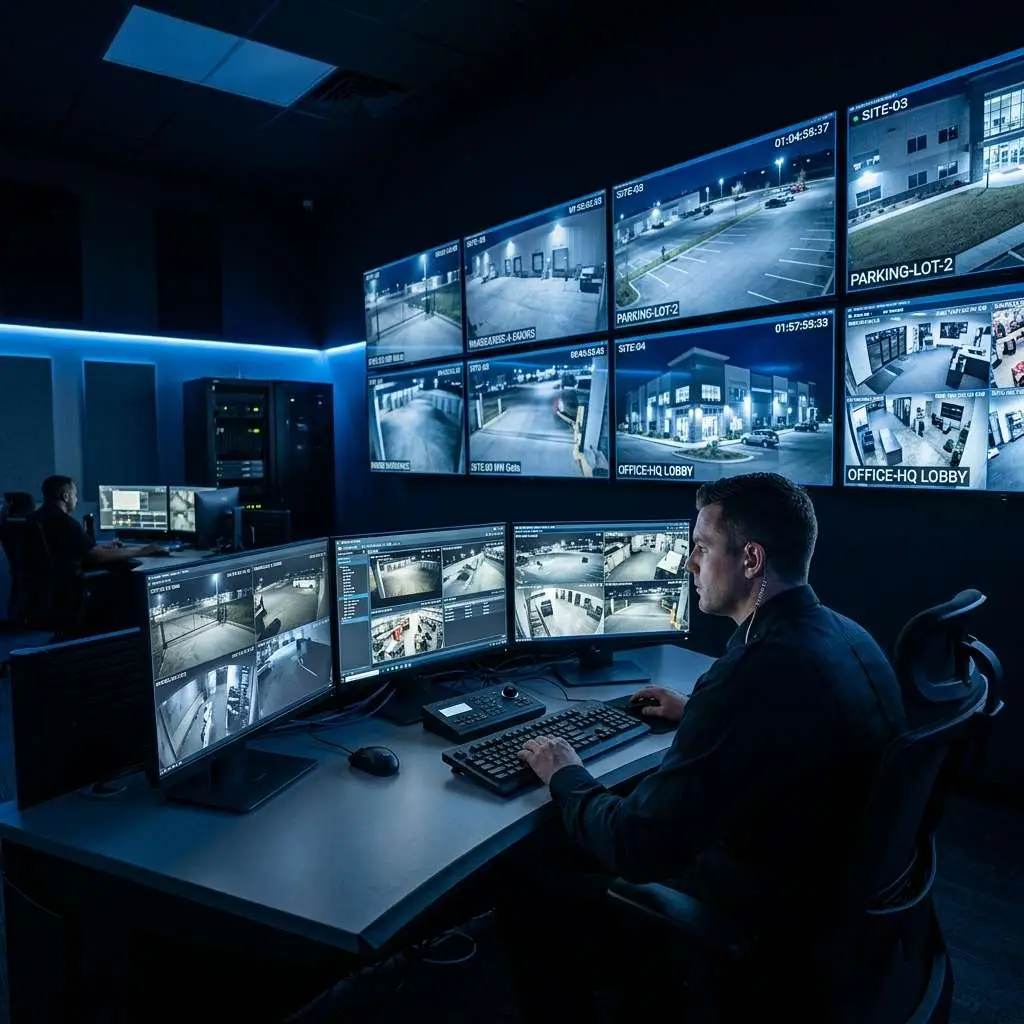
Virtual guard monitoring addresses this gap without the cost of additional overnight staff. A remote monitoring center — staffed around the clock — watches live feeds from your highest-risk zones during these hours. When the monitoring agent sees activity that warrants a response, they can trigger an audio warning through on-site speakers, contact local law enforcement directly, or alert your on-property security or front desk agent immediately.
For hotels, the highest-value virtual guard coverage zones are typically: the parking structure (all levels), the loading dock and back-of-house entry points, and any exterior perimeter areas where the camera coverage is active but no staff member is physically present.
This model delivers a measurable operational benefit beyond security — it allows management to reduce or eliminate overnight security guard positions in zones that were previously staffed purely for observation purposes. A monitoring agent watching six cameras simultaneously is more cost-effective than a guard walking a circuit through those same six zones, and the monitoring agent never leaves their post to investigate a noise elsewhere on the property.
Edge CCTV configures virtual guard monitoring as part of hotel camera system deployments, integrating the monitoring setup with your camera infrastructure from the outset rather than retrofitting it later. The system design accounts for monitoring zone designations, audio speaker placement, and response protocol documentation before installation begins.
If you are evaluating a hotel security camera upgrade or designing coverage for a new property, contact Edge CCTV for a site assessment. We will walk through each zone with your facilities and operations team and produce a coverage plan that matches your property layout, staffing model, and risk profile.
More in this series
Restaurant Security Cameras|Retail Security After Dark|Nightlife Venue Security|Multifamily Live View Monitoring|
Related Guide

About the Author
Kevin Harkins is the Director of Sales at Edge CCTV, where he has spent 10 years helping business owners design and implement commercial security camera systems across Atlanta, Birmingham, Chattanooga, and beyond. Starting as an Outside Sales Representative and working his way up through Sales Manager to Director of Sales, Kevin has guided hundreds of businesses through the process of evaluating, specifying, and installing the right system for their facility. More from Kevin Harkins.